You can receive structured electronic invoices directly in Payhawk via Poland’s National eInvoice System (KSeF), using the FA_VAT (XML) format. The integration between Payhawk and KSeF is available only for Polish-registered entities.
This integration helps you reduce manual invoice handling and keeps invoice data consistent from receiving to export.
Prerequisites
Before connecting to KSeF, make sure your company's VAT number is configured in Payhawk. If the VAT number is not configured, the KSeF connection will fail.
Connecting the two systems
To connect Payhawk to KSeF:
Log in to the Payhawk web portal.
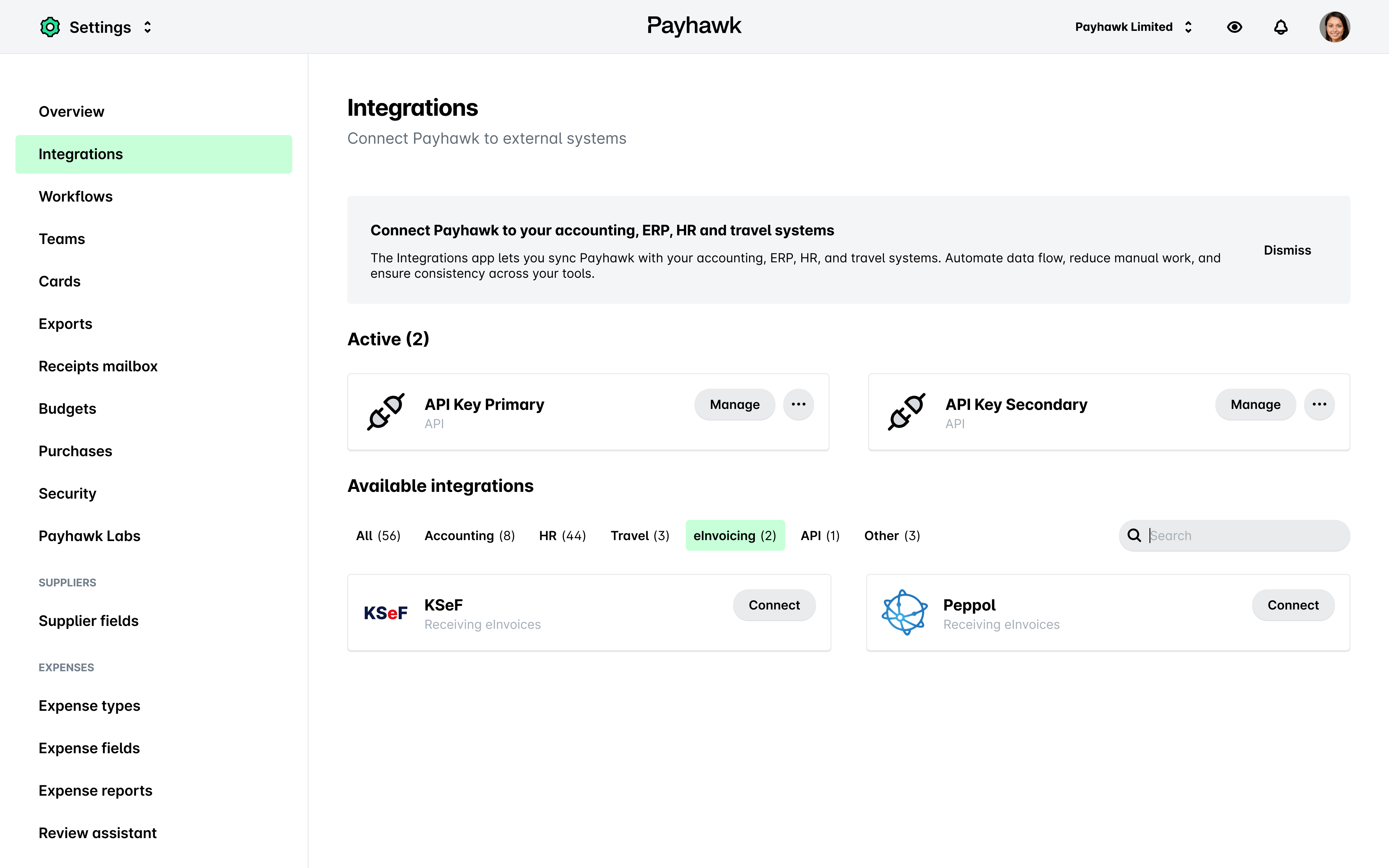
Go to Settings > Integrations > eInvoicing tab.
In the KSeF dialog, click on Connect.
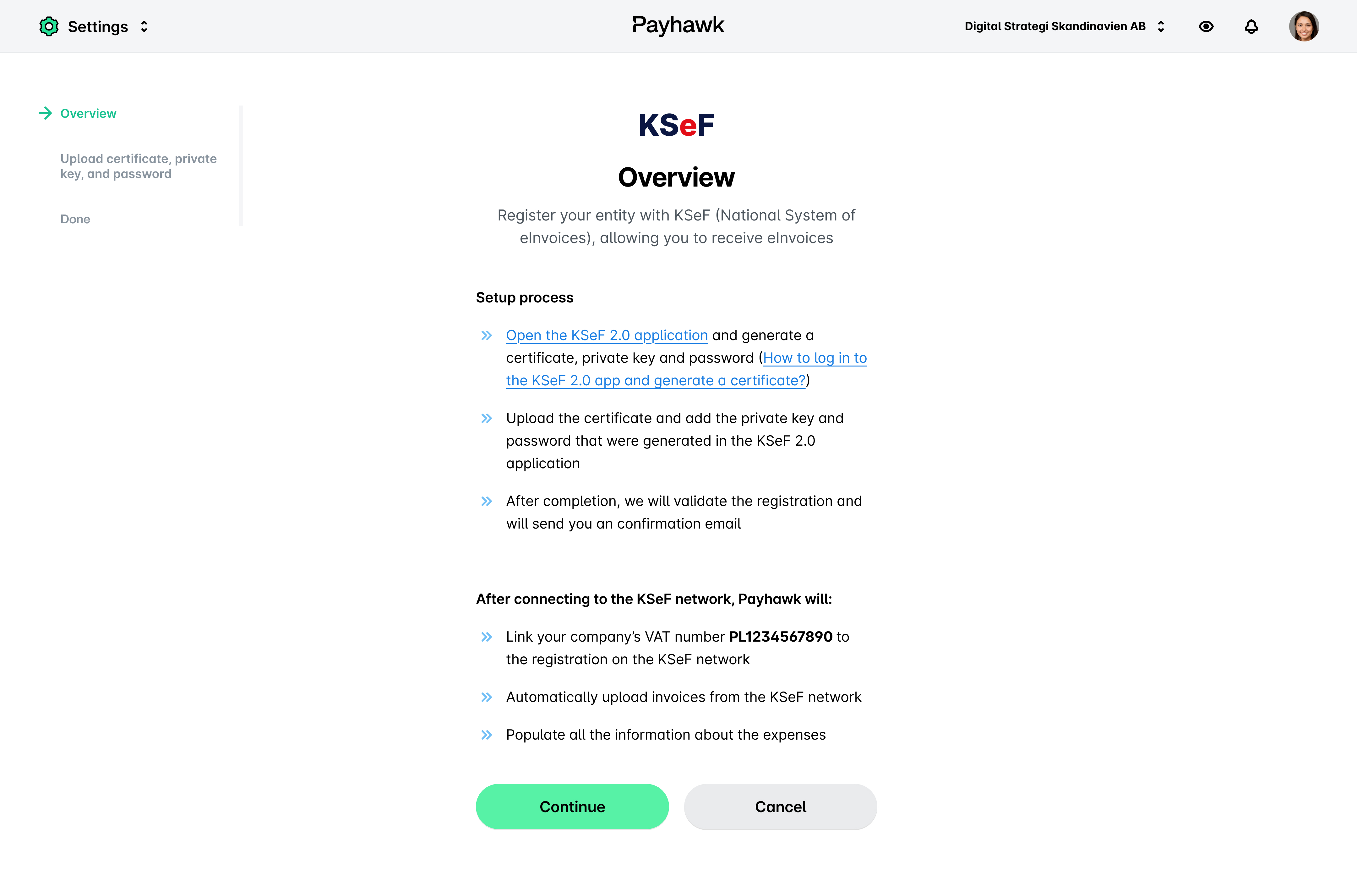
On the Overview page, click on Continue.
On the next page:
Under Upload certificate, upload the certificate you’ve generated from the KSeF 2.0 application.
Under Private key, upload the private key you’ve generated from the KSeF 2.0 application.
Under Password, enter the password you’ve generated from the KSeF 2.0 application.
Click on Continue.
On the next page, click on Back to integrations.
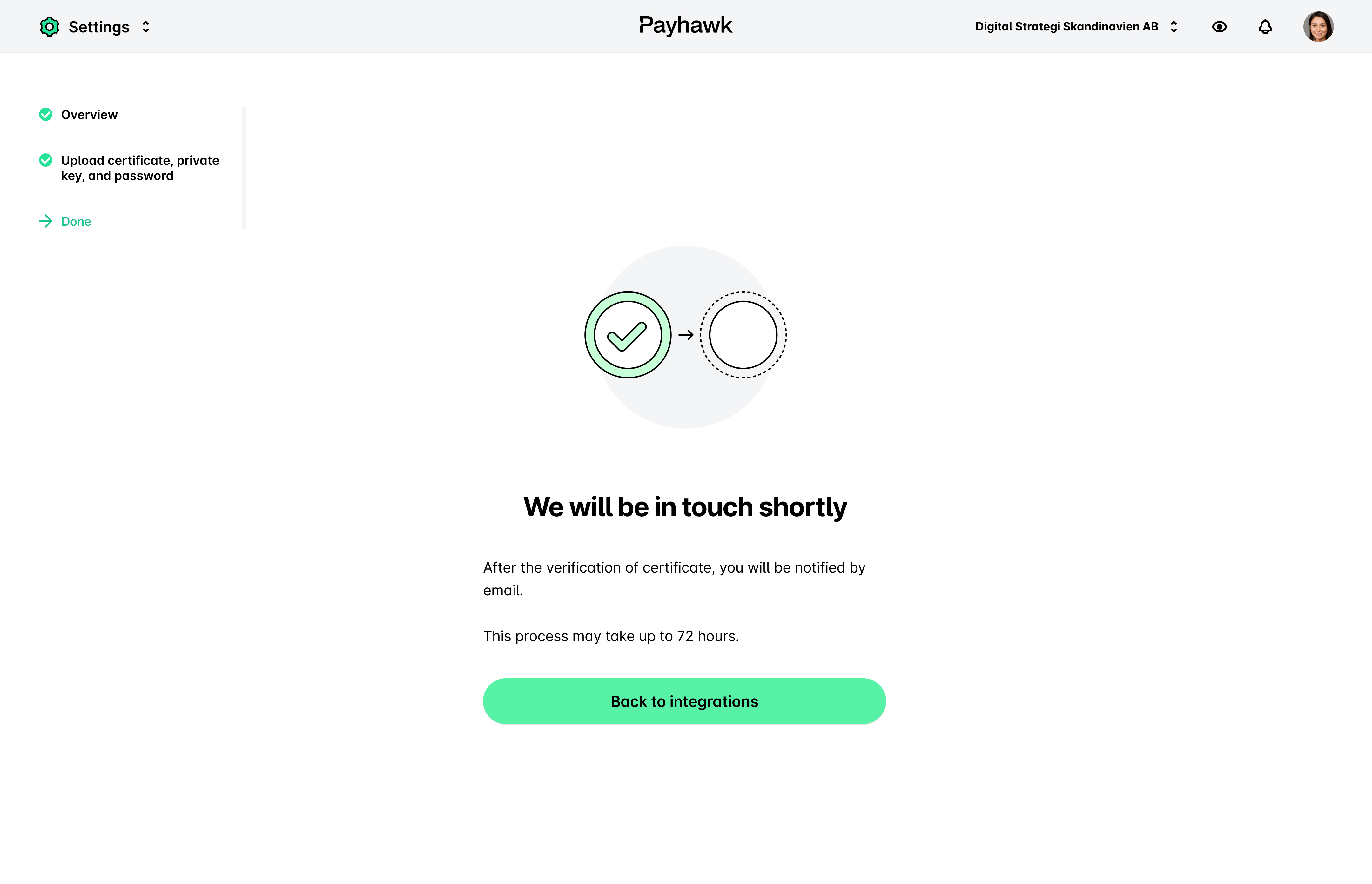
After the verification is completed, you can start receiving eInvoices from suppliers connected to KSeF and exporting them from Payhawk.