Payhawk is integrated with Peppol (Pan-European Public Procurement On-Line), an international framework for exchanging procurement and invoicing documents electronically, to ensure invoices can be exchanged and validated across borders, formats, and ERP systems.
Notes
If your company is registered in France, use the dedicated PPF integration instead of connecting to Peppol directly. PPF is France's national eInvoicing network and uses Peppol as its underlying transport, so registering a separate Peppol ID for a French entity can create routing conflicts with your PPF registration.
If you want to use your existing Peppol ID, ask your current provider to deregister your Peppol ID associated with your VAT number, then register your Peppol ID with Payhawk. Alternatively, you can keep your current provider and register another Peppol ID to use with Payhawk, using an IBAN or GLN.
Connecting the two systems
To connect your Payhawk account to Peppol:
Log in to the Payhawk Web Portal.
Open the app switcher in the top-left corner and go to Settings > Integrations > eInvoicing tab.
In the Peppol dialog, click on Connect.
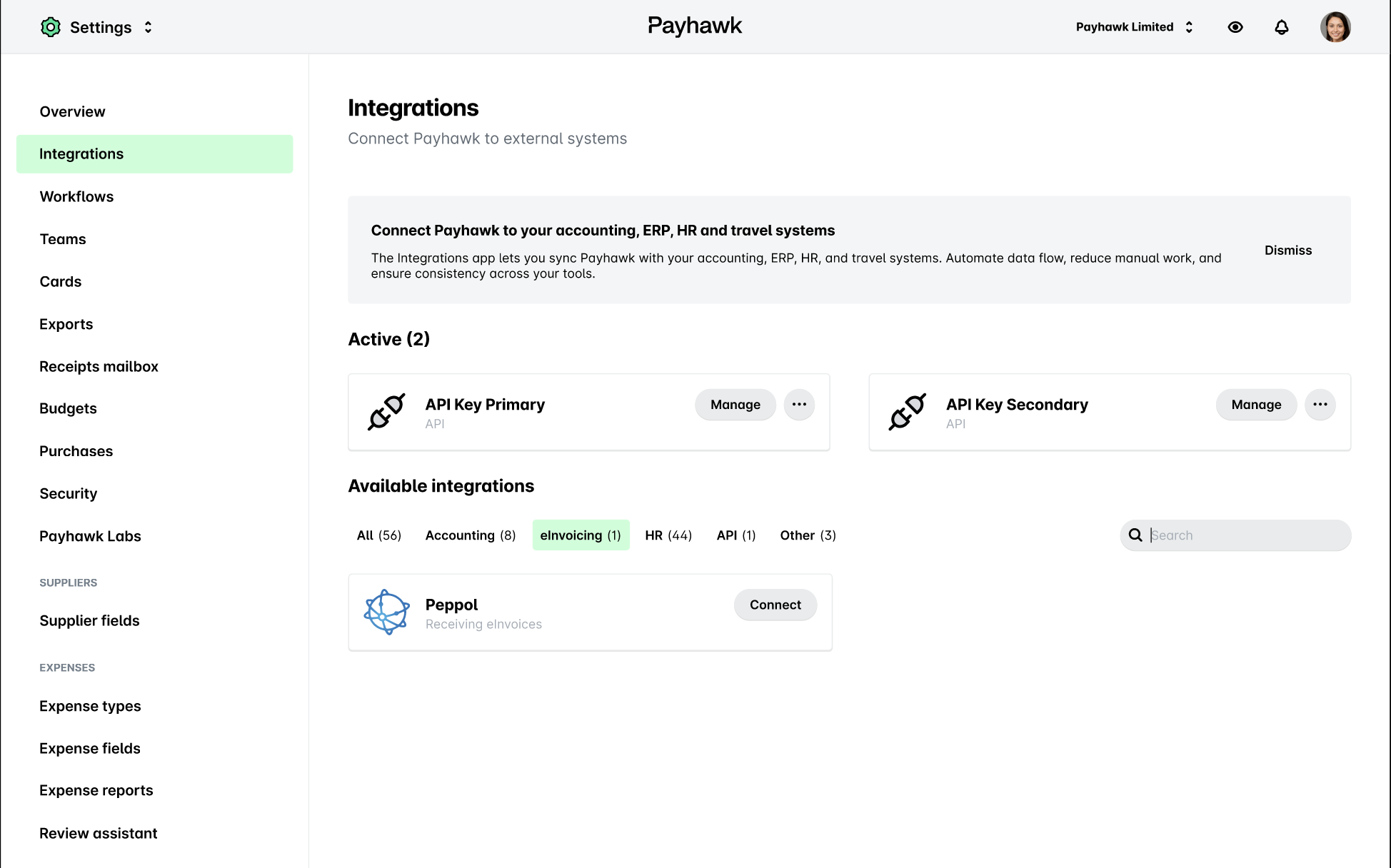
On the next page, click on Continue.
On the Upload ownership document page, upload a document that provides a proof of company ownership, for example, direct debit mandates or official company registration documents.
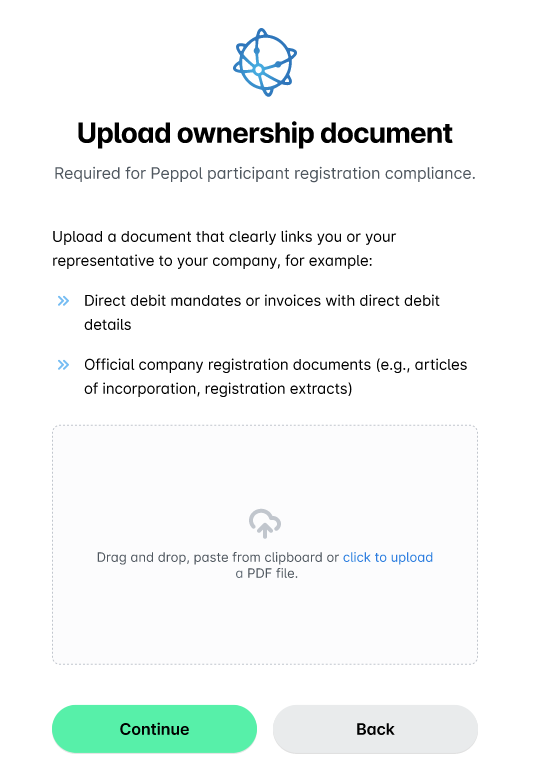
Click on Continue.
On the next screen, click Done.
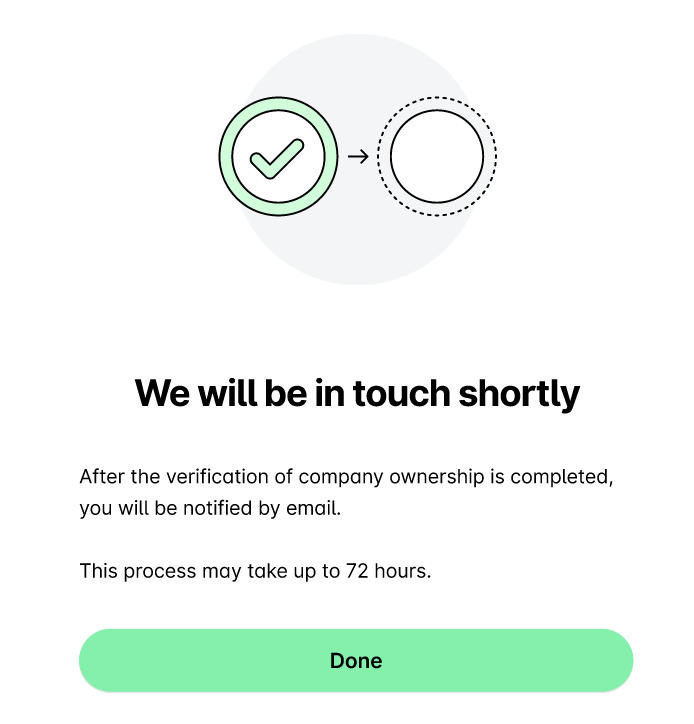
Once the company ownership verification process is completed within up to 72 hours, you’ll be notified by email about the successful connection.
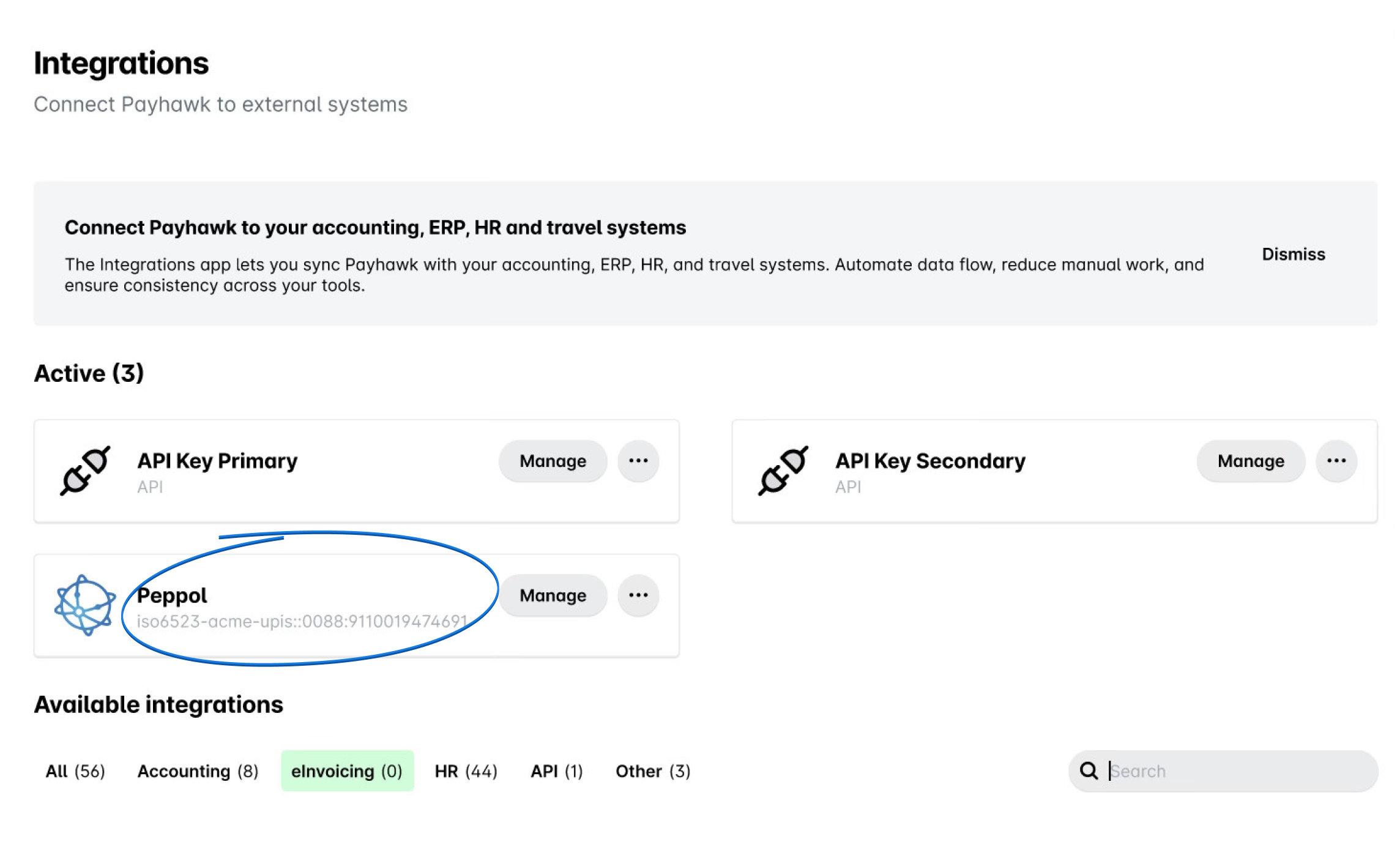
Under Integrations > Active > Peppol, you can check your Peppol ID.
Testing the eInvoice intake flow
To see how Payhawk receives and processes eInvoices before your Peppol connection is active, send XML files to your Payhawk Mailbox. These files follow the same intake flow as eInvoices arriving over Peppol, allowing you to verify that the eInvoice data extraction works correctly.