Defining different request types allows you to gain clearer visibility into your company's spending and ensure that each request is reviewed with the appropriate context.
Request types also allow you to collect specific, standardized information and create tailored approval workflows, making the procurement process more efficient and transparent. For example, you can create a Hardware request type that requires specific details related to hardware needs from the requester.
Each request type is defined through its general settings, field settings, and workflow settings.
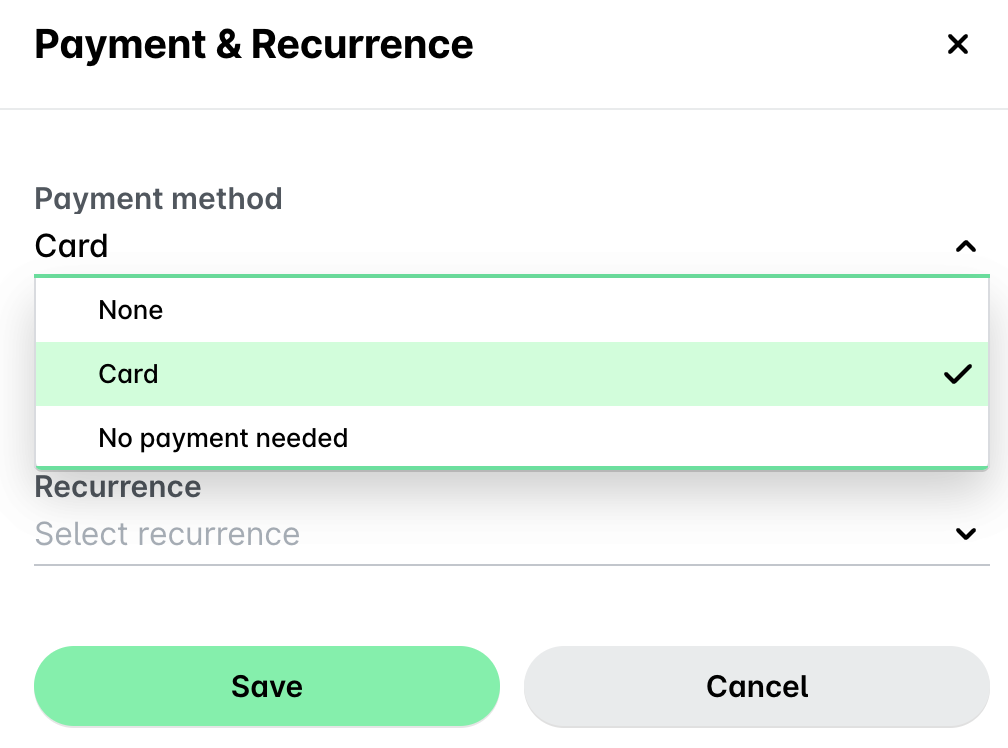
If the Review step is not included in the approval workflow of the request type, requesters will need to choose card (Card) or bank transfer (Bill) as the payment method for their request, or the No payment needed option for goods that are, for example, in-store and a purchase is not necessary.
For more information:
Settings for request types
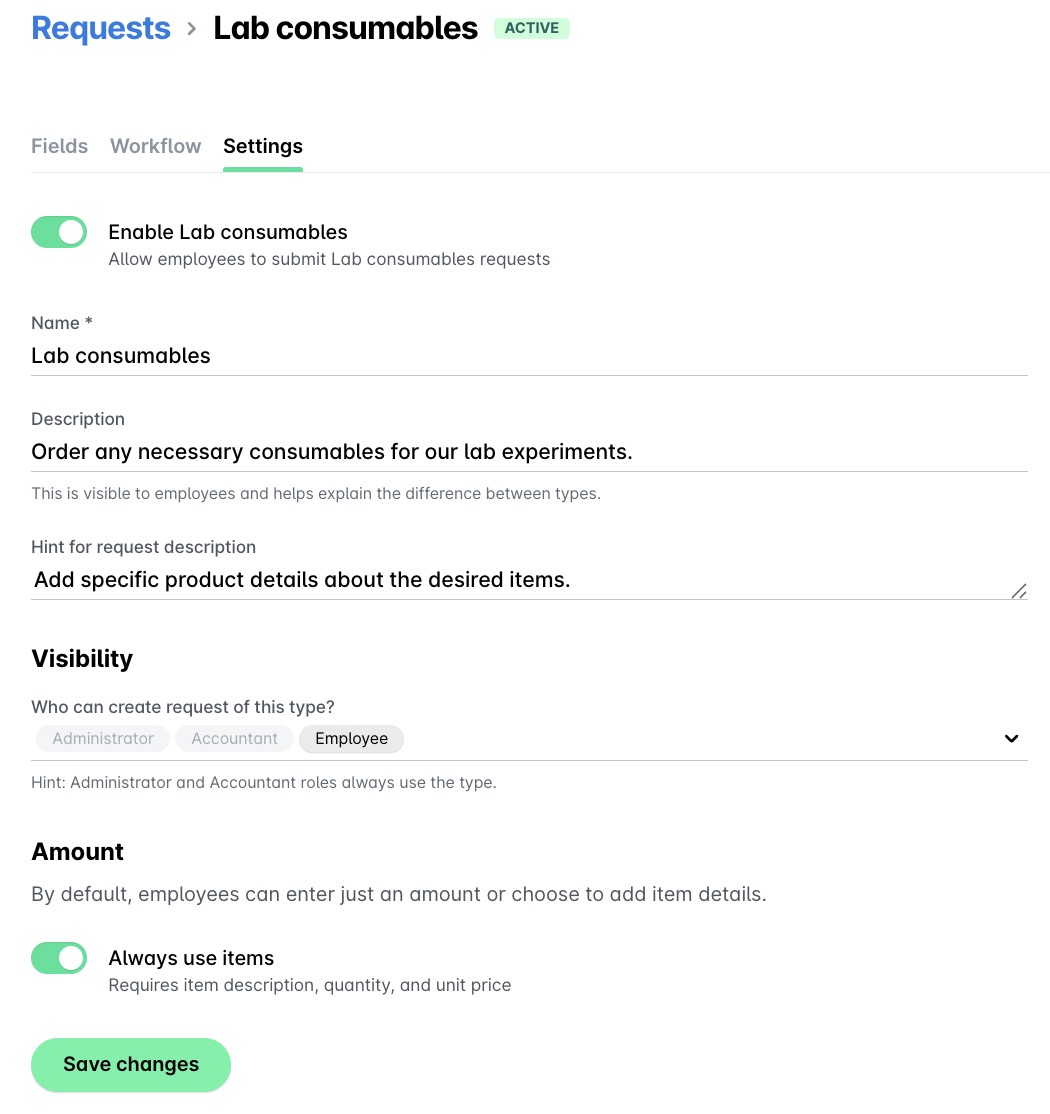
The settings of each existing request type are located in the Settings tab and include essential configurations, such as:
The toggle for enabling and disabling the request type.
The request type name.
The request type description.
A hint for the requests of that request type; if provided, the hint will guide requesters on the information they are expected to provide for requests of that type.
The request type visibility settings.
The toggle that defines the default state of the Amount section for requests of that type - with or without items’ breakdown.
For more details, see the article on creating request types.
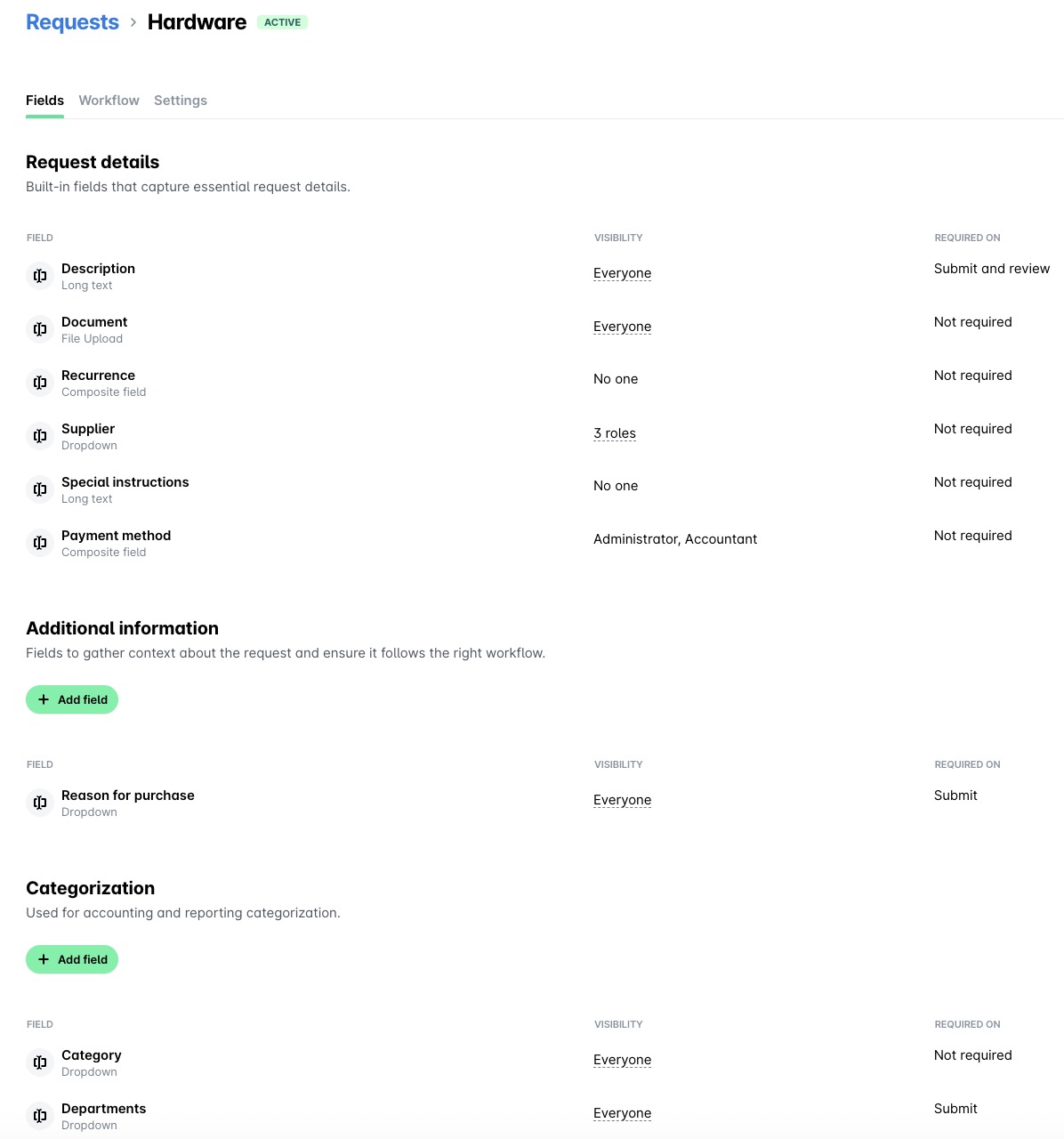
Additional information and categorization
The field settings are located in the Fields tab and include:
A default set of fields (for example, Summary and Description).
Custom-defined fields whose purpose is to gather more specific information, based on the nature of the request (for example, Office location).
Custom fields, defined on the system-level, that can be manually associated with the specific type of request and further customize its form to ensure all necessary details are captured (for example, Category or Project).
The categorization fields are applied at the line level, allowing each item within a request to be categorized independently.
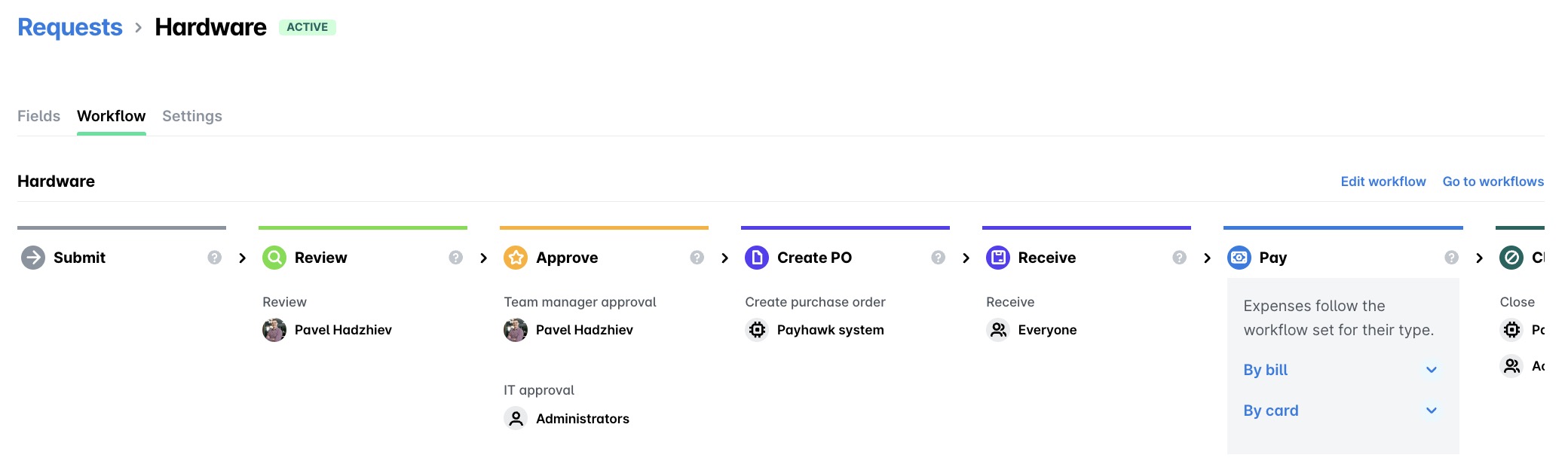
Workflow settings for request types
The workflow settings are located in the Workflow tab and allow you to create or update the workflow of that request type.