The Trips app will be fully functional if the Travel AI Agent is included in your company’s current Payhawk plan.
If the Travel AI Agent is not part of your company’s current Payhawk plan, Payhawk Administrators can reach out to the Sales Team for more information. To do so, go to the Trips app and click on Contact Sales.
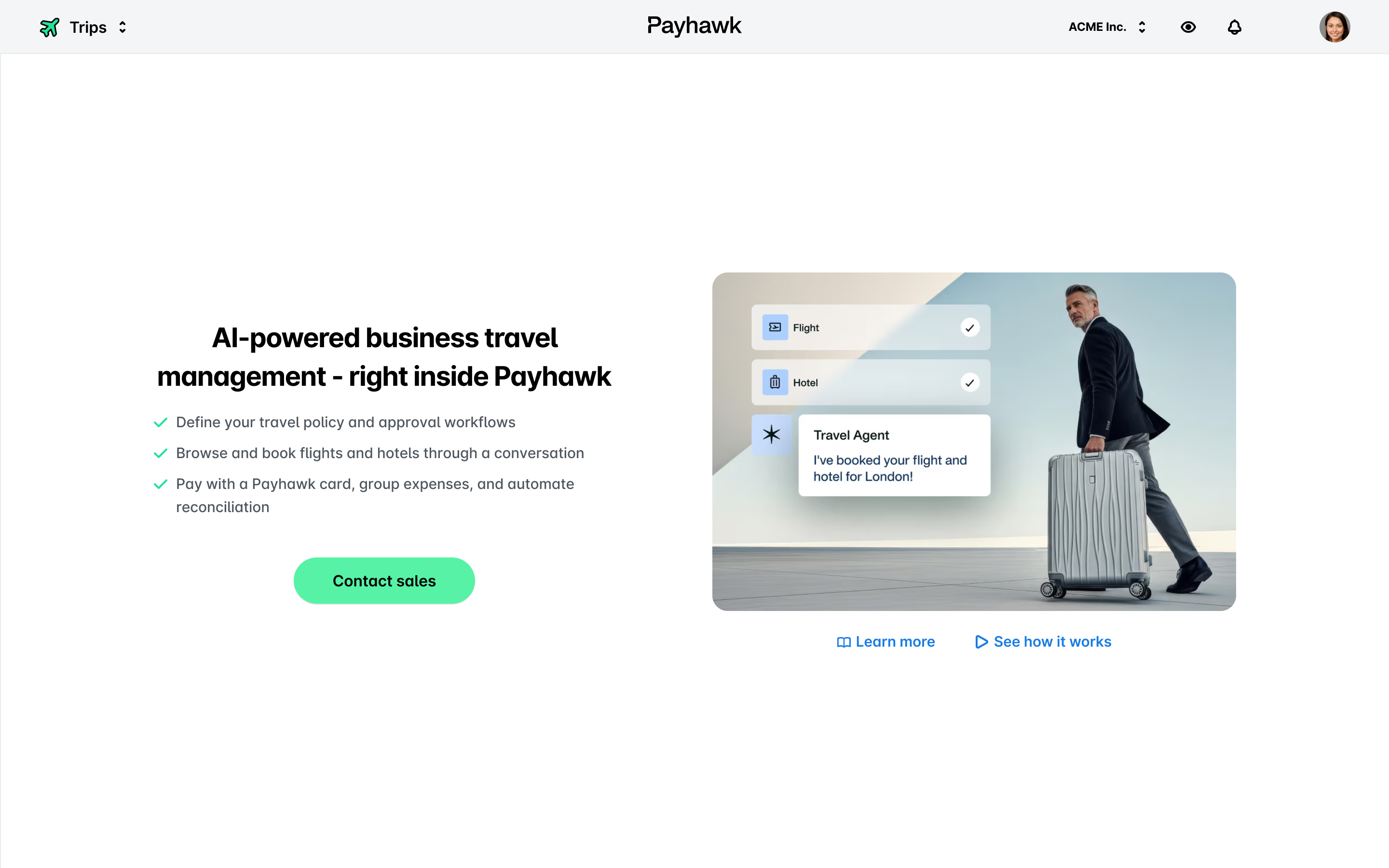
If the Travel AI Agent is enabled for your company’s account, you’ll have access to the Trips app, where you have an overview of all trips at your company.
Depending on employees' roles, the Trips app provides the following default views for trip requests:
All employees can use the My trips view to see only the trip requests they've submitted.
Payhawk Administrators can use the Company trips view to see all company trip requests submitted by employees.
Payhawk Administrators can add new trip requests to their profile.
Reviewers can review and return trip requests to their owners from the Review tab.
Approvers can approve and return trip requests to their owners from the Approve tab. Approvers can use the team filter to review and approve several travelers together on the same group trip.
All employees can view their trip requests’ activity, including comments, workflows, and request changes.
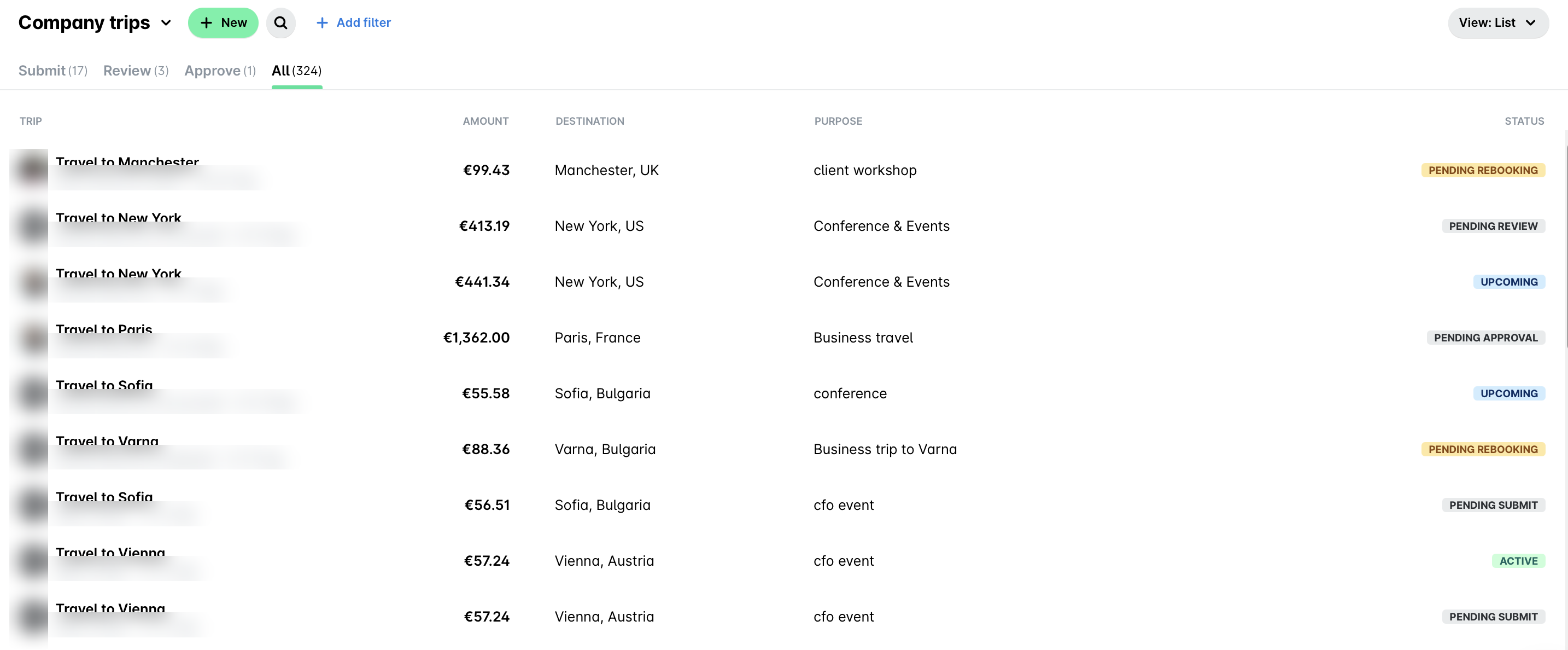
Depending on the selected View filter, the Trips app provides one of the following views:
The List view shows the trips as a list with an overview of their respective details such as destination, purpose, and status.
The Calendar view shows the trips in a calendar for you to view and filter further.
