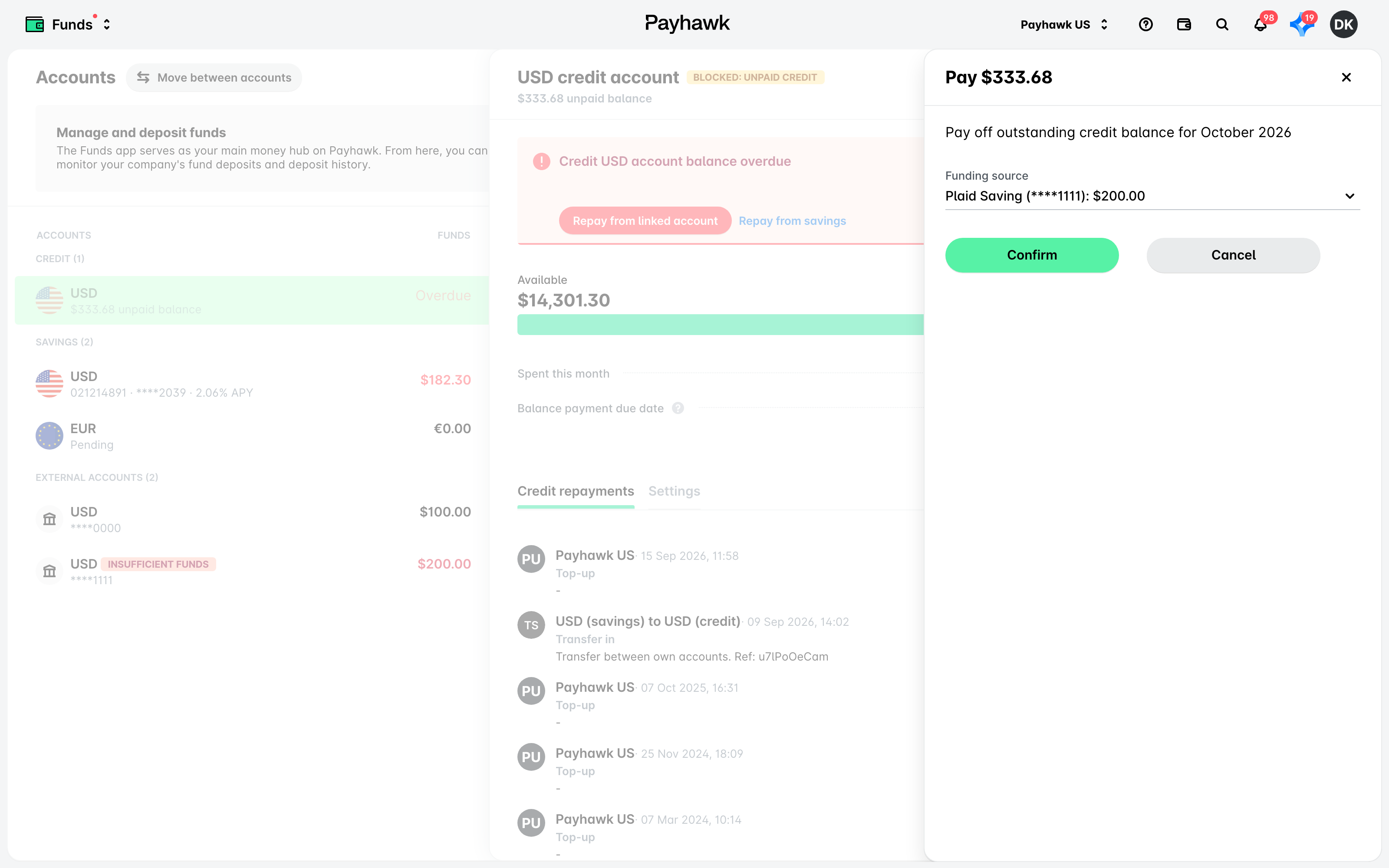
Credit repayment in the US is based on ACH (Automated Clearing House) transfers, which are processed through the banking system and can take a few days to complete. Because of this, repayment deadlines are structured to allow time for transactions to settle.
To ensure your balance is covered on time, you can either rely on the automatic ACH debit (ACH Pull) to be performed or manually top up the necessary funds to your Payhawk account.
Using the ACH Pull
Your credit repayment is automatically processed through ACH debit on the first working day on or after the second of the month following your card spend. For example, if you make purchases in March, the ACH Pull will occur on 2 April or later if there are insufficient funds. If the first or second day of the following month happens to be weekends, the ACH automated pull will be processed on the first working or non-holiday day.
The final deadline for a successful repayment is the eighth of the following month. If the eighth happens to be on a Saturday or Sunday, the repayment will be pushed to Monday.
ACH debit transactions may take from 0 to 3 business days to settle.
If your available credit balance hasn’t updated within three business days after you’ve completed your credit repayment, contact the Payhawk Support team and provide them with a proof of payment, such as an exported bank statement containing the unique transaction details, so they can investigate further.
Manually topping up funds in Payhawk
You can manually add funds to your Payhawk account which will allow you to repay early or cover any outstanding balance before the automatic ACH debit initiates.
To top up funds in your Payhawk account:
In the Payhawk Web Portal, open the app switcher in the top-left corner and go to Funds.
Select the desired account by clicking on it, and then click on Add funds.
Specify the desired top-up amount and select Confirm.