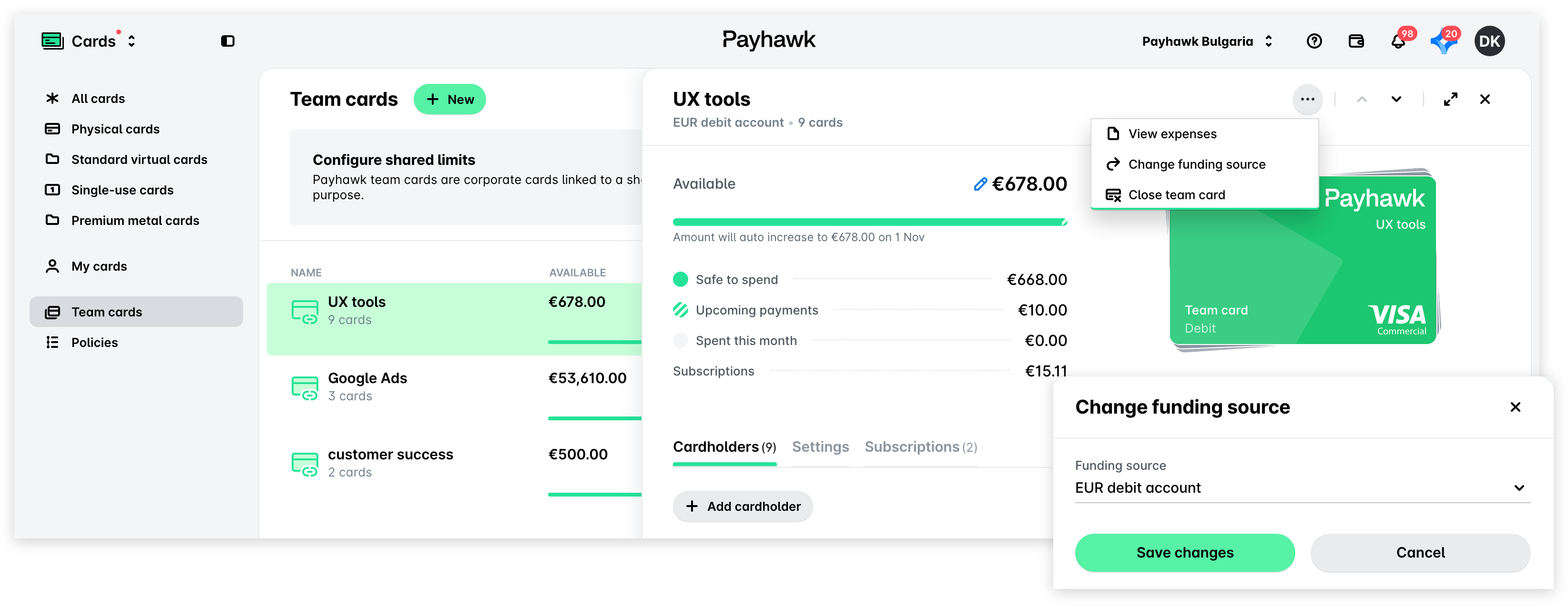
Понякога може да се наложи да промените платежната сметка, към която е свързана екипна карта в Payhawk.
За да актуализирате източника на финансиране на екипна карта:
В уеб портала на Payhawk отворете превключвателя на приложения в горния ляв ъгъл и отидете на Карти > Екипни карти.
Изберете желаната екипна карта.
Кликнете върху менюто с три точки и изберете опцията Промяна на източника на финансиране.
От падащото меню изберете желаната валутна сметка, от която искате да захранвате екипната карта.
Кликнете върху Запазване на промените.