Error message
Failed to export into MS Business Central. The Payment journal cannot be found in MS Business Central.Affected ERP integrations
MS Business Central
Cause
This error occurs when the Payment journal that was previously configured in Payhawk has been removed or renamed in MS Business Central. The Payhawk system is unaware of this change because the configuration has not been updated in the Payhawk Web Portal.
Solution
To resolve this issue:
In the Payhawk Web Portal, go to Settings > Integrations.
On the MS Business Central integration, click on the three-dot menu and select Edit configuration.
On the Data mapping screen, find the Payment Journal field and select a new, valid journal from the drop-down list.
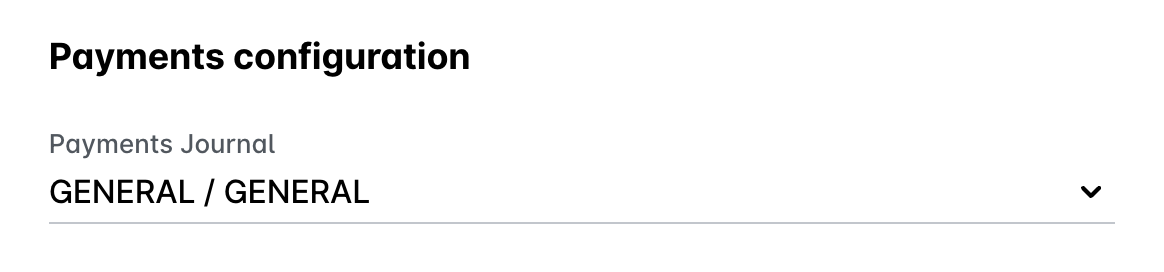
Click on Save changes.
In the Payhawk Web Portal, return to Spend and try to export the expense again.