Documentation Index

Fetch the complete documentation index at: https://payhawk.document360.io/llms.txt

Use this file to discover all available pages before exploring further.

В момента локализираме Payhawk документацията на български език, поради което виждате някои колекции от статии на английски, а други - на български. Екипът ни работи усилено скоро целият сайт да е наличен на български. Благодарим за търпението!

Failed to export into Oracle NetSuite/Exact/Xero. Invalid category account code.

Prev Next
This content is currently unavailable in Bulgarian. You are viewing the default (English) version.

Error message

Failed to export into Exact/NetSuite/Xero. Invalid category account code.

Relevant ERP integrations

  • Exact Online

  • Oracle NetSuite

  • Xero

This article shows how to handle the error message in Oracle NetSuite. However, though the approach may vary, the suggested solution also applies to all relevant ERP integrations listed above.

Cause

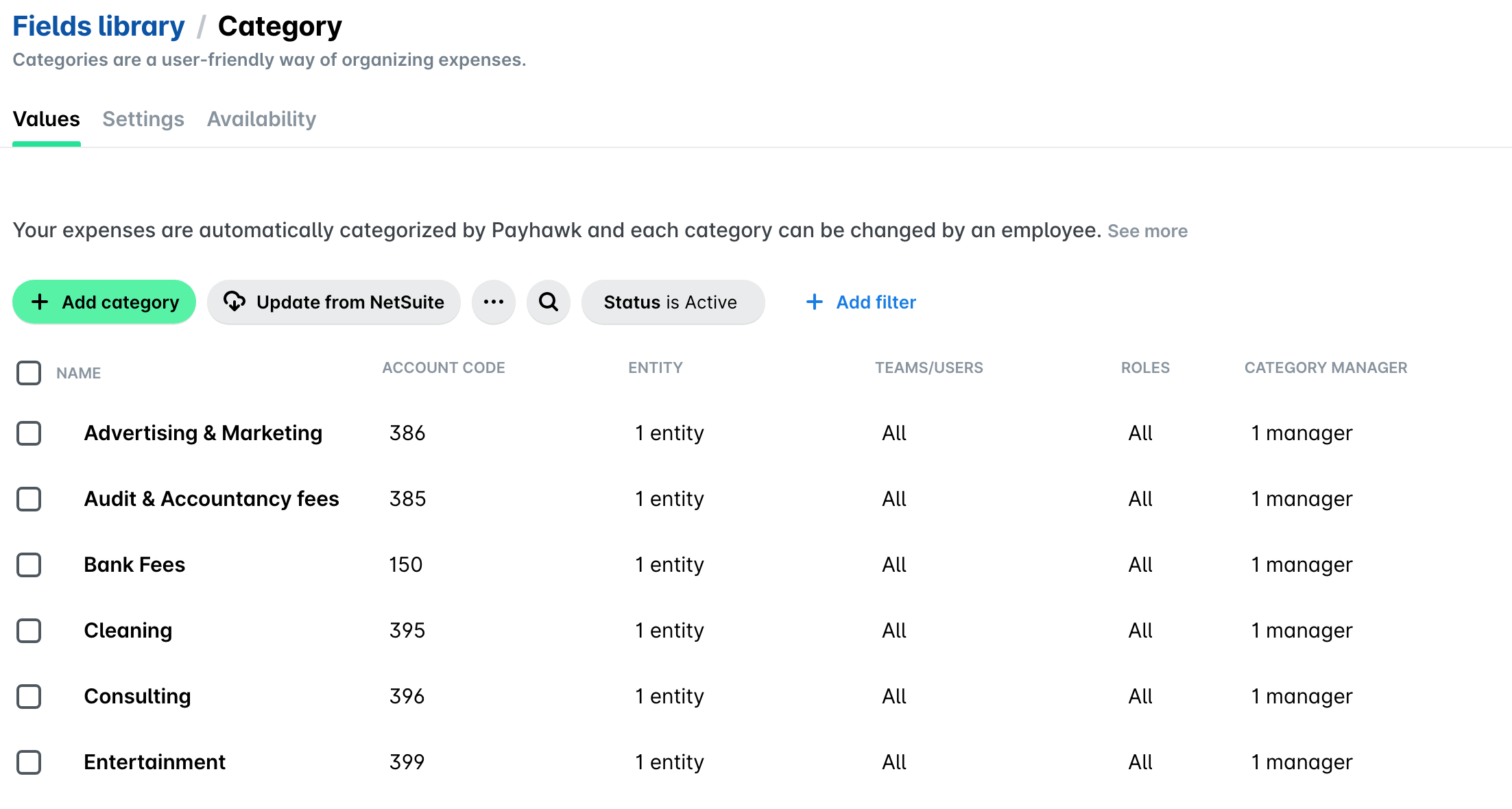
The selected expense category is either not mapped correctly or its account code has been updated in the ERP system.
Solution

Refresh the list by clicking on Update from ERP, verify the mapping, re-select the expense category, and try reviewing it again.