Ако сте назначени като проверяващ в работния процес на компанията ви, можете да проверявате отчети за разходи с едно кликване.
За да проверите отчет за разходи:
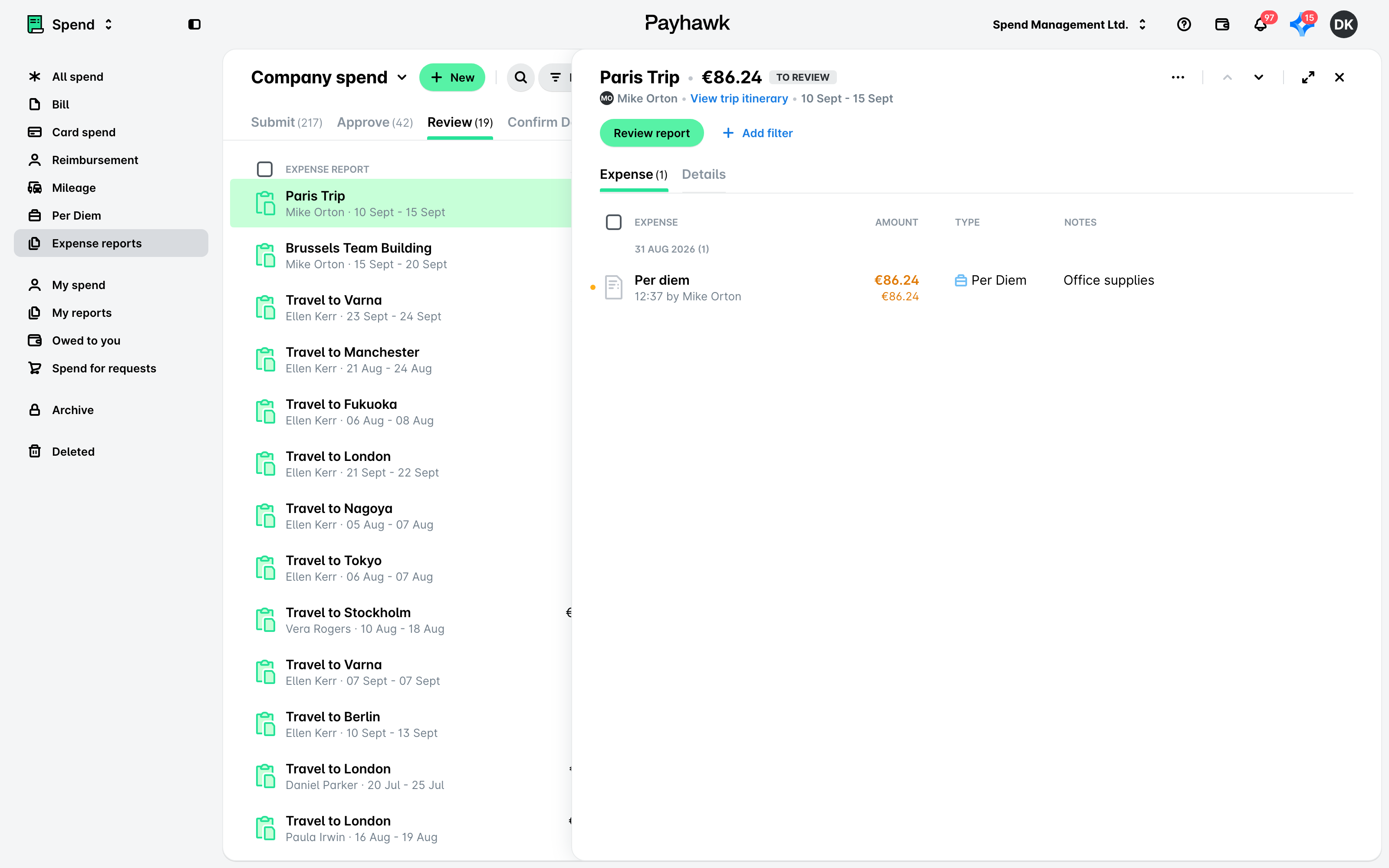
В уеб портала на Payhawk отворете превключвателя на приложения в горния ляв ъгъл, отидете на Разходи > Отчети за разходите и изберете раздела Review.
Изберете желания отчет.
Кликнете върху Проверка на отчета.
При наличие на проблеми, като например липсващи задължителни полета, Payhawk ще покаже съобщение за грешка и ще блокира проверката на отчета, докато грешките не бъдат отстранени.
Полезни ресурси