You can receive structured electronic invoices directly in Payhawk via Finland’s National eInvoice System (Finvoice). The integration between Payhawk and Finvoice is available only for Finnish-registered entities.
This integration helps you reduce manual invoice handling and keeps invoice data consistent from receiving to export.
To connect Payhawk to Finvoice:
Log in to the Payhawk Web Portal.
Go to Settings > Integrations > eInvoicing tab.
On the Finvoice card, click on Connect.
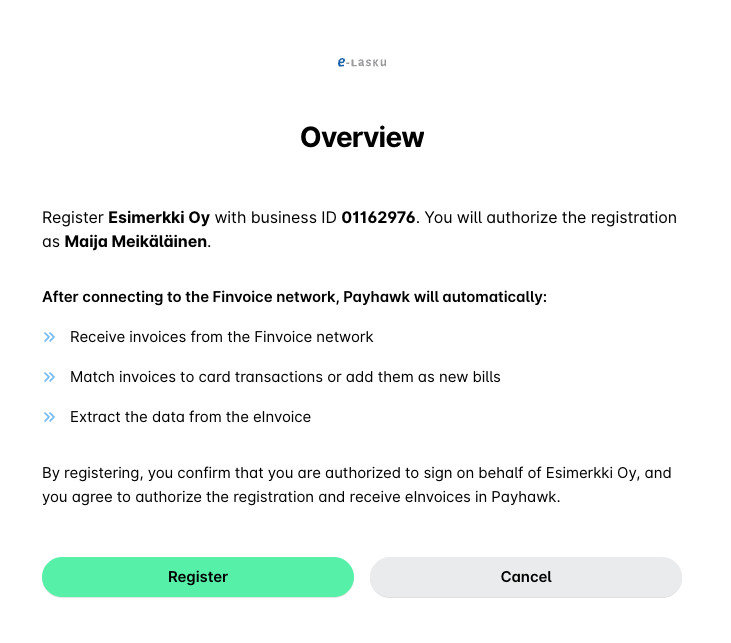
On the Overview page, click on Register.
Useful resources