For each expense that's been paid via Payhawk you can download its payment confirmation. The document includes the payment details for the operation depending on the type of the paid expense.
For example:
Payment confirmations for card transactions will include the amount, the ID of the operation, and the payee card's last four digits.
Payment confirmations for bills will include the amount, the reference number of the transaction, the payment details of the beneficiary and payee, and the payment rail used such as SEPA Instant, SEPA CT2, FPS, SWIFT, and so on.
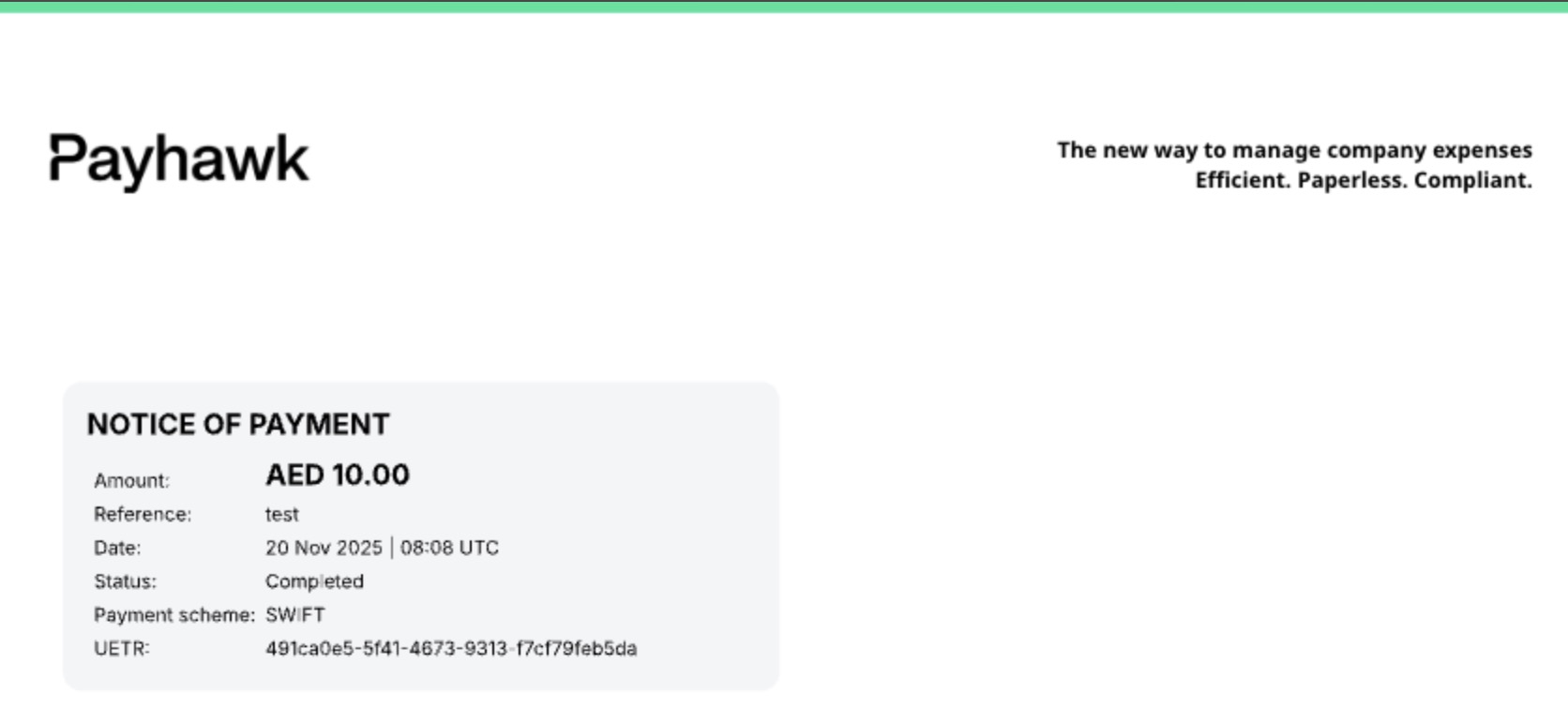
In addition, the payment confirmation for SWIFT payments will include the Unique End‑to‑End Transaction Reference (UETR). The UETR is a global identifier introduced by SWIFT to track international payments. Each SWIFT payment receives a unique UETR, allowing both the sender and receiver banks, and intermediaries in between, to trace the transaction’s progress, status, and completion in real time.
The following image shows the UETR of a sample payment in United Arab Emirates Dirhams (AED).
For international (SWIFT) payments, you can download the confirmation no matter the payment status, including a payment that's still in progress or one that was rejected:
The following confirmation is for a payment that's still in progress, where the funds have been delivered to the next bank, but the credit to the beneficiary is still pending.

The following confirmation is for a rejected payment, where the last step shows the reason the transfer didn't reach the beneficiary.

To download the payment confirmation for an expense:
In the Payhawk Web Portal, go to Expenses > All tab.
Click on the + Add filter button.
From the drop-down menu, select Payment status is Paid and click on Done.
Select the desired expense by clicking on it.
Click on its three-dot menu and select the Download confirmation option. As a result, the file will be downloaded to your computer.
