After you have established a connection between Payhawk and DUO, all your expenses will be automatically exported to DUO in real time after they are reviewed, and all your payments will be posted in DUO once they are settled.
Bulk payments are posted as individual payment records, one for each expense in the bulk payment. The system automatically matches each payment record to its expense when the payment run completes.
In DUO, the expense postings appear as positive amounts, and payment postings - as negative.
To see the expenses and payments that have been pushed to DUO:
Log in to your DUO account.
Go to Übersicht > Startseite Belege > Belegübersicht > Belegablage > Buchungen.
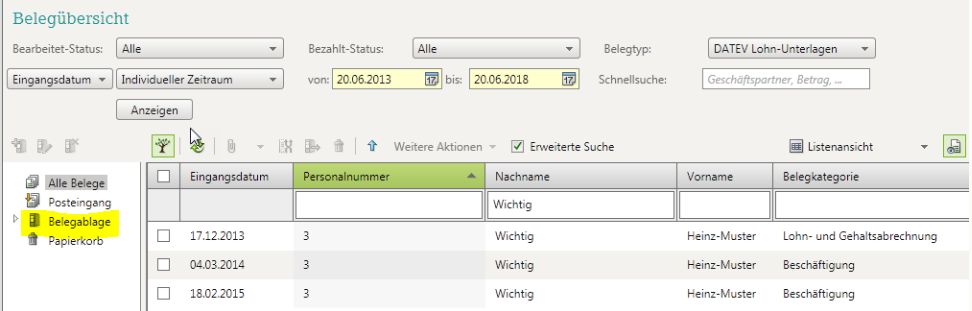
All expenses and payments that have been exported to DUO will be located in the IMPORT *YEAR* RE folder that has automatically been created under Postings.
The postings are further organized in subfolders named with the respective month of the document date, for example, 08 August.
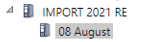
To see a list of the corresponding postings and related information, click on a folder.
When you select an expense posting, you can also see the attached document.
For more information, see the article about the pulled and pushed data between Payhawk and DUO.