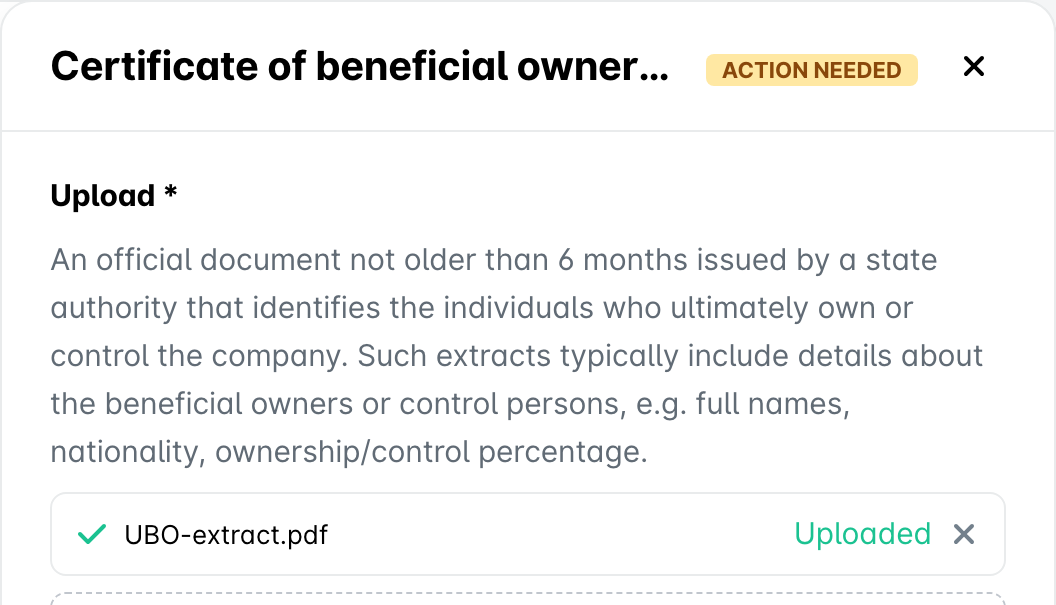
This feature is currently in a gradual rollout and is available for all clients from the EU, who are yet to begin the onboarding of their entity.
The Corporate documents section of the Compliance center lists all documents that you need to provide for your entity. Payhawk needs these documents as a proof that the entity is legitimate. The documents also reveal the entity’s ownership structure.
Payhawk gets some of these documents for you from the official business registry. When it is done, a note above the section shows how many documents Payhawk got from the registry and how many you still need to upload. You only need to upload the documents that are marked Action needed.
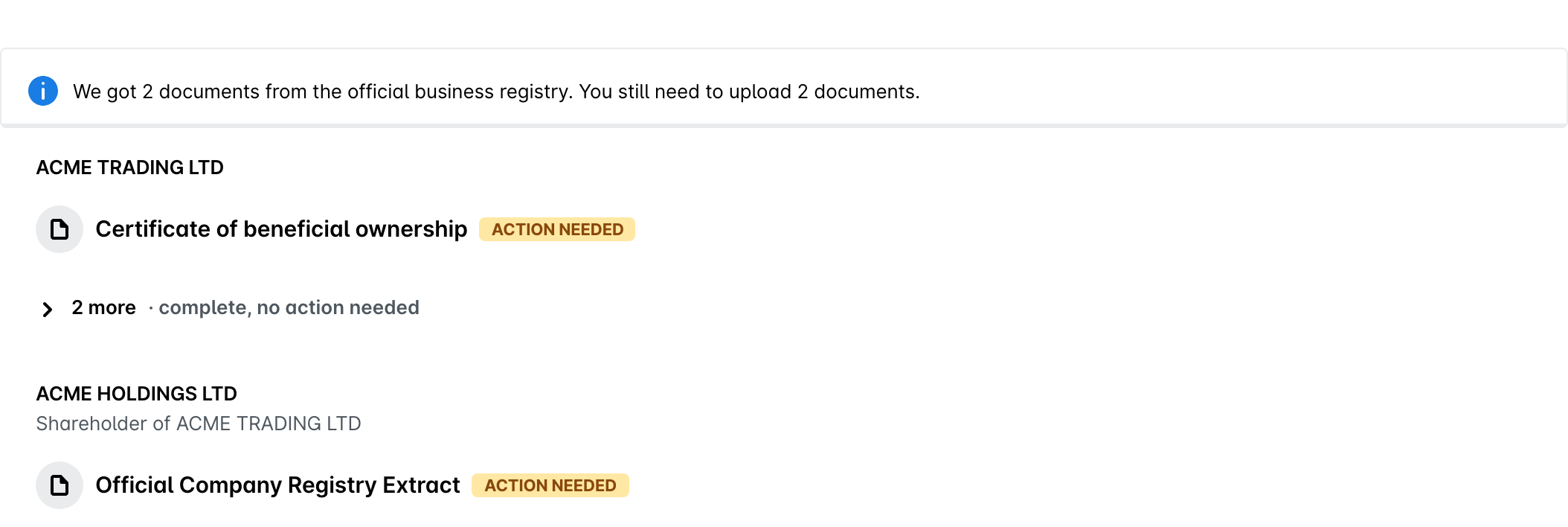
Depending on your company, the section can also include other documents that Payhawk got from the registry, for example, a certificate of directors. Some documents can appear under the name used by the local registry, for example, UBO-opgave for the certificate of beneficial ownership of a Dutch company.
If your ownership structure includes other companies, the documents are grouped by company.
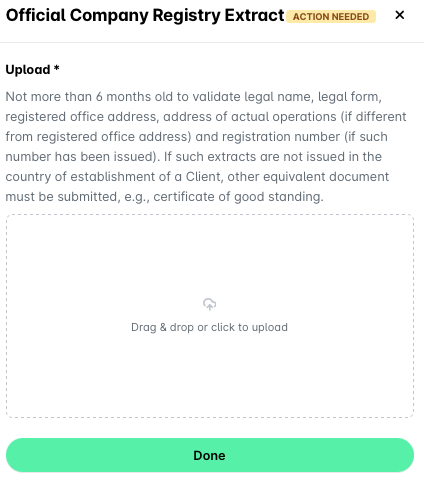
Official company registry extract
The Official company registry extract must be no more than six months old. It needs to confirm:
Your company's legal name and legal form.
The registered office address.
The address of actual operations, when it differs from the registered office.
The registration number, if one has been issued.
If extracts like this are not issued where your company is registered, provide an equivalent document instead, for example a certificate of good standing.
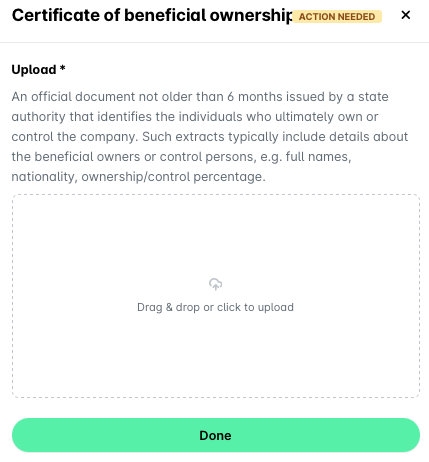
Certificate of beneficiary ownership
The Certificate of beneficiary ownership must be no more than six months old and issued by a government authority. It identifies the individuals who ultimately own or control your company, known as the beneficial owners or control persons.
The document usually lists:
Their full names.
Their nationality.
The percentage they own or control.
Corporate ownership chart
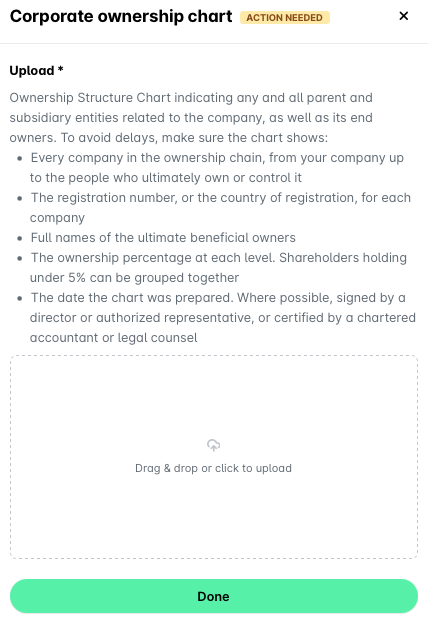
The corporate ownership chart maps the ownership of your company, including every parent and subsidiary entity connected to it.
To avoid delays, make sure the chart shows:
Every company in the ownership chain, from your company up to the people who ultimately own or control it.
The registration number or the country of registration for each company.
The full names of the ultimate beneficial owners.
The ownership percentage at each level. You can group shareholders holding under 5% together.
The date the chart was prepared.
Where possible, have the chart signed by a director or an authorized representative, or certified by a chartered accountant or legal counsel.
Checking your uploaded documents
When you upload a document, Payhawk checks that it is the document requested and reads the details in it. Each uploaded file shows its status:
Uploading - The file is still uploading.
Checking document - Payhawk is checking whether the file is the requested document.
Verified - Payhawk recognized the file as the requested document.
Document mismatch - The file looks like a different document. Read the explanation under the file, remove the file, and upload the requested document.
Document not recognized - Payhawk couldn't recognize the file as the requested document. Upload a clear, complete copy of the requested document.
Uploaded - The file is uploaded and isn't checked automatically.
The details that Payhawk reads from your documents fill in the related fields in the Compliance center, marked with a sparkle icon. Check these values and correct them if needed.