When issuing or activating a virtual American Express Card via Payhawk, a cardholder may encounter an error message indicating that the address provided could not be verified by American Express.
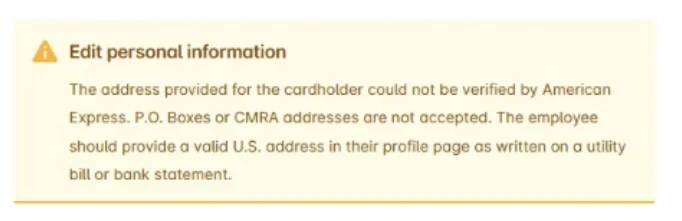
This error occurs because the address validation process used by American Express checks the cardholder’s billing information against its internal records through the Address Verification Service (AVS).
In this case, the address required for verification is the virtual cardholder’s personal address, not the billing address associated with your company’s Main American Express Card that is linked to the company’s Payhawk account. American Express uses the individual cardholder’s personal details to confirm ownership and prevent identity or payment mismatches.
To handle this issue, make sure the cardholder has entered their correct personal address. To update their personal address, employees need to:
Hover over their profile picture.
Select Manage profile and enter their personal address.
If the issue persists:
Double-check for address formatting errors (for example, missing street numbers, postal codes, or abbreviations).
Contact American Express customer service to confirm the address used for AVS verification.