The dedicated Funds app in Payhawk serves as your main money hub on Payhawk.
From here, Payhawk Administrators and other authorized employees and roles at your company can deposit money into your company's Payhawk account via global payment schemes (ACH, FPS, and SEPA), transfer funds between your Payhawk balances, and monitor your company's fund deposits and deposit history.
Capabilities
In the Funds app, you can:
Create, manage, and delete Payhawk currency accounts.
Deposit funds from your company’s bank accounts into Payhawk currency accounts.
Link and unlink your company’s bank accounts to facilitate depositing funds into Payhawk.
Manage how individual or team Payhawk cards are funded.
Make same-currency or FX transfers between your Payhawk accounts, from debit to debit or debit to credit.
Some use cases where you can use the Funds app include:
To create accounts in currencies not supported by your traditional bank.
To send and receive money in local currencies when working with international suppliers.
To optimize your FX fee cost structure, simplify global financial operations, and more.
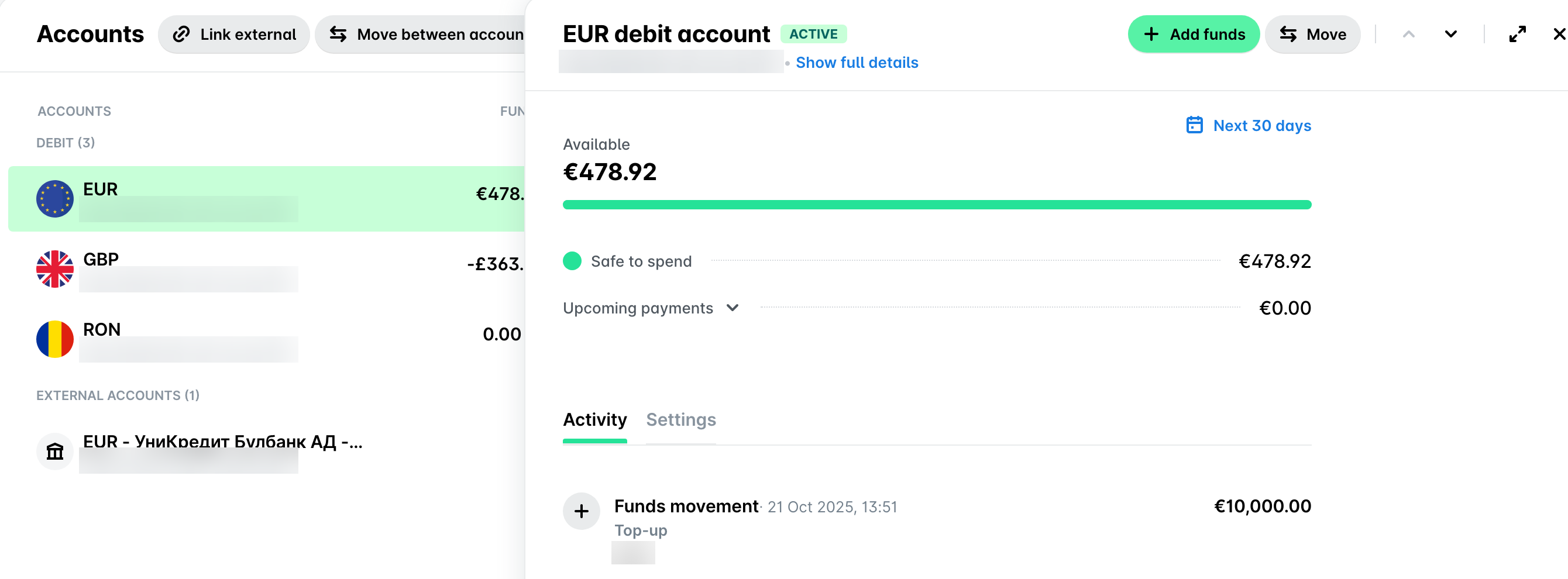
Traceability and reference
The Activity tab of each currency account your company has opened in Payhawk lists all transfers to and from these accounts. Each transaction in the Funds app is clickable and shows additional details. For deposits, you can view the bank account from which the funds were received.
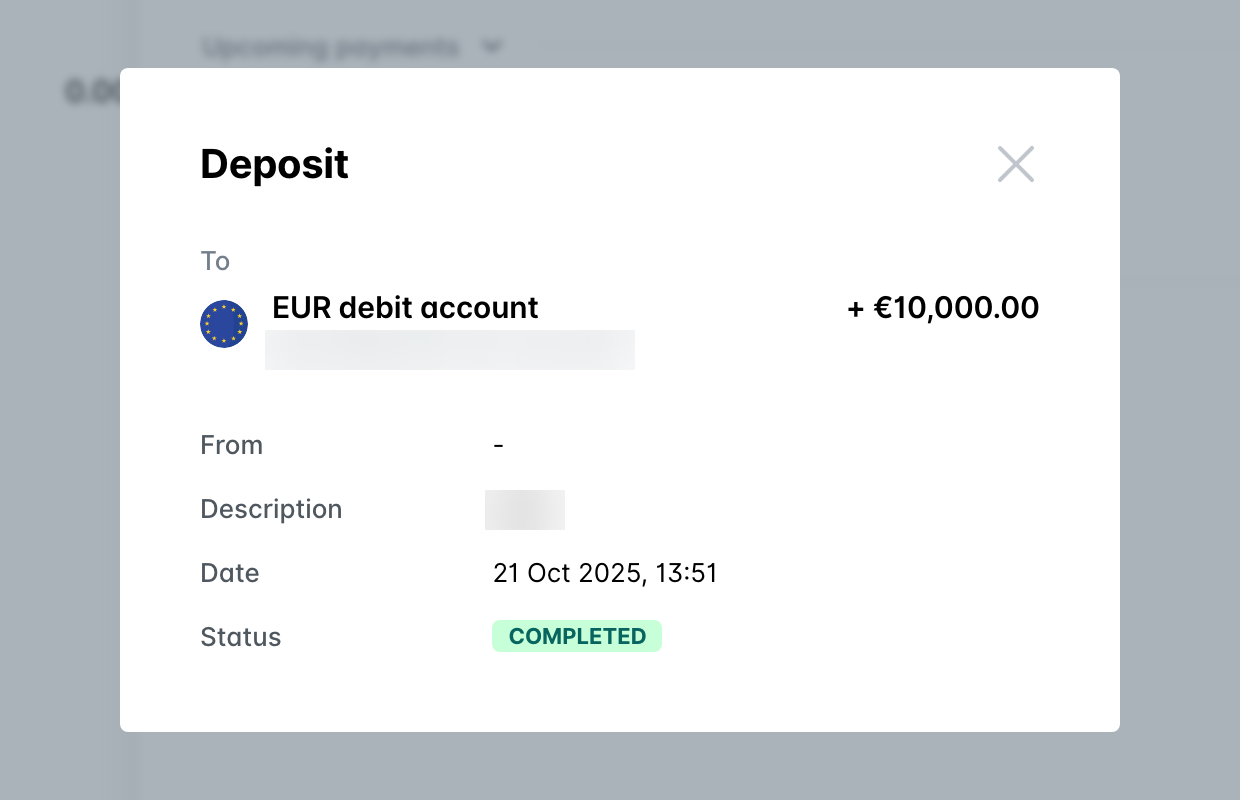
The Settings tab of each Payhawk currency account allows you to enable email notifications if the funds inside become lower than a specified amount.
Transaction statuses
Depending on the outcome of any transfer you may attempt from the Funds app, your transfer will display one of several possible statuses:
Failed – The transaction was not successful; funds remain in the source Payhawk account.
Pending – The transaction is being processed.
Transfer out – Funds have left one Payhawk account to be moved into another (internal transfer).
Transfer in – Funds have been received into the target Payhawk account (internal transfer).
Top-up – Funds were received from an external bank account in your company’s Payhawk account.
Top-up (Reversal) – A settled payment that left your company’s Payhawk account, was later on refused by the bank and returned to your Payhawk balance.