Можете да актуализирате създадените от вас абонаменти от приложението Абонаменти в уеб портала на Payhawk.
Редактирането на данните за абонамента в Payhawk не актуализира информацията за самия абонамент. Трябва да влезете в уебсайта на доставчика, за да промените начина на плащане за абонамент. Обикновено при промяна на начина на плащане за абонамент не е необходимо да потвърждавате данните на предишната карта.
За да актуализирате съществуващ абонамент:
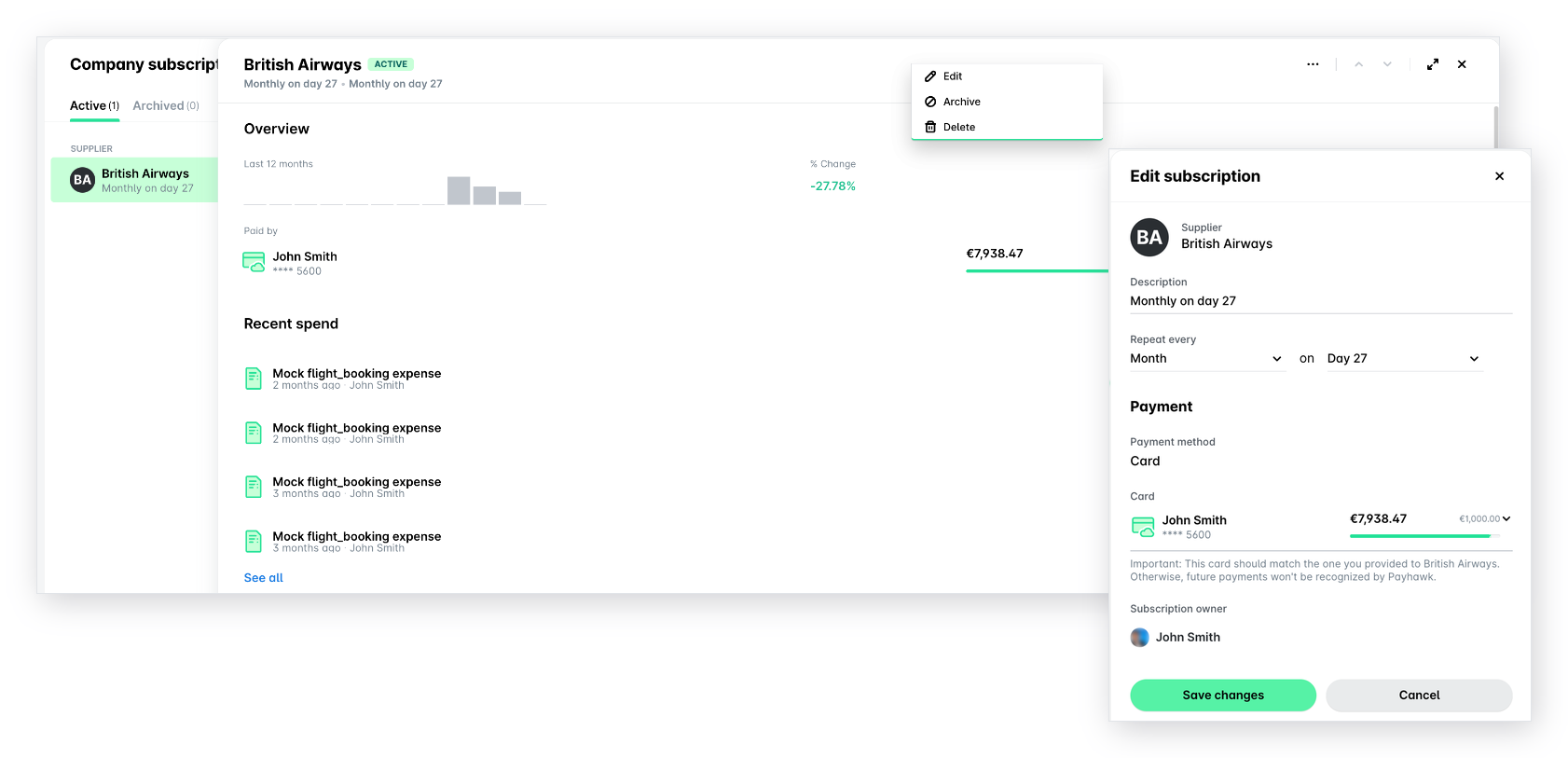
В уеб портала на Payhawk отидете на Абонаменти и изберете желания абонамент.
Кликнете върху менюто с трите точки и изберете Редактиране.
В отворилия се панел актуализирайте описанието, честотата на повторение, крайния срок и картата, към която да се свърже регулярното плащане.
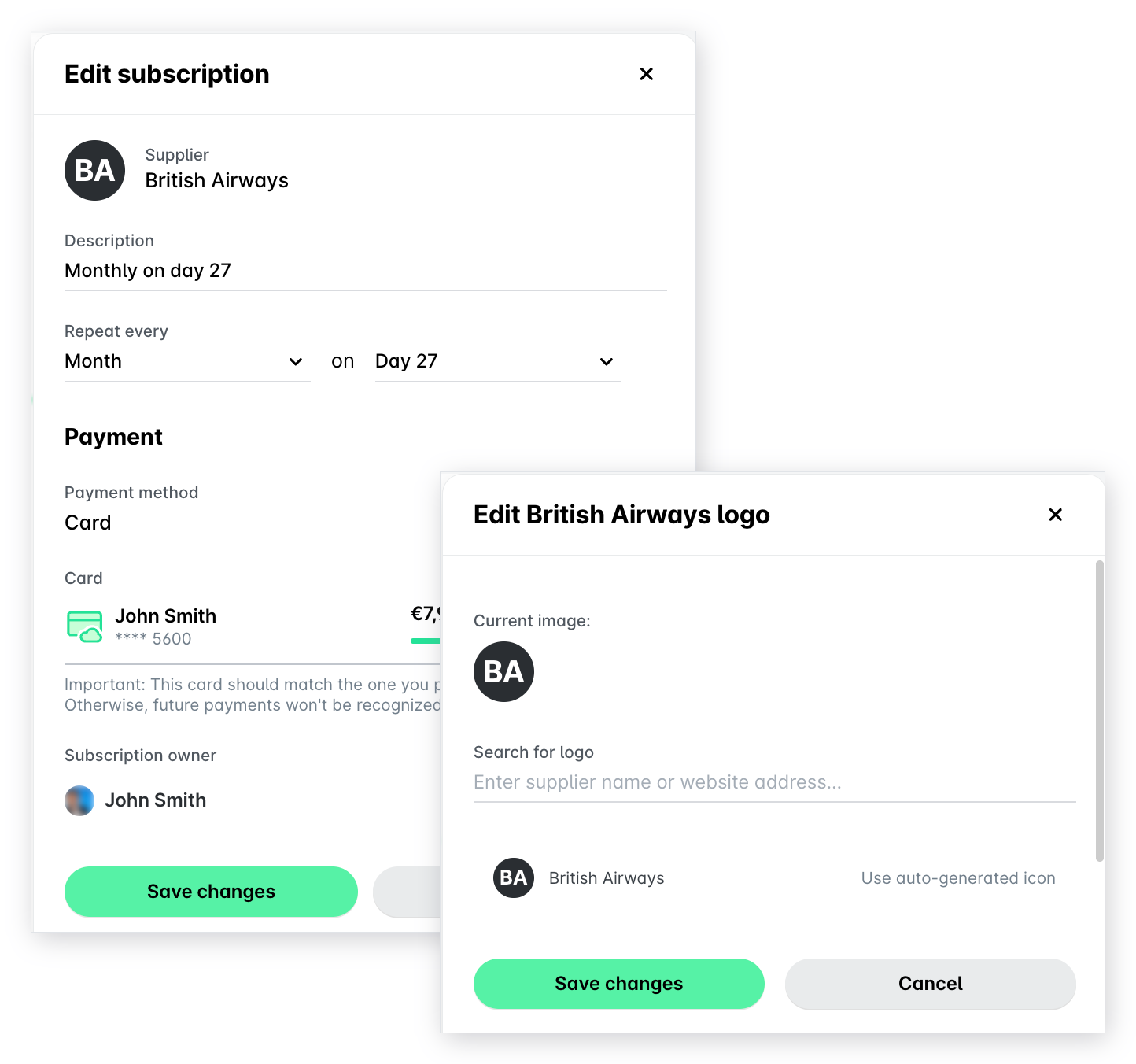
Можете също да промените иконата, показвана за доставчика, като кликнете върху изображението. В отворилия се панел заредете новото изображение и кликнете върху Запазване на промените.
Когато сте готови, кликнете върху Запазване на промените, за да потвърдите всички промени.
Полезни ресурси