Приложението Пътувания е напълно функционално, ако AI агентът за пътувания е включен в текущия план за Payhawk на компанията ви.
Ако AI агентът за пътувания не е част от текущия план за Payhawk на компанията ви, Администраторите на Payhawk могат да се свържат с екипа по продажбите за повече информация. За целта отидете на приложението Пътувания и кликнете върху Свържете се с екип Продажби.
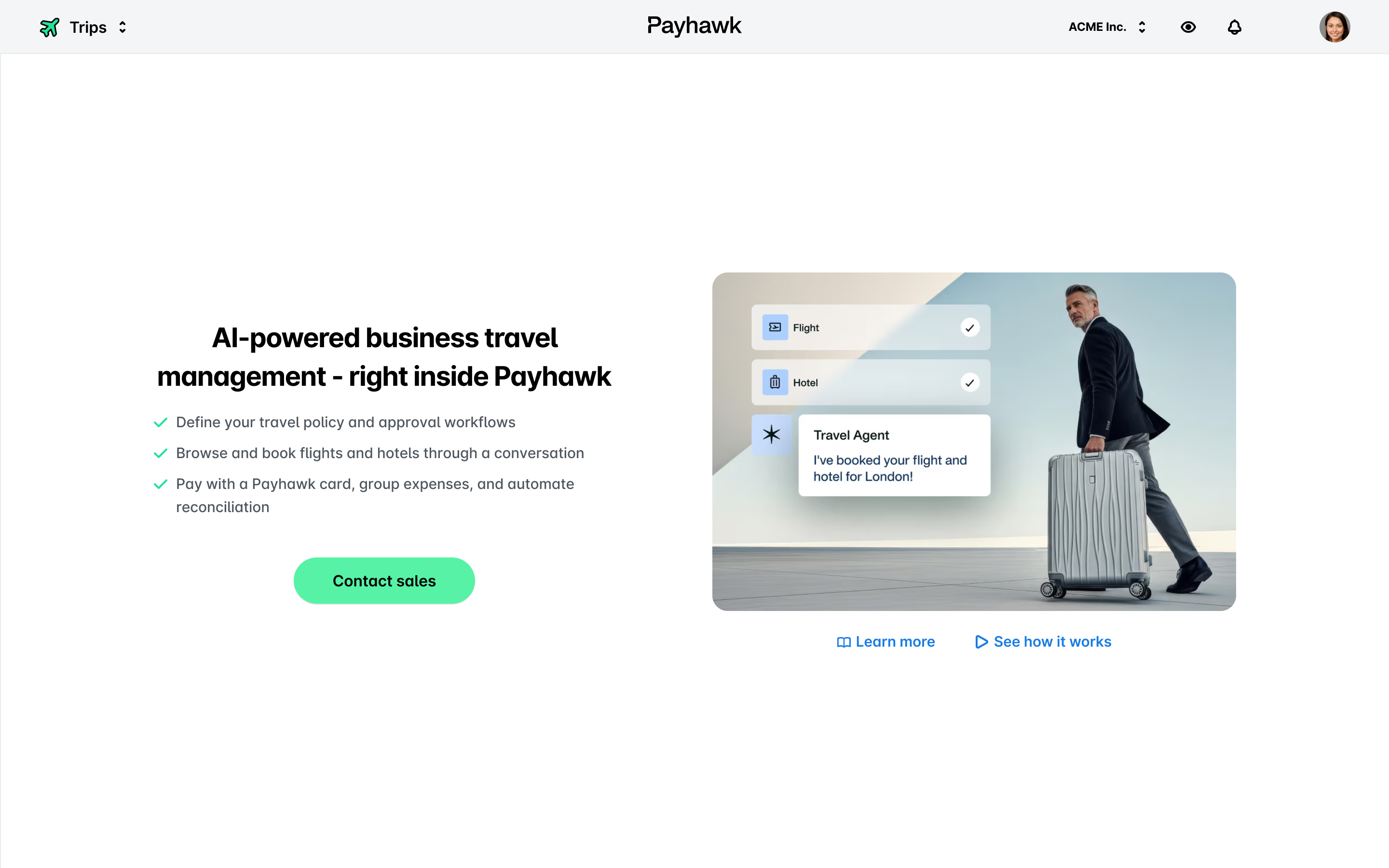
Ако AI агентът за пътувания е активиран за акаунта на компанията ви, ще имате достъп до приложението Пътувания, където можете да видите общ преглед на всички пътувания в компанията ви.
В зависимост от ролята на служителите приложението Пътувания осигурява следните изгледи по подразбиране за заявки за пътуване:
Всички служители могат да използват изгледа Моите пътувания, за да видят само подадените от тях заявки за пътуване.
Администраторите на Payhawk могат да използват изгледа Всички пътувания, за да видят всички заявки за пътуване, подадени от служителите в компанията.
Администраторите на Payhawk могат да добавят нови заявки за пътуване към профила си.
Проверяващите могат да проверяват заявките за пътуване и да ги връщат на подателите им от раздел Проверка.
Одобряващите могат да одобряват и връщат заявки за пътуване на подателите им от раздел Одобряване. Одобряващите могат да използват филтъра за екип, за да прегледат и одобрят заедно заявките на няколко пътуващи в едно и също групово пътуване.
Всички служители могат да преглеждат активността по заявките си за пътуване, включително коментари, работни процеси и промени.
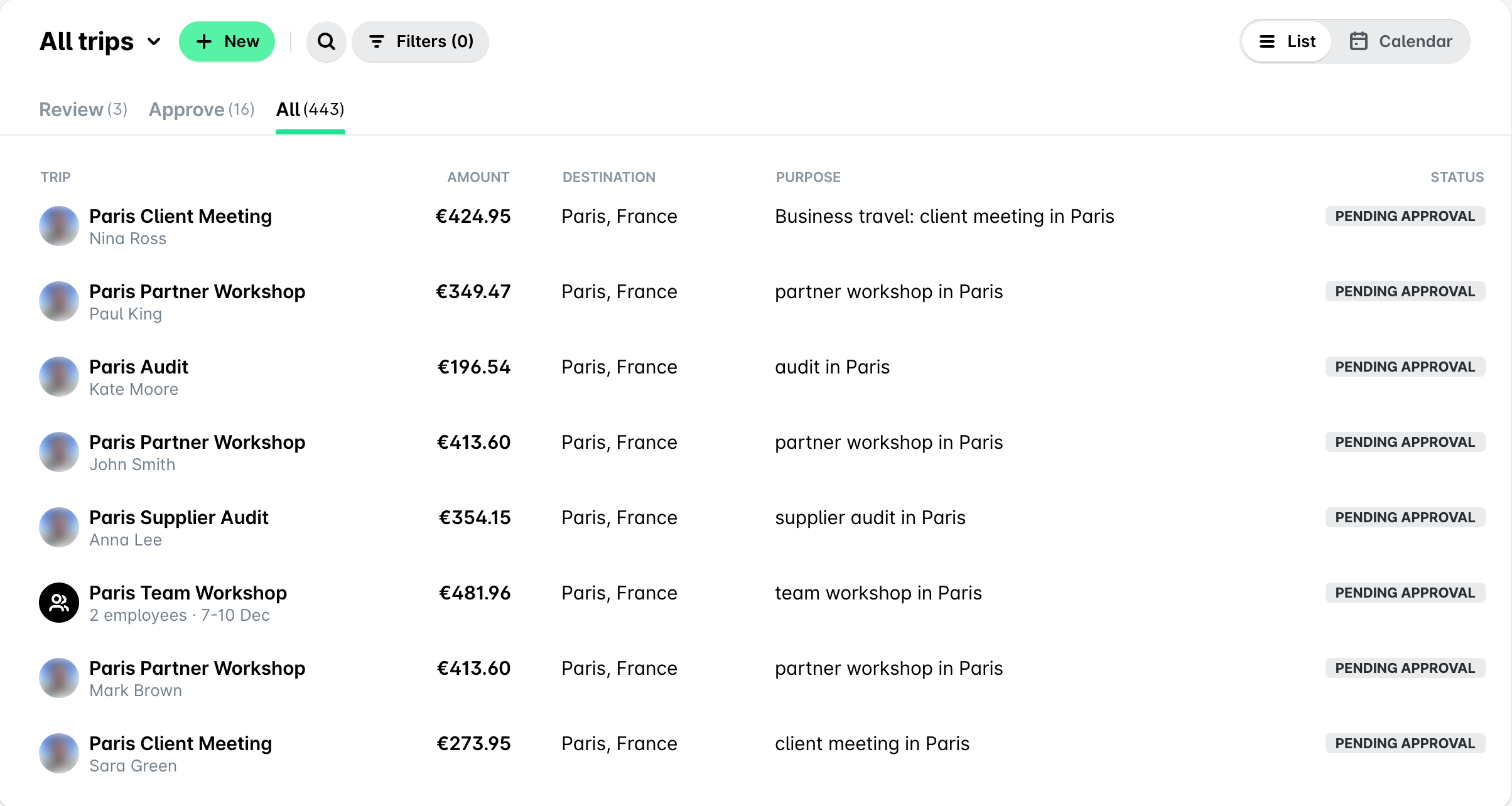
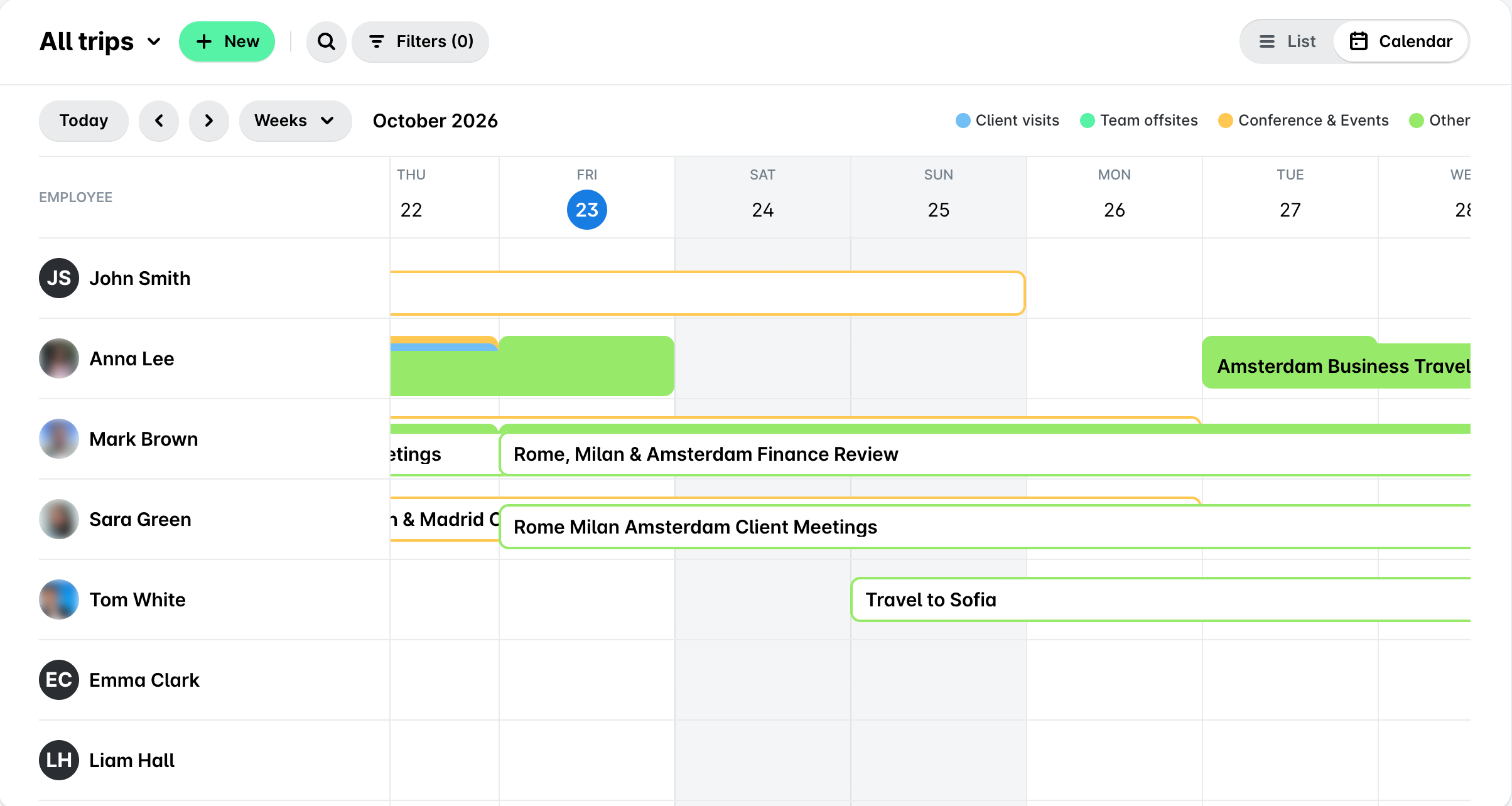
С превключвателя Списък и Календар можете да превключвате приложението Пътувания между следните изгледи:
Изгледът Списък показва пътуванията като списък с общ преглед на съответните детайли за тях – дестинация, цел и статус.
Изгледът Календар показва пътуванията в календар, където можете да ги преглеждате и филтрирате допълнително.
Полезни ресурси