Error message
Please select expense amount.Affected ERP integrations
DATEV
Exact Online
MS Business Central
Microsoft Dynamics 365 Finance & Operations
Oracle NetSuite
QuickBooks Online
Cause
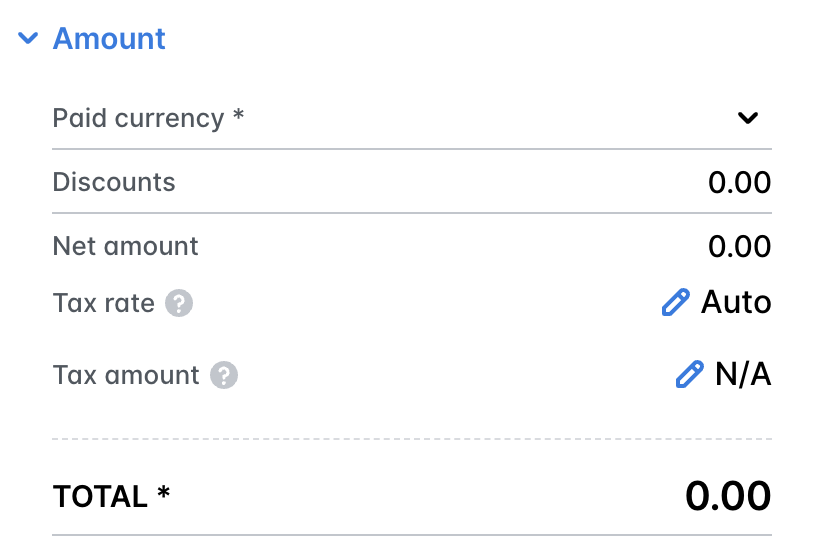
This error occurs when the total expense amount is 0 (zero). Payhawk cannot export expenses with a zero amount to your ERP integration.
Solution
To resolve this issue:
In the Payhawk Web Portal, go to Spend.
Click on the expense that failed to export to open its details view. To find it quickly, filter by Export status and select Failed.
Check the expense Amount field. If it shows 0 or is empty, enter the correct amount.
Click on Save and try to export the expense again.
If the expense genuinely has no amount, for example, it was created by mistake, consider deleting the expense instead of exporting it.