Documentation Index

Fetch the complete documentation index at: https://payhawk.document360.io/llms.txt

Use this file to discover all available pages before exploring further.

В момента локализираме Payhawk документацията на български език, поради което виждате някои колекции от статии на английски, а други - на български. Екипът ни работи усилено скоро целият сайт да е наличен на български. Благодарим за търпението!

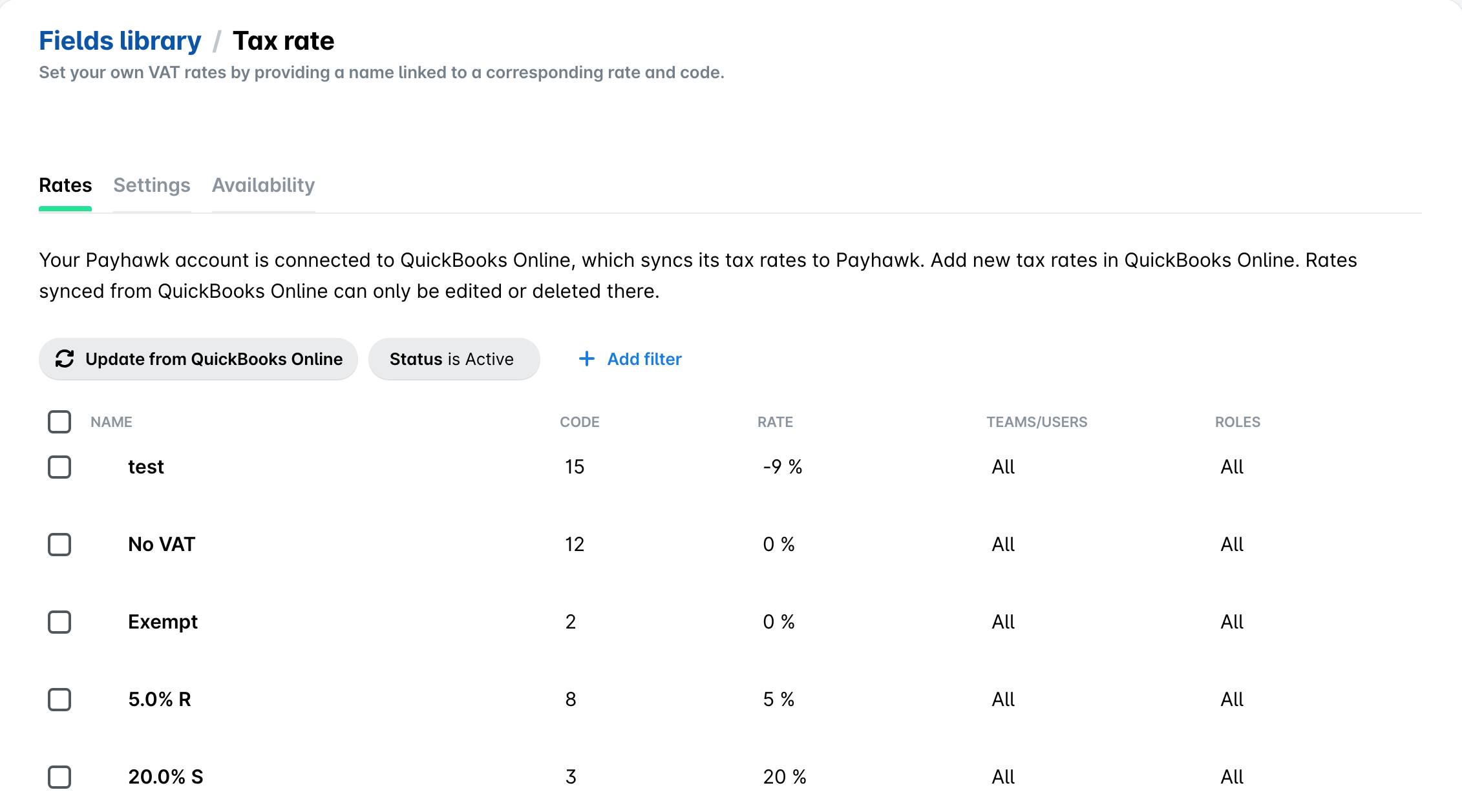
Updating tax rates from QuickBooks Online

Prev Next
This content is currently unavailable in Bulgarian. You are viewing the default (English) version.

When you connect your Payhawk account to QuickBooks Online, your available QuickBooks Online tax rates are automatically imported.

If you update your QuickBooks Online tax rates after the connection between the two systems has been established, you have to manually update that data in Payhawk.

To manually update your tax rates in Payhawk:

  1. Log in to the Payhawk web portal.

  2. Go to Settings > Expense fields.

  3. Under Built-in fields, select Tax rate.

  4. Click on Update from QuickBooks Online. As a result, Payhawk will show the tax rates that are applicable to the specific expense.