Payhawk is partnering with 60dias to provide effortless VAT recovery across Europe.
Exported data to 60dias
By connecting the Payhawk and 60dias systems, you allow Payhawk to export the following data on behalf of your company:
Note
Supplier
Category
Document date
Settlement date
Spend ID
Expense creation date
Expense owner
Total amount (in your base account currency)
Currency
Attachment
Payhawk account identifier
Notes on connecting to 60dias
The expense export from Payhawk to 60dias includes all expenses that have been reviewed together with their document data and other expense details.
The two systems share the registration number of your company so that 60dias can identify the company that is sending the accounting data.
Connecting to 60dias
To connect your Payhawk account to 60dias:
Log in to the Payhawk Web Portal.
Go to Settings > Integrations.
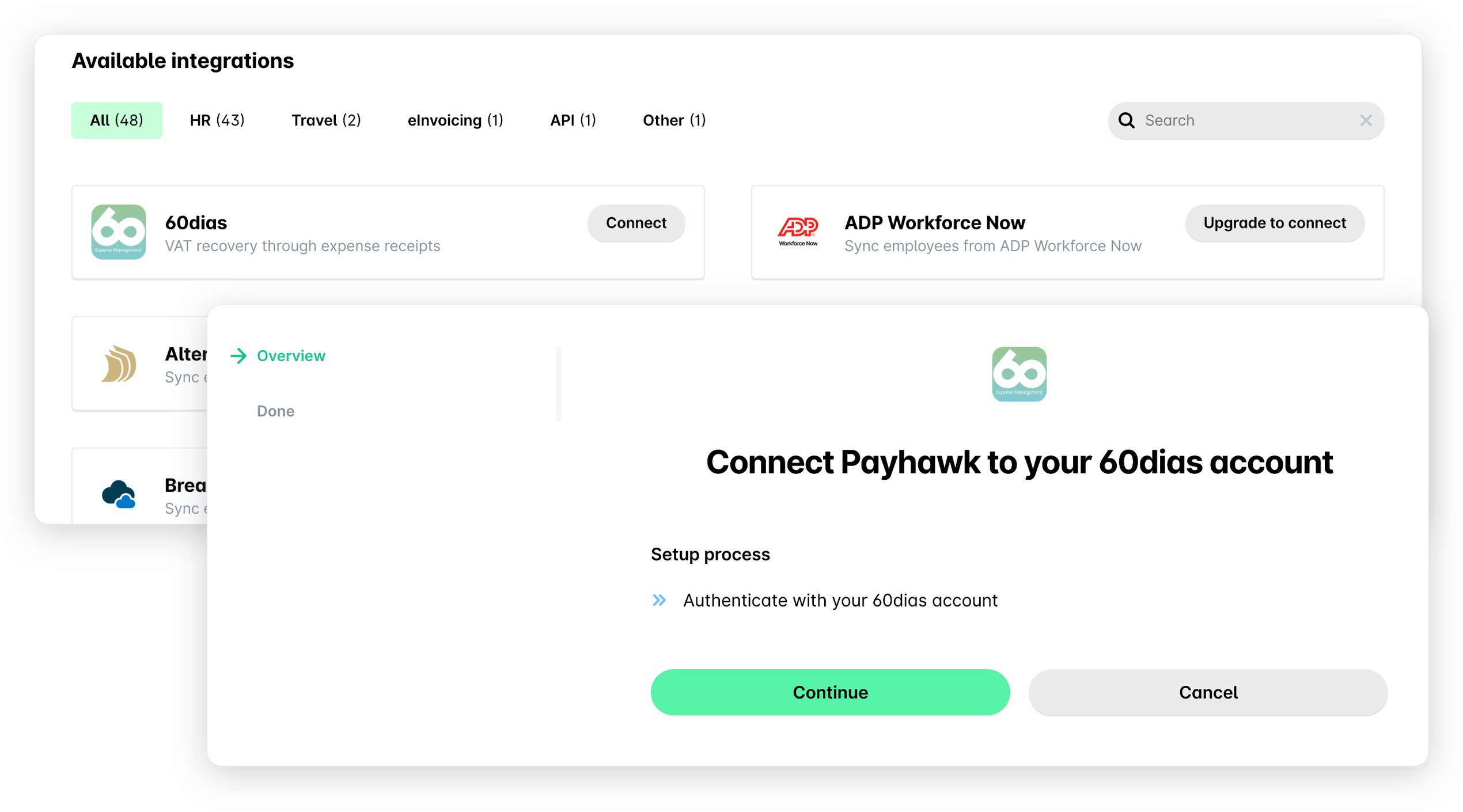
Under Available integrations, find 60dias and click on Connect.
On the page that opens, click on Continue and sign in to your 60dias account to authorize the connection.
After the connection has been established, go back to Integrations > 60dias and click on the three dots menu.
Select the Export expenses option to execute the automatic bulk export of all reviewed company expenses.
Useful resources