Mensaje de error
Failed to export into MS Business Central. The Payment journal cannot be found in MS Business Central.

(No se ha podido exportar a MS Business Central. No se puede encontrar el diario de pagos en MS Business Central.)
Integraciones de ERP afectadas
MS Business Central
Motivo
Este error se produce cuando el Diario de pagos que estaba previamente configurado en Payhawk se ha eliminado o renombrado en MS Business Central. El sistema de Payhawk no detecta este cambio porque la configuración no se ha actualizado en el portal.
Solución
Para resolver este problema:
En el portal web de Payhawk, ve a Configuración > Integraciones.
En la integración MS Business Central, haz clic en el menú de los tres puntos y selecciona Editar configuración.
Ve a la sección Asignar cuentas.
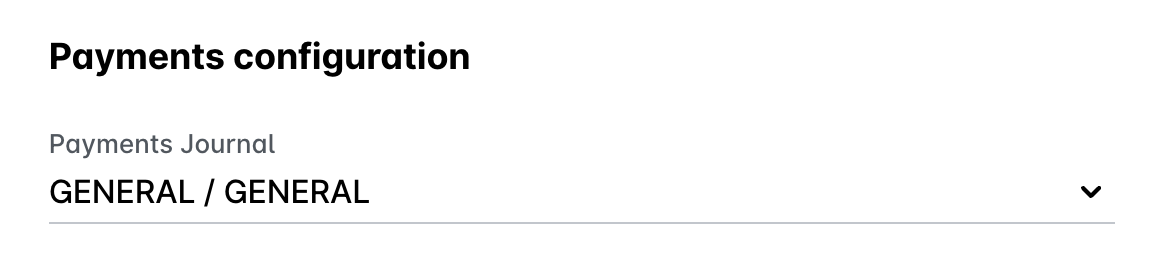
Busca el campo Diario de pagos y selecciona un nuevo diario válido en el menú desplegable.
Haz clic en Guardar cambios.
En el portal web de Payhawk, vuelve a la aplicación Gastos e intenta exportar el gasto de nuevo.