Error message
Invalid department provided. Please make sure you have mapped Departments/Teams correctly.Relevant ERP integrations
Oracle NetSuite
Cause
The custom field mapping was not completed successfully.
Solution
Check the mapping for the selected team.
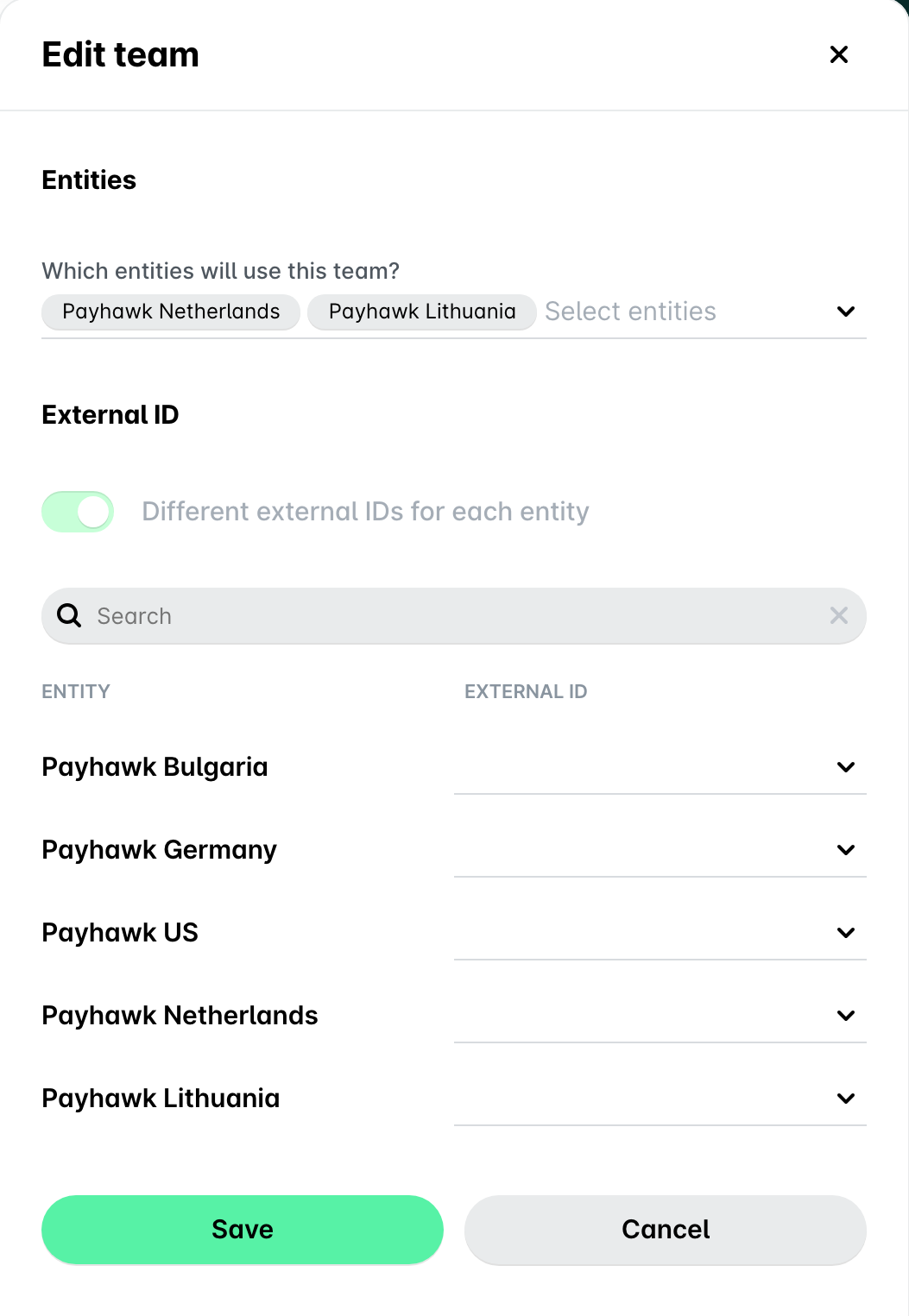
This example demonstrates the absence of a selected Department while an old mapping exists.
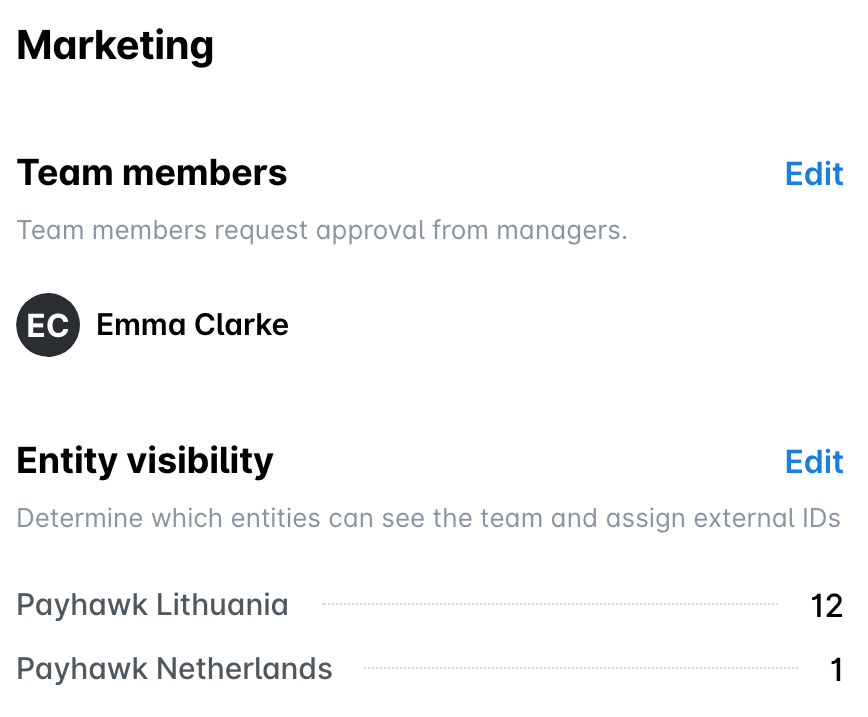
Update the mapping correctly in the following way.
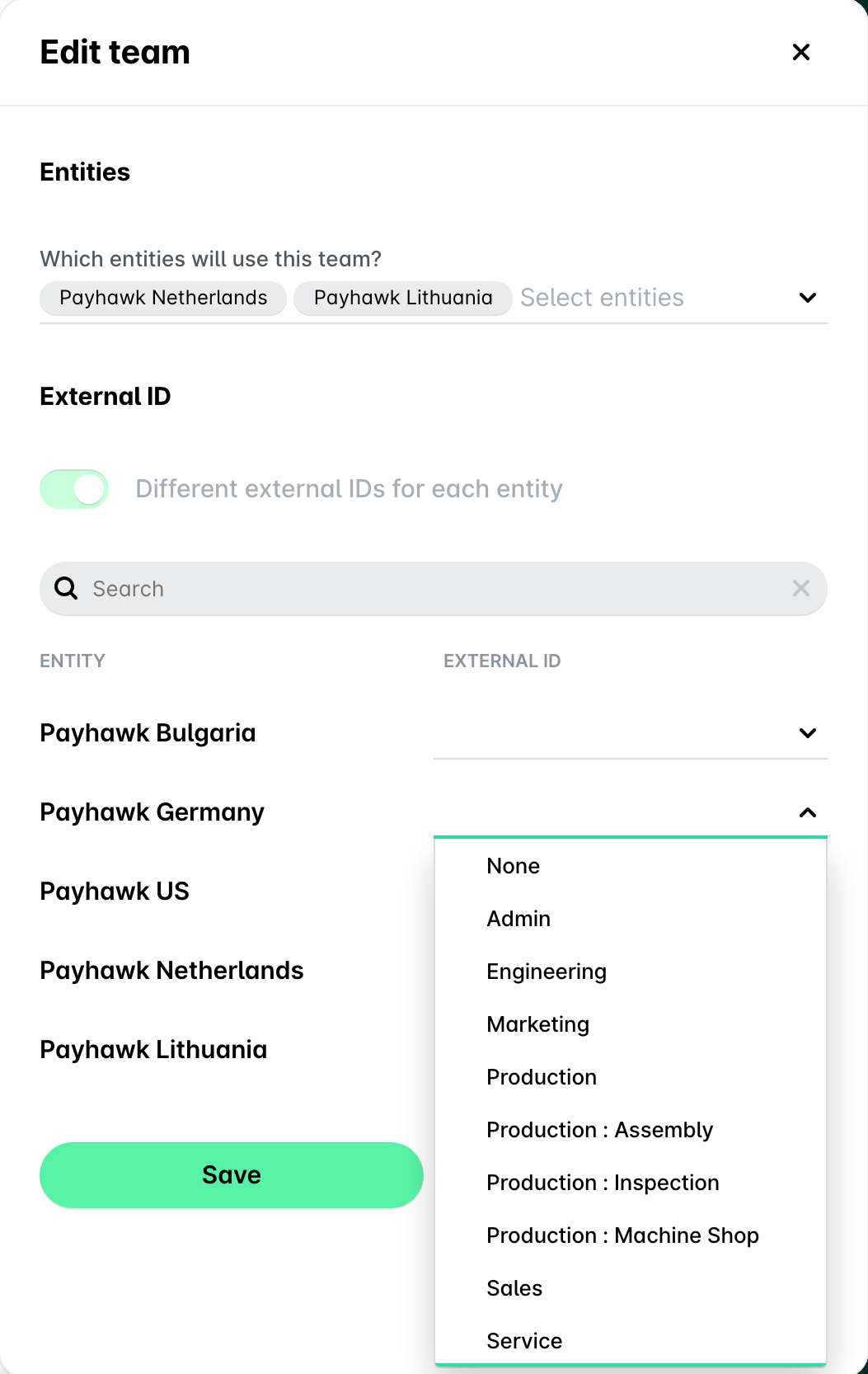
Since Team is a custom field in the expense, navigate to the expense, select a different team, re-select the correct one, and re-export the data.