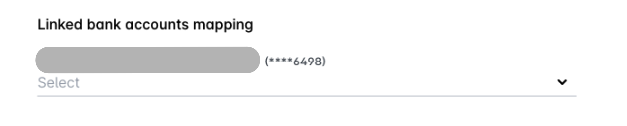
Error message
Configuration for linked bank accounts is missing.Relevant ERP integrations
DATEV
Exact Online
MS Business Central
Oracle NetSuite
QuickBooks Online
Sage Intacct
Xero
Cause
The linked bank account in your Payhawk account has not been mapped during the integration setup.
Solution
Go to Settings > Integrations.
Click on the three-dot menu of the respective ERP integration and select Edit configuration.
Fill in the Linked bank accounts mapping information.