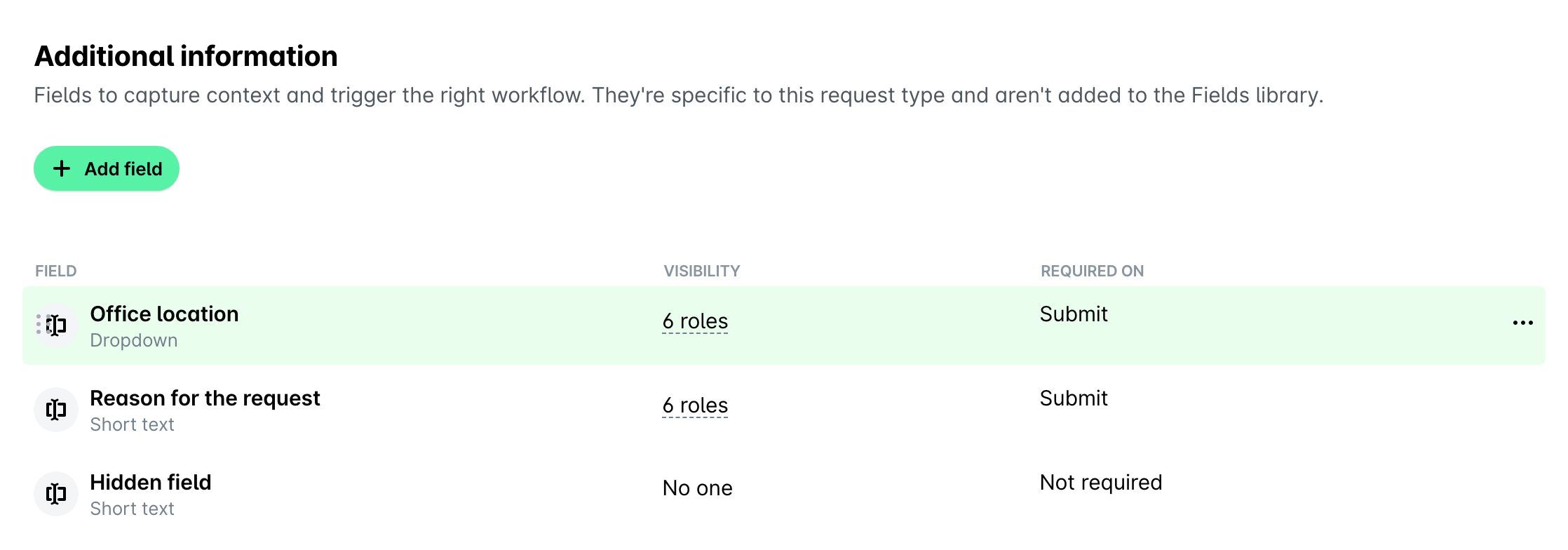
You can manage fields for request types from the respective request type such as copying fields setup to other request types and reordering fields.
Copying fields setup to other request types
You can copy the setup of a field to other request types, including the settings, values, and dependencies of the field to save time and effort.
To copy setup of fields:
Go to Settings > Requests and open the Types tab.
Select the desired request type by clicking on it, for example, Hardware.
Navigate to its Fields tab.
Hover over the field whose setup you want to copy and click on the Copy button on the right.
In the dialog that opens, select the checkboxes next to the desired request types, for example, Software and Office supplies.
Select the checkbox to confirm that you understand that this action will replace the existing configuration in the specified types.
Click on Confirm.
Reordering fields in request types
To reorder additional information fields:
Go to Settings > Requests and open the Types tab.
Select the desired request type by clicking on it, for example, Hardware.
Navigate to its Fields tab.
Under Additional information, drag and drop fields to reorganize them.