Foutmelding
Failed to export into MS Business Central. The Payment journal cannot be found in MS Business Central.

(Exporteren naar MS Business Central is mislukt. We kunnen de betaling niet vinden in MS Business Central)
ERP-integraties waarop deze fout betrekking heeft
MS Business Central
Oorzaak
Deze fout treedt op wanneer de betaling die eerder in Payhawk was geconfigureerd, is verwijderd of een andere naam gekregen heeft in MS Business Central. Payhawk is niet op de hoogte van deze wijziging omdat de configuratie niet is bijgewerkt in het portaal.
Oplossing
Zo los je dit probleem op:
Ga in het webportaal van Payhawk naar instellingen > integraties.
Klik op de integratie met MS Business Central op de drie stippen om het menu te openen en selecteer configuratie bewerken.
Navigeer naar de het gedeelte rekeningen.
Zoek het veld betalingsrapport en kies een nieuw, geldig journaal uit de lijst.
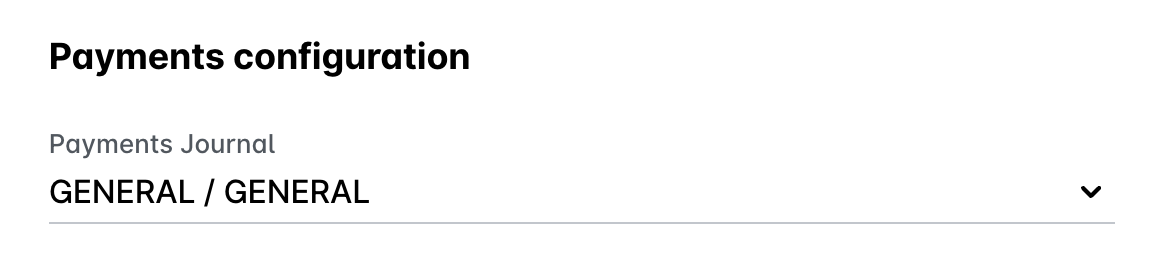
Klik op wijzigingen opslaan.
Ga in het Payhawk-webportaal terug naar de app onkostenen probeer de onkosten opnieuw te exporteren.