Error message
Failed to export expense. Selected vendor is marked as blocked in Exact Online.Affected ERP integrations
Exact Online
Cause
This error occurs when you are trying to export an expense associated with a supplier who has been marked as Blocked in your Exact Online account. Exact Online prevents any transactions from being posted for blocked suppliers, which leads to the failure of the expense export from Payhawk.
Solution
To resolve this issue:
Log in to your Exact Online account.
Navigate to Master Data > Accounts > Suppliers.
Locate the specific supplier that is causing the error.
Click on the supplier's name to view their details.
Go to the Information tab.
Ensure that the Blocked checkbox is unchecked.
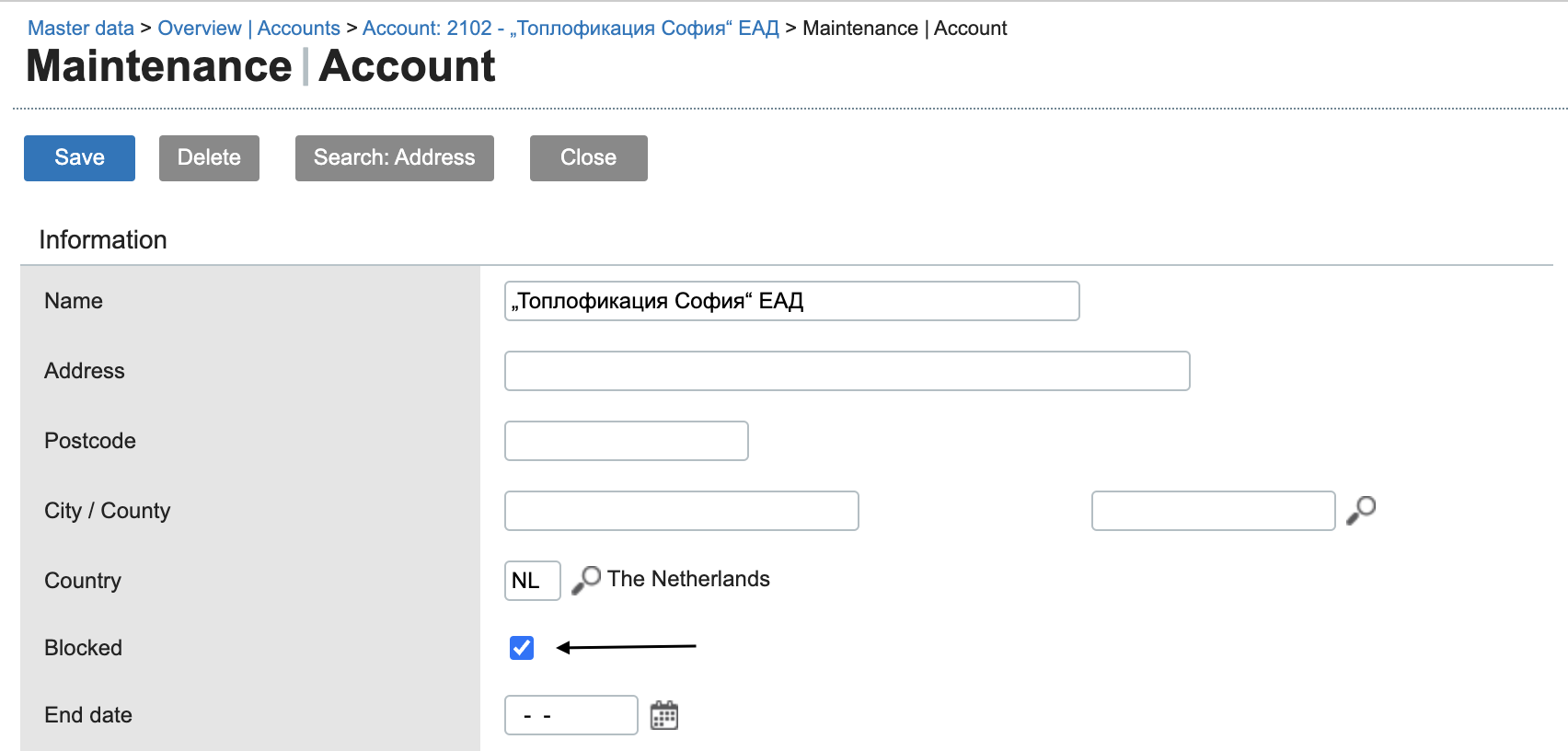
Click on Save.
Return to Payhawk and attempt to export the expense again. The export must now be successful.