In Payhawk, you can manage request types and owners, as well as move requests to other entities. The available managing options depend on your user permissions and the request configuration.
Changing request types
Only the request owner, users with company requests permissions, Team Managers, reviewers, or assistants can change the request type.
To change request types:
In the Payhawk Web Portal, go to Requests.
Select the desired request by clicking on it.
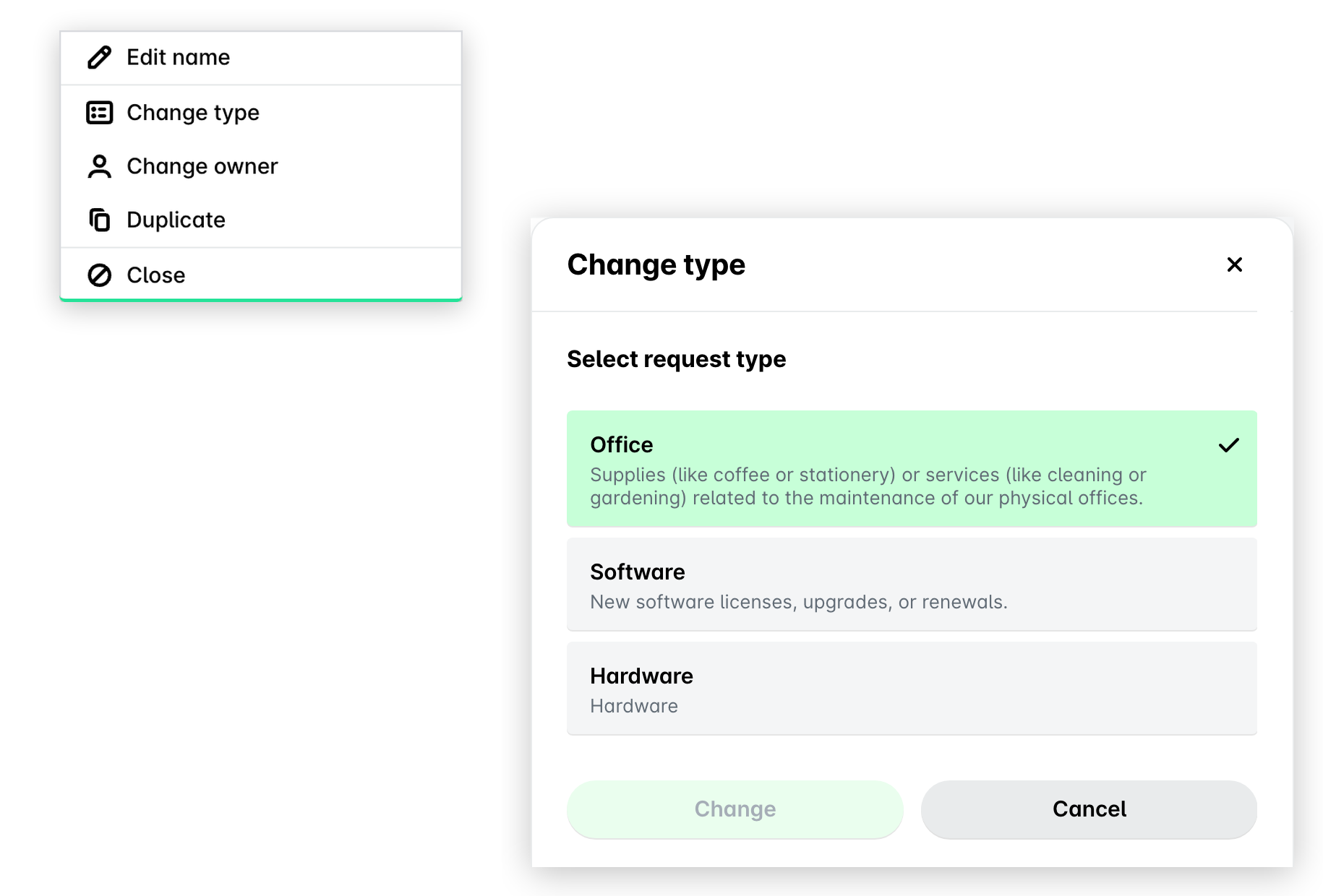
Click on its three-dot menu and select the Change type option.
In the dialog that opens, select the new request type by clicking on it. Note that if the newly selected request type doesn't contain certain fields, these fields will be removed from the request being changed.
In the dialog, you'll only see request types that you have permission to create based on your role. For example, if a Marketing request type can only be created by users with the Marketing role, and you don't have that role, it won't appear in the list of available request types.
Click on Change.
Changing request owners
Only users with company requests permissions and reviewers can change the request owner. For security reasons, the request owner themselves cannot change ownership unless they have one of the above permissions.
To change request owners:
In the Payhawk Web Portal, go to Requests.
Select the desired request by clicking on it.
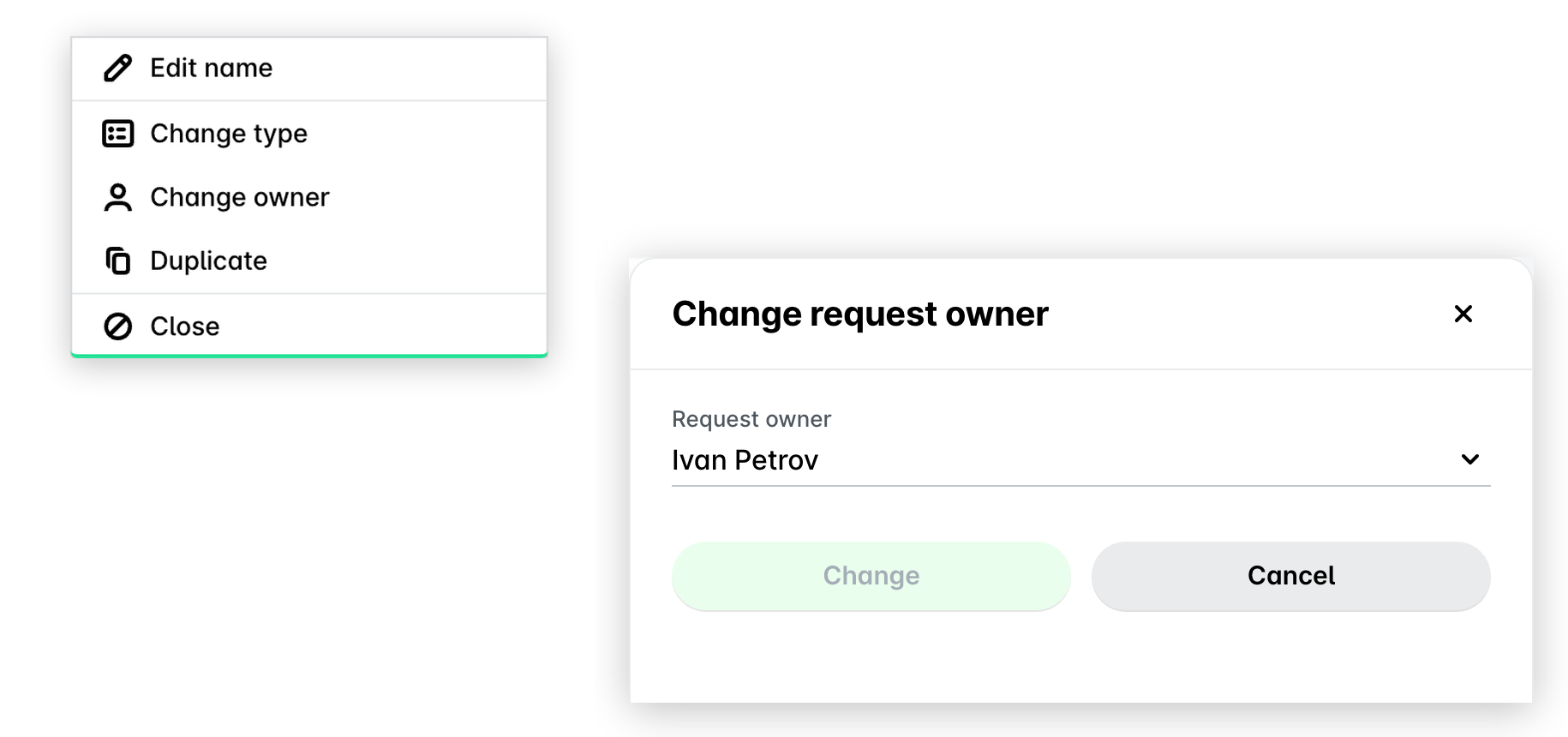
Click on its three-dot menu and select the Change owner option.
In the dialog that opens, select the new request owner from the drop-down list. Note that you'll see a list of users who have permission to create requests of that specific type based on their role. Users who cannot create requests of that type will be disabled and displayed in gray.
Click on Change.
Moving requests to other entities
Moving a request to another entity is a supported feature in Payhawk. You can use it to reassign a request to a different entity within your group - for example, if a fund request or card top-up was submitted under the wrong entity. The moved request retains its history and approval state. While you cannot make direct fund transfers or card top-ups between entities outside of the requests workflow in Payhawk, you can use the Move to entity option described below.
The option to move a request to another entity is only available for requests with inherited request types from a group.
To move a request to another entity:
In the Payhawk Web Portal, go to Requests.
Select the desired request by clicking on it.
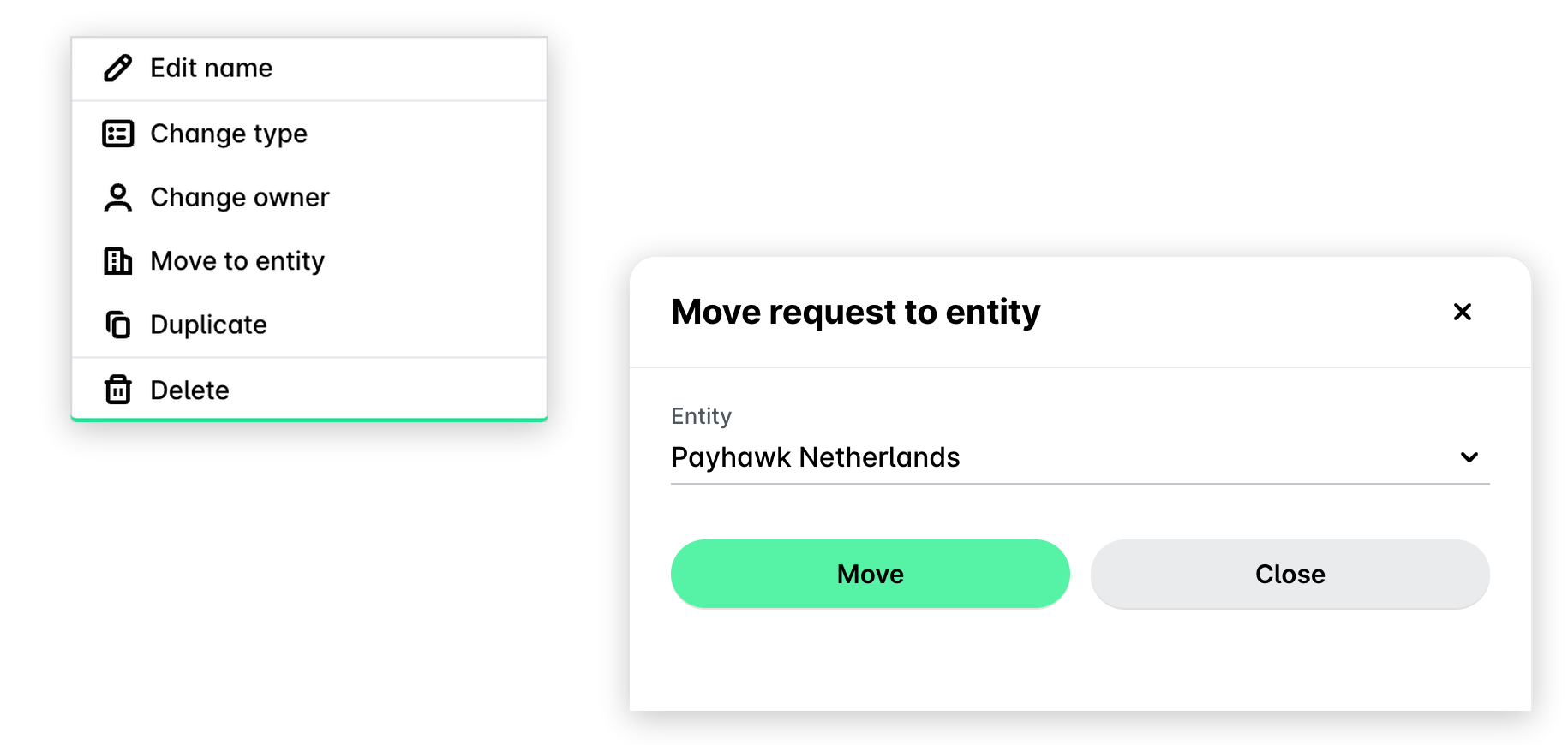
Click on its three-dot menu and select the Move to entity option.
In the dialog that opens, select the new entity from the drop-down list. Note that you'll only see entities that inherit the same request type at the group level. Entities will be selectable only if both the request owner and the user performing the move have assigned roles within those entities.
Click on Change.