You can sync purchase orders and item receipts from Payhawk to Oracle NetSuite, from Oracle NetSuite to Payhawk, or both ways.
Payhawk exports a purchase order to Oracle NetSuite once a purchase request is fully approved and generates a purchase order. Payhawk pulls purchase orders from Oracle NetSuite once they are opened, and these are read-only in Payhawk.
In Oracle NetSuite, an exported purchase order appears as a Purchase Order. When you receive the goods, add a receipt note in Payhawk, then export it to Oracle NetSuite as an Item Receipt.
You can also sync recurring purchase orders to Oracle NetSuite as one Purchase order with as many lines as needed. Each line carries the relevant service dates and is independently billed and closed.
You can also sync Account codes for all types of items, including inventory items, from Oracle NetSuite and map them to your Payhawk categories.
Specifics
During the initial setup and configuration of your Payhawk–Oracle NetSuite integration, make sure you:
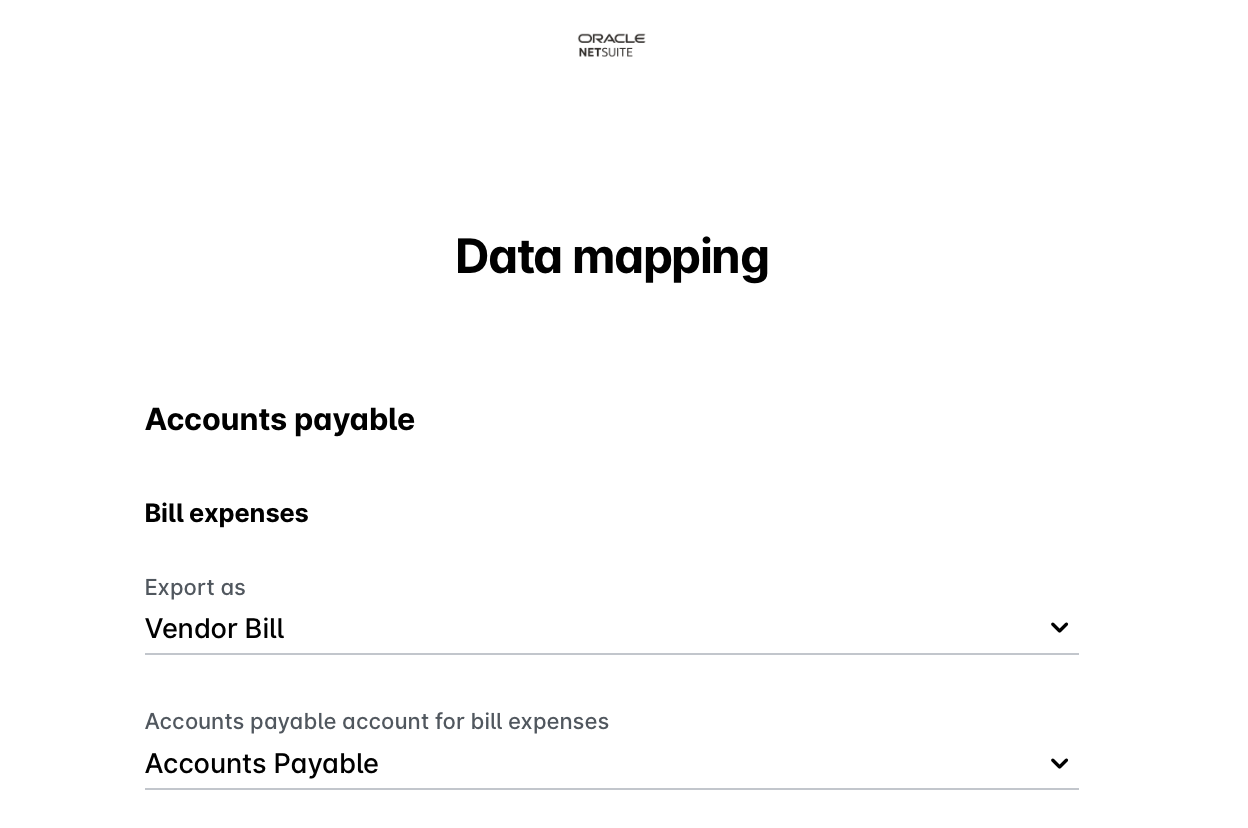
Select Vendor Bills as the export format for bill expenses.
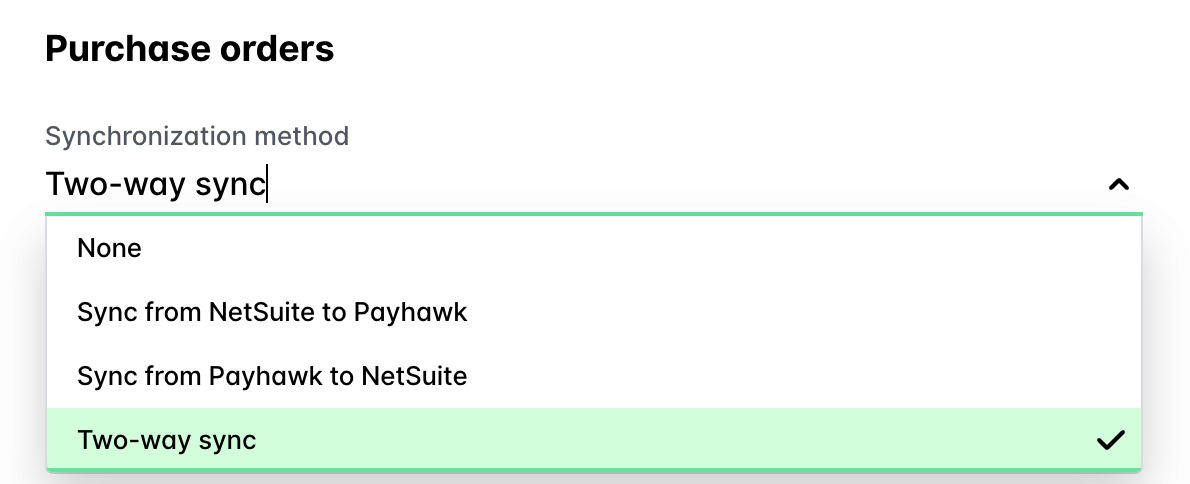
Configure the synchronization direction for purchase orders –– either disable the synchronization, enable it from Payhawk to Oracle NetSuite, enable it from Oracle NetSuite to Payhawk, or choose a two-way sync.
Viewing export details in the portal
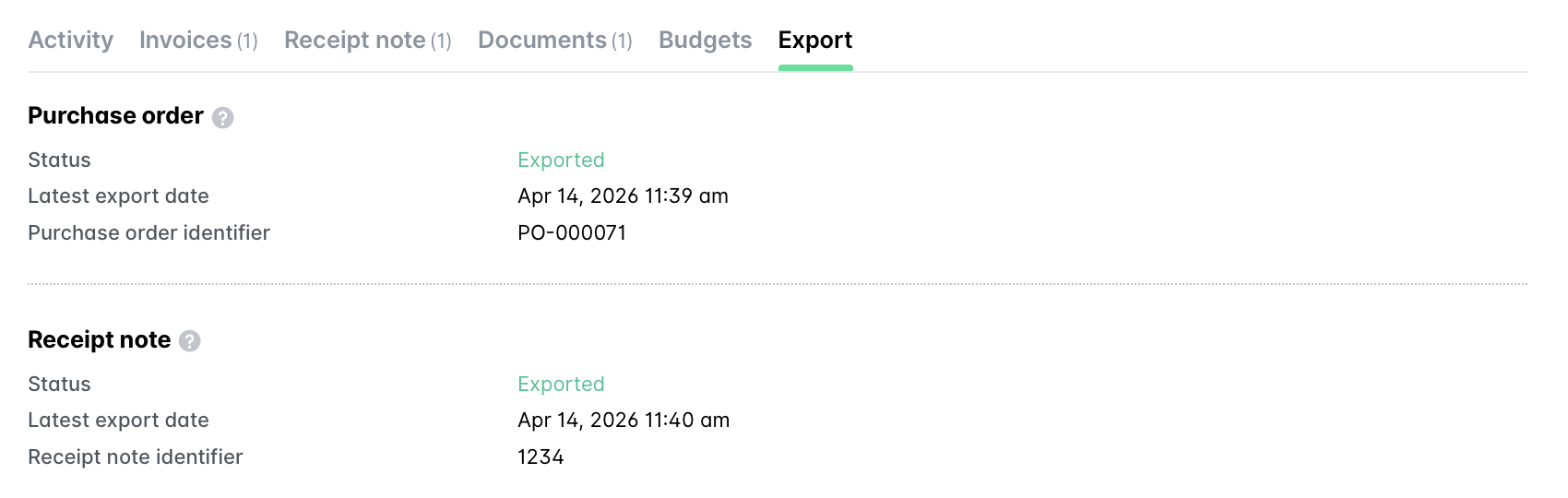
To view the purchase order and receipt note export details:
In the Payhawk Web Portal, go to Requests > All tab.
Select the desired request by clicking on it.
Navigate to its Export section.
Viewing purchase orders in Oracle NetSuite
To view the purchase order in Oracle NetSuite:
In the Payhawk Web Portal, go to Requests > All tab.
Select the desired request by clicking on it.
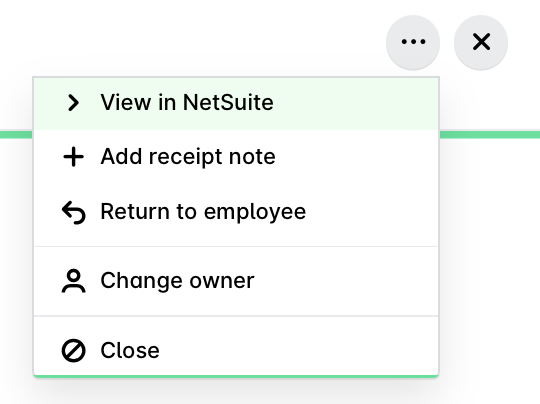
Click on its three-dot menu and select View in NetSuite. As a result, you will be redirected to the Oracle NetSuite log-in page.