За да могат служителите да заявяват физически или виртуални карти чрез Payhawk, първо трябва да активирате заявките за карти за компанията си.
Активиране на заявки за карти
За да активирате заявките за карти в цялата компания:
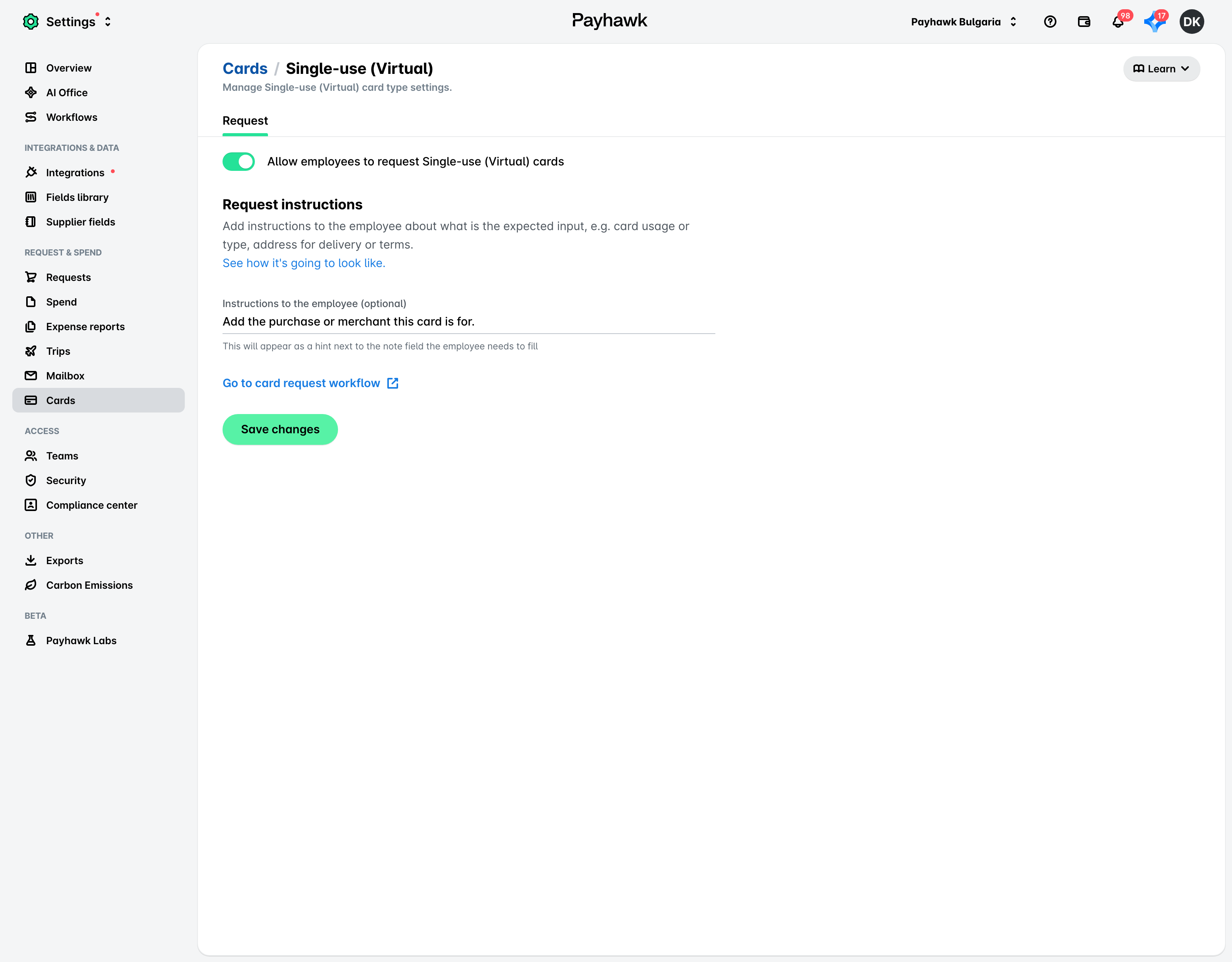
В уеб портала Payhawk отидете на Настройки > Карти > раздел Типове.
Кликнете върху желания тип карта (например За еднократна употреба Виртуална).
Включете превключвателя, за да разрешите на служителите да заявяват желания тип карта.
(По избор) Въведете насоки за служителите при заявяване на карти, които ще се показват като подсказка до полето Бележка.
Кликнете върху Запазване на промените.
Деактивиране на заявки за карти
За да деактивирате заявките за карти в цялата компания:
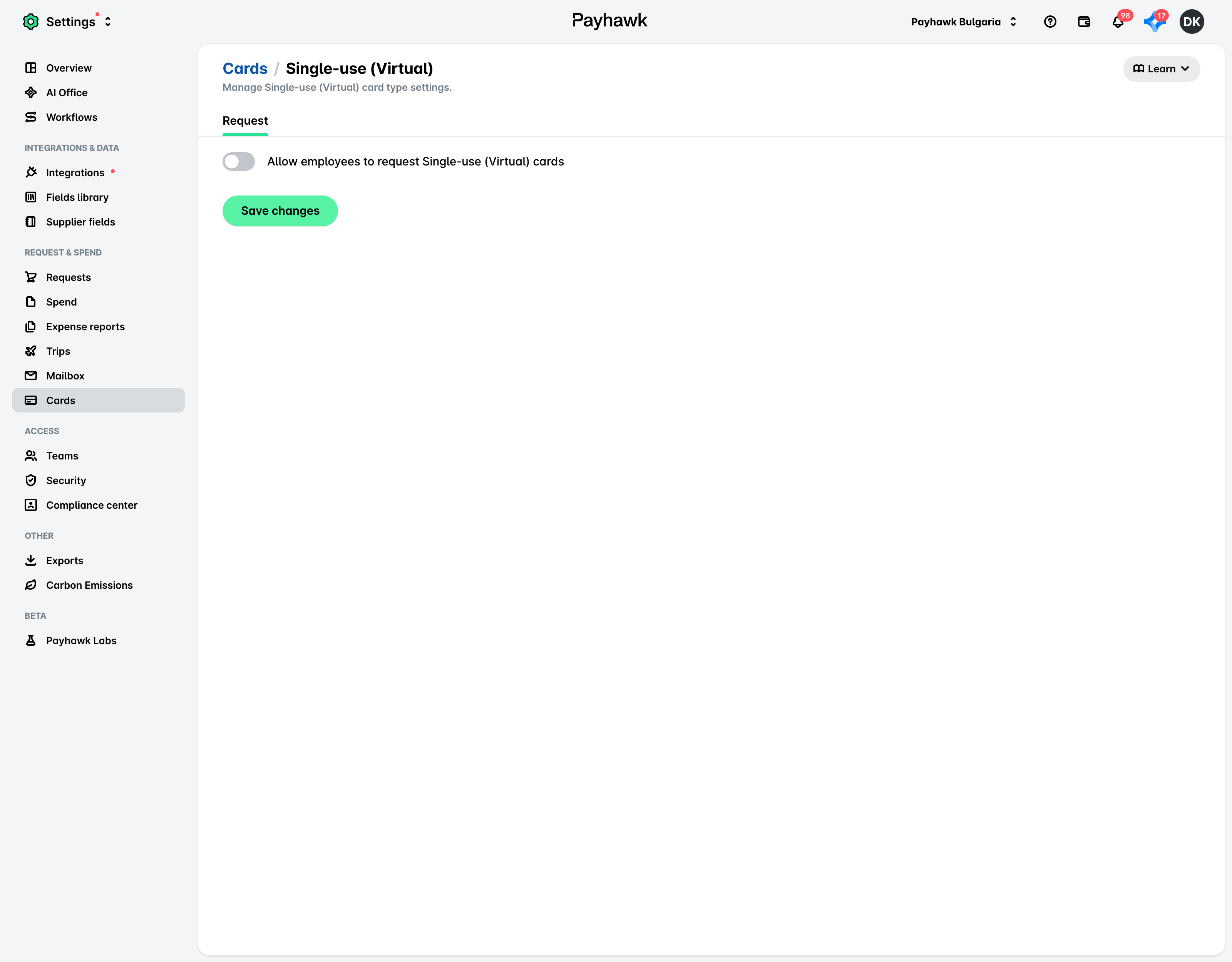
Отидете на Настройки > Карти > раздел Типове.
Кликнете върху желания тип карта (например За еднократна употреба Виртуална).
Изключете превключвателя, за да деактивирате заявките за карти от служители за желания тип карта.
Полезни ресурси