Като Администратор на Payhawk можете да редактирате данните за възстановяване на разходи на служителите от профила на служителя в приложението Служители.
За да актуализирате данните за възстановяване на разходи на служител:
В уеб портала на Payhawk отворете превключвателя на приложения горе вляво и отидете в Служители.
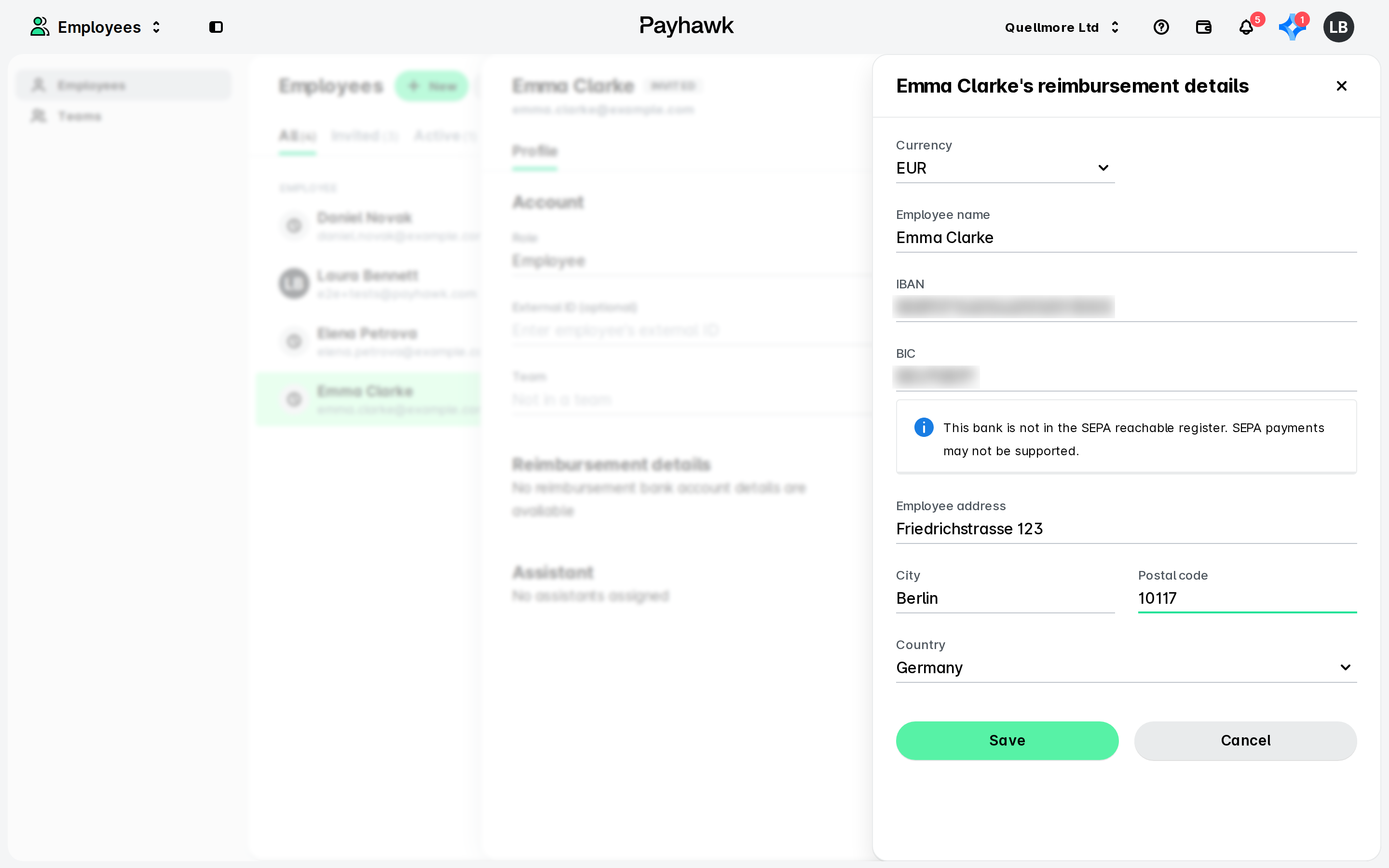
Изберете служителя, чиито данни искате да промените. Под Данни за възстановяване на разходи кликнете върху Редактиране.
На отворилия се екран актуализирайте валутата и данните за възстановяване на разходи на служителя. В секцията Адрес на получателя въведете адреса на служителя и се уверете, че полето не съдържа адреса на банката или произволни символи.
Кликнете върху Запазване на промените.
Промените в данните за възстановяване на разходи на служителя ще бъдат отразени незабавно в Payhawk. В резултат служителят ще получи насочено известие за промяната.
Полезни ресурси