Dynamics 365 Business Central integrationFaster Month-End With Business Central Spend Sync
Payhawk brings your cards, expenses, and invoices into one system - fully synced with Dynamics 365 Business Central in real time.
No spreadsheets. No manual reconciliation. No end-of-month chaos.


Everything Your Finance Team Needs. Fully Synced. Fully Automated.
From the moment a payment happens to final reconciliation, Payhawk keeps your financial data accurate, up-to-date, and ready for reporting inside Dynamics 365 Business Central.

 1.svg)
Speed up your month-end close
Payhawk handles payment reconciliation automatically and in real-time, allowing you to review expenses throughout the month rather than waiting until month-end.
Enterprise accounting made easy
Eliminate manual processes with AI-based OCR and automatic data extraction from receipts and invoices. Sync Business Central projects into Payhawk, so employees can allocate spend to the right project.
Real-time reporting and analytics
Payhawk gives you access to real-time spend reports, and with our direct integration, this information is automatically transferred to Dynamics 365 Business Central.

Choose a single global card provider
- Issue Visa Credit and Debit cards in 32+ countries and 7 currencies for your company’s global spend.
- Setup custom card limits, policies and rules to control spend before it happens.
- Forget receipt chasing thanks to proactive notifications and a user-friendly app.
Streamline employee expenses
Manage all employees business & travel expenses. Automate custom approval workflows for reimbursements according to your company’s expense policy. Reimburse employees directly through Payhawk.
- Out-of-pocket reimbursements
- Mileage
- Per Diems

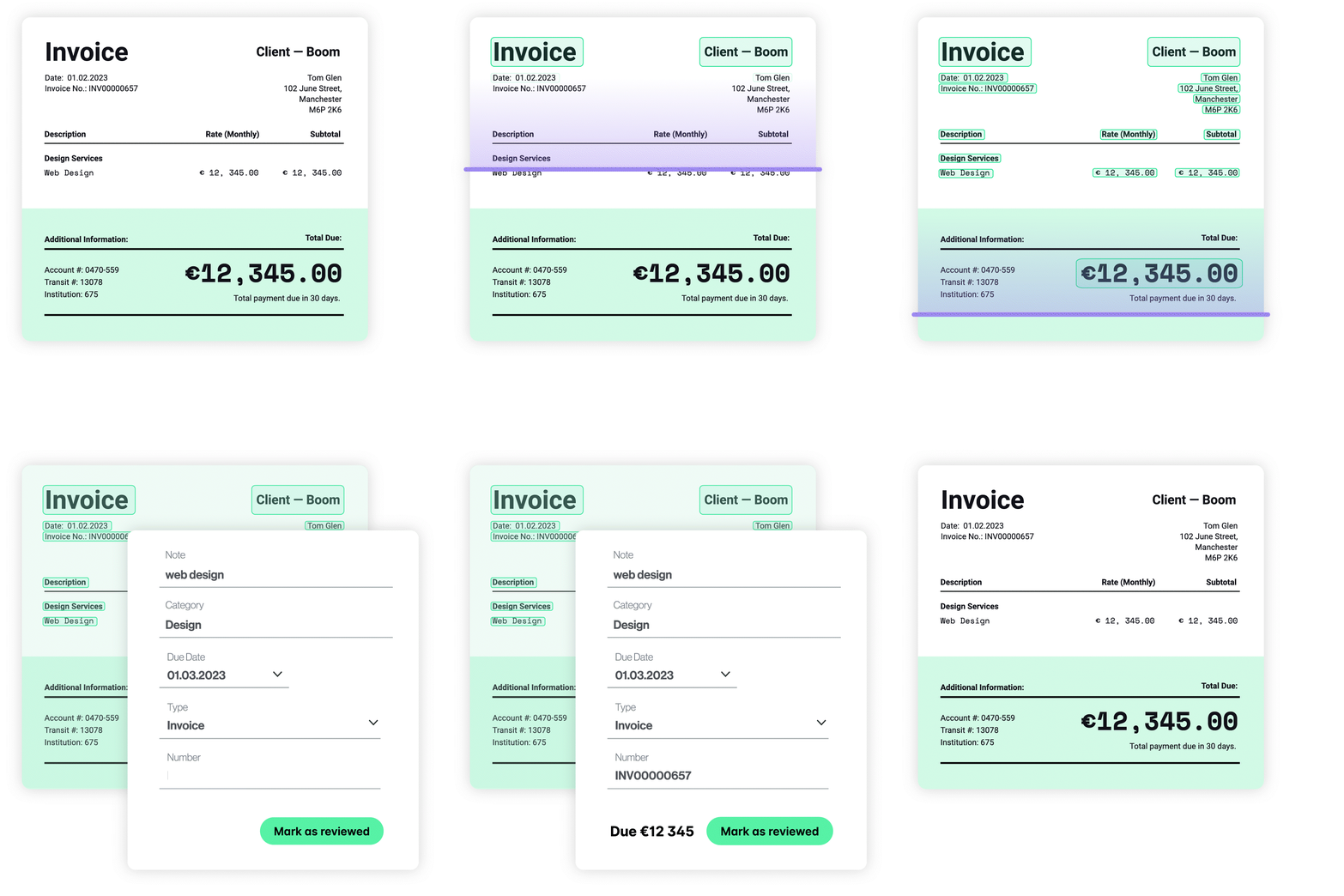
Smarter Accounts Payable and Invoice Management Software
- Control, manage and process company invoices at scale.
- Set approval workflows that meet your organisational needs and streamline bill payments.
- Leverage your supplier data for automated transaction coding and categorisation.
See why successful companies choose Payhawk

"The Payhawk integration with Microsoft Dynamics BC is a game-changer for our clients. Master data is synced automatically in real-time, enabling efficient decision-making.
Importantly, it's easy to deploy - with a setup wizard that takes about 20 minutes. The advanced capabilities of Payhawk like multi-entity-management and customizable dimensions then give Dynamics users better visibility over their finances."

Are you a Dynamics 365 Business Central implementer?
Turn your expertise into growth — partner with us!
Have a question?
Yes, Payhawk is an official Microsoft ISV partner. Payhawk is the first end-to-end spend management vendor listed on the Microsoft AppSource Marketplace. This means that once you connect Payhawk and Microsoft Business Central, you are sure to have the best possible data flow and always be on the latest version of our integration.
Our direct integration with Dynamics 365 Business Central allows you to have full complete control over the data exchanged between Payhawk and Business Central. For a full view of the Payhawk data fields that are exported to Business Central please read our help desk articles here.
Before you connect, you need to install the Payhawk extension in your Business Central or from the Microsoft AppSource Marketplace. Once this is done, go to the settings on your Payhawk account and follow the quick and easy guide to setting up your integration.
For more detailed information our integration with Dynamics 365 Business Central, read Payhawk’s help desk articles.
Yes. Our Business Central integration supports the projects-module, allowing employees to select a specific Project and Task directly from a single field on each expense line, with all project data automatically syncing back to your ERP on invoices.
Refunds are exported in a way that reflects both the credit and payment side, helping finance teams reduce discrepancies and manual corrections.
Yes. Payhawk provides export visibility, including status, export date, exporter, external IDs, and audit logs for export events.