summer '26 editionReady for the most complex finance setups
This edition delivers the depth enterprises demand without the complexity they've come to expect. Native SAP S/4HANA® integration, role-based field and value visibility controls, expanded global payment currencies and capabilities, native credit notes and proformas and 30+ improvements built to handle the most complex finance setups.
Summer '26 Edition
Complex setups. Seamless workflows
Get the ERP connectivity, governance controls, and data accuracy your team needs to operate at enterprise scale — without the workflows that slow you down.
Payhawk's direct integration with SAP S/4HANA® that actually closes the books
Payhawk connects natively to SAP S/4HANA - syncing master data, posting every expense as a discrete SAP document, and settling cards, FX, and bank charges in real time, so month-end close becomes a sign-off, not a sprint.
 1.svg)
No middleware. No exports
Payhawk's integration is built in-house. Every approved expense posts to SAP S/4HANA automatically so you never have batch runs, manual steps, or reconciliation backlogs.
One ledger. Always current
Every transaction from cards, fees and charges posts to SAP S/4HANA the moment it's approved. No trailing fees, no journal entries, nothing left to reconcile at close.
Built for SAP S/4HANA. Designed for everyone
Employees capture and code expenses correctly the first time, with all master data available instantly. A secure audit trail before anyone has to ask.
Control which fields and values each person can see
Define exactly which fields and values each person or team can see when submitting expenses, payments, and requests. The right options appear for the right people — so submissions are clean, approvals move faster, and sensitive data stays restricted by default.
Fewer fields. Faster submissions
Show employees only the fields and values relevant to their role and task. Less clutter means fewer mistakes and no more chasing miscoded expenses.
Clean data, at scale
Fields and values visibility keeps every employee across teams and entities working from only the data that's relevant to them. Correct by default, not by exception.
Privacy and compliance, built in
Restrict sensitive fields and values to the right audience automatically. Data security stops being a manual process and starts being a default.
Where your business goes, your payments follow
Pay suppliers in 115 currencies across 150+ countries, with every transaction reconciled in real time — no bank portal handoffs, no broken audit trails. All from the same platform where your spend and approvals already live, backed by J.P. Morgan infrastructure.

Four-eyes approval, granular permissions, and instant alerts whenever it matters. Fraud controls that work before the damage is done — not after.
Payhawk now lets you hold, and pay in local currencies across Switzerland, Poland and Denmark, so your payments don't rely on FX and transfer fees.
Transfer between your Payhawk wallets instantly, at a clear upfront exchange rate. No external banks, no third-party tools, no waiting.
An AP workflow that can cover every use case
From eInvoice mandates to advance payments to supplier credits — cover every document type your AP team encounters, all within a single controlled workflow. Less stitching together. More confidence that nothing falls through the cracks.
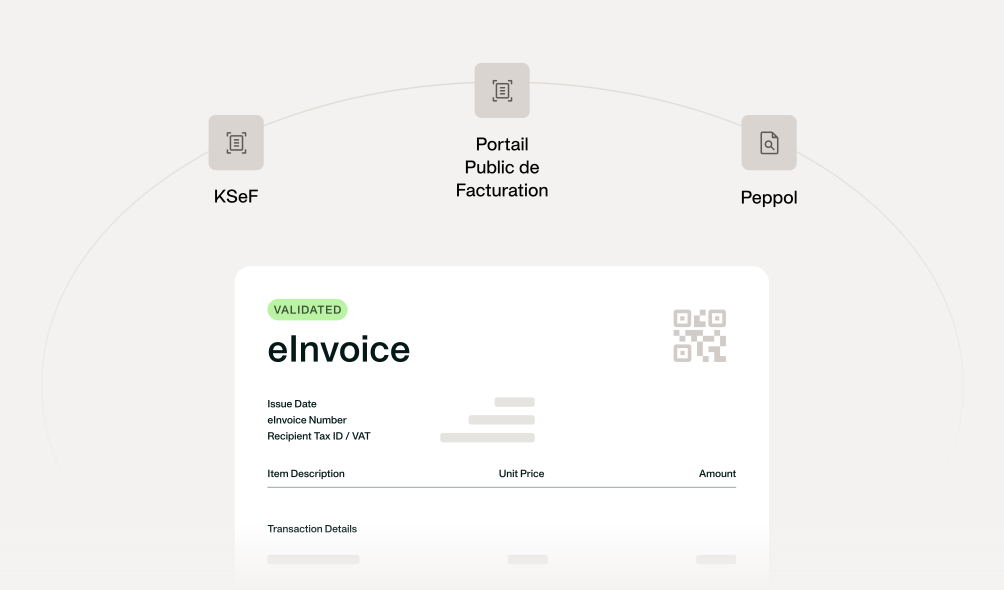
Stay eInvoicing-compliant across Europe
Meet EU eInvoicing requirements with no additional tools. Portail Public de Facturation (PPF) for France, KSeF for Poland, and Peppol across Europe are all supported inside Payhawk, so your team processes every structured eInvoice in one place.
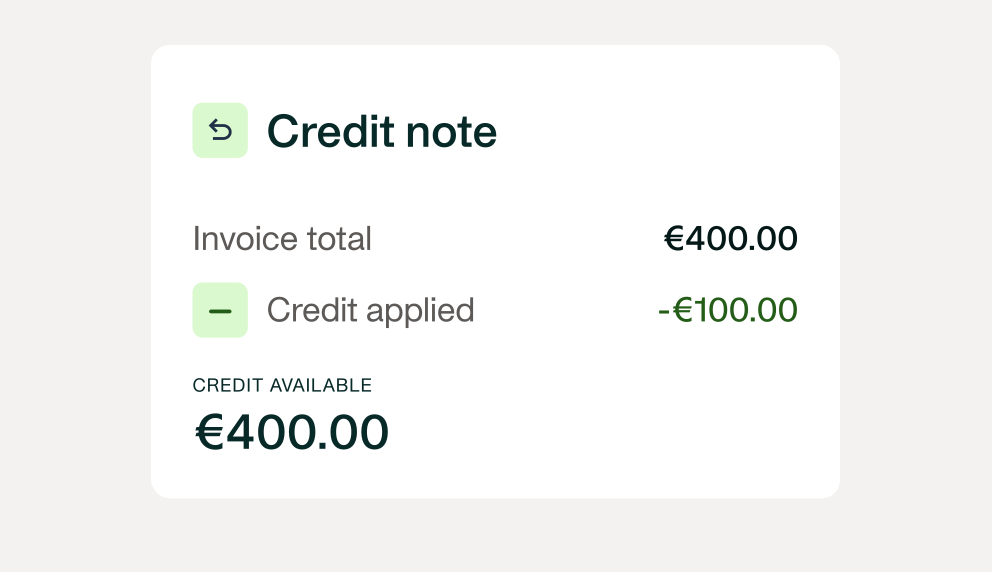
Payhawk captures every credit note within the same approval flow as your bills and automatically nets it against the right invoice at payment, so the amount leaving your account is always correct.
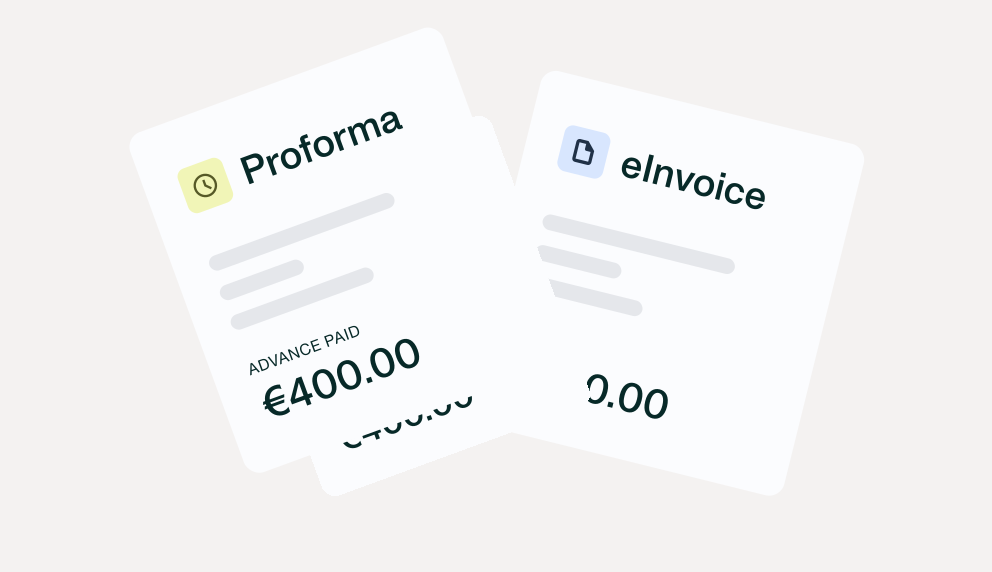
Process proforma invoices as a native document type, booked automatically to the right account so every advance has a full audit trail before the goods even arrive.
Multiple invoices to the same vendor, settled in a single bank transfer. Your bank statement stays clean, your team stops manually matching payments, and your supplier sees one clear remittance.

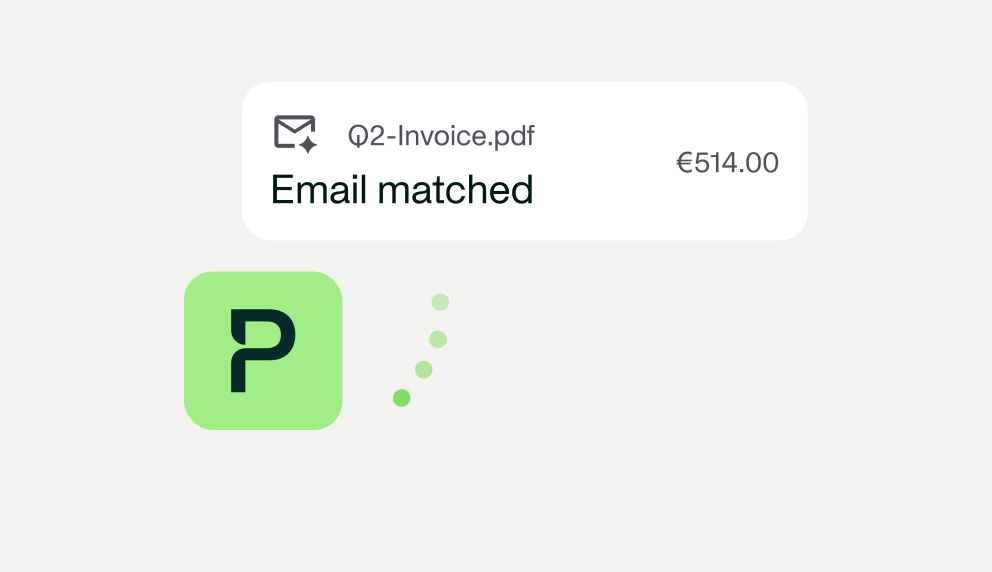
Add your central invoice email as an approved sender and every invoice is automatically routed to the right legal entity. Payhawk reconciles it against an open card transaction where one exists.
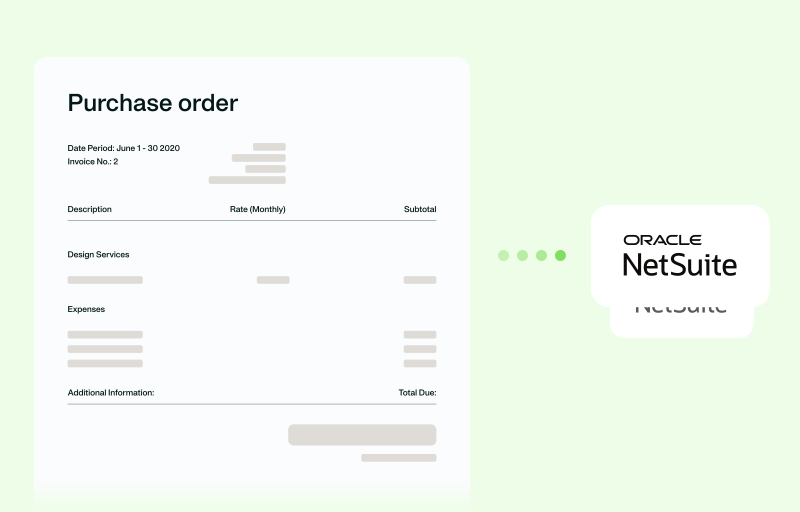
Purchase order sync to NetSuite
When procurement and finance work across different systems, POs get lost between tools and matching, accruals, and audit trails pay the price. Payhawk now connects bilaterally with NetSuite so the full purchase cycle is visible, matched, and posted wherever it needs to be.
More flexibility for travellers. No extra work for finance.
Trip changes, delegated bookings, negotiated rates, and allowances are all handled within the same approval flow — so nothing needs correcting after the fact.
Trip changes, cancellations, and delegation - all inside Payhawk
Whether a traveller needs to update a booking or a travel manager is booking for a colleague, it now happens in one place, with the same policy and approval logic throughout.
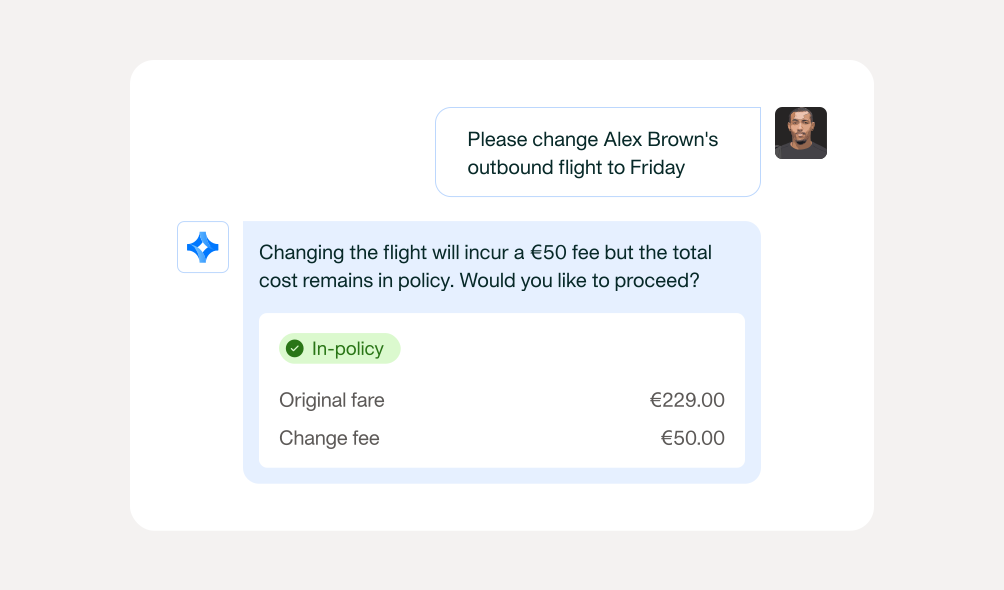
Traveller-initiated changes
Change or cancel flights and hotels directly in the Travel Agent. Fare conditions are surfaced upfront, the full cost is calculated before anything is confirmed, and approval is triggered automatically if additional spend is involved. No support queue, no reconciling surprises after the fact.
Booking on behalf of others
Book travel for anyone in your company. Travel managers and EAs can initiate a booking for any employee directly in the Travel Agent. The traveller's policy, approval chain, and cost centre apply from the start - so nothing needs correcting later.
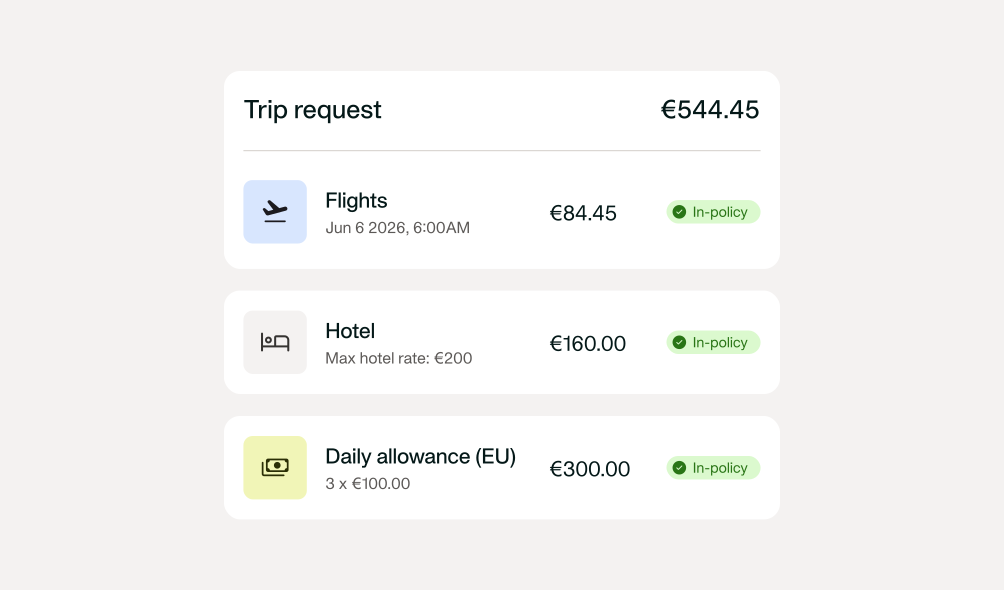
Your hotel contracts and spend policy, built into every trip
Negotiated hotel rates and trip allowances are now part of the booking flow - not something to configure per trip or manage in a separate tool.
Negotiated hotel rates
Book at your negotiated hotel rates, automatically. Add your Rate Access Codes once in the Travel admin. Corporate rates appear in search results alongside public options, with included benefits shown - no codes for employees to remember, no separate booking channel needed.
Allowance defined in policy
Travel allowances set in policy. Travel allowances are set in policy and added to every trip request automatically. Employees always know exactly what they have - no guessing, no fronting costs or chasing reimbursements. And Finance gets the full cost of every trip in one place.
The ERP handoff, handled
Whether it's an expense report, a reverse charge, or a master data update — it lands in your ERP correctly, automatically, without anyone filling the gap manually.
Cross-border compliance, without the manual fix-up
When a cross-border purchase triggers reverse charge VAT, Payhawk automatically creates in Sage Intacct the correct entries eliminating manual journal entries, post-export adjustments and compliance gaps.
Expense reports that land in your ERP exactly as submitted
Payhawk carries your expense report structure all the way through to NetSuite or D365.
No manual re-grouping, no currency-matching journal entries, and no reconciliation debt at close.
Master data that stays current
Payhawk syncs automatically with your ERP so categories, tax rates, and supplier lists always reflect what's live in your system. No manual triggers, no outdated values slipping.