Export Template Sage 200 now connects with Payhawk
Simplify month-end with an accounting template built for effortless bookkeeping.
- Build your accounting template once and use it for every export
- Customise the template to your specific accounting structure
- Adjust the template to any changes in Sage 200 instantly

Don't let manual spend data slow down Sage 200
Sage 200 is only as useful as the data behind it. Payhawk makes sure spend arrives coded, mapped, and formatted exactly the way you expect. No more cleanup required. Here's how.
Build the report to match Sage 200 format once. If your requirements shift later, adjust it in a few clicks and keep exporting.
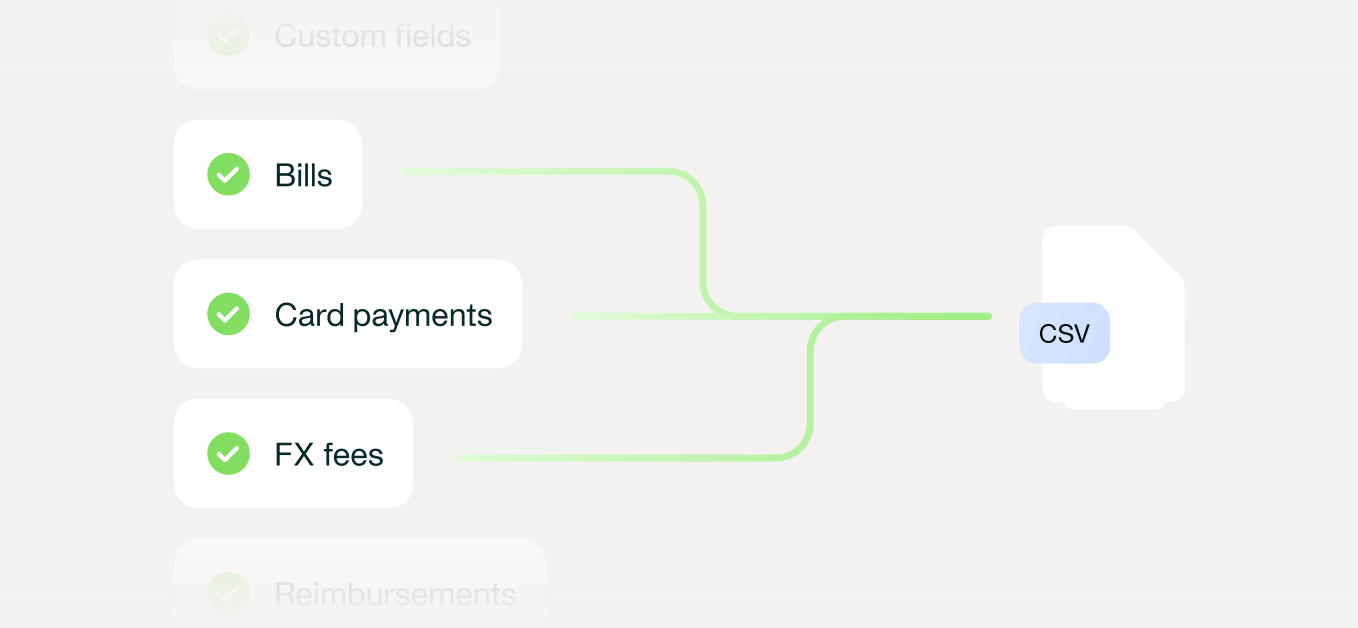
No manual pulling or formatting each month. Click once and the report is generated and delivered to your inbox automatically.

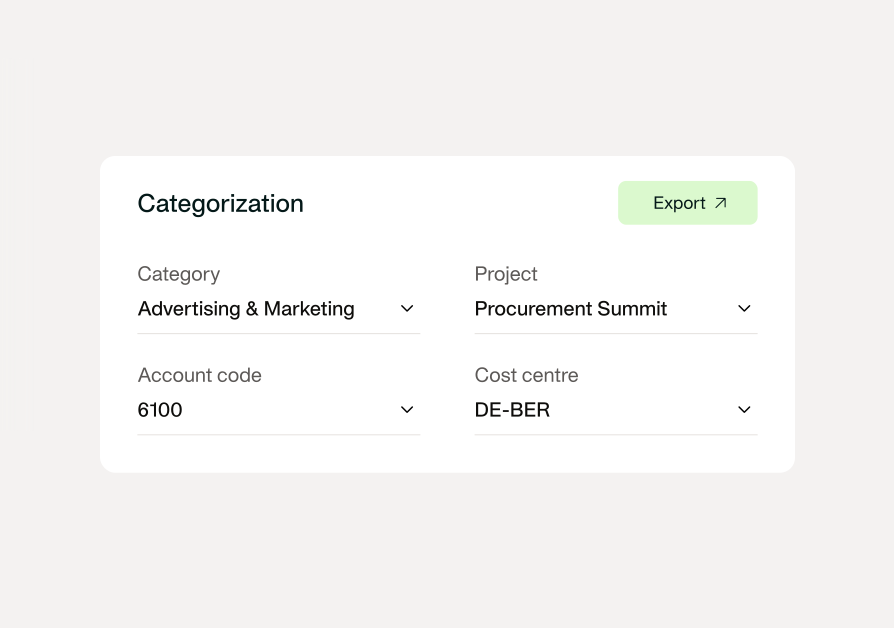
Payhawk uses the categories, projects, and cost centers from your Sage 200 so your export is configured exactly as you need it for your books.
Move from automation to orchestration
Automation makes each step individually faster. Orchestration connects every system to work together, from HRIS data to spend management over to your ERP. Control and simplicity finally go hand in hand.

Sync Payhawk with your HRIS so every new hire, role, and org change gives the right people the ability to spend.
Start with one of our ready-made templates for Sage 200 instead of building from scratch, then adjust it to fit your specific setup.
Apply the coding logic your company already follows, and adjust it instantly when things change so the export never falls out of step
Have Sage 200 exports ready to send at any interval your close process needs. daily, weekly, or month-end or ad-hoc.
See Payhawk export to Sage 200
Even without a native connector for Sage 200, you get accounting-ready exports, configured with you before go-live.
FAQ
Yes. Where there is no native connector, Payhawk’s Accounting Template Builder exports matched, coded data in a custom Excel or CSV layout that imports directly into Sage 200.
Build an export template in Payhawk once, mapping columns, formats, and rules to Sage 200. Every export then lands in that predetermined format, ready to import.
Yes. Because data is matched and coded before export, reconciliation in Sage 200 takes minutes rather than the days that manual export and clean-up usually require.
No. The template builder needs no engineering time or middleware, and Payhawk’s team can configure templates for you regardless of your accounting system or ERP.
Expenses, payments, and deposits, with matched transactions and extracted invoice data. You can filter by team, value, or type for each template.
Yes. Create as many as you need, for example one for reimbursements and another for payments above a set value.
Yes. You control columns, order, naming, date formats, and character limits, and conditional rules handle any field that Sage 200 treats differently.
Clean, import-ready files remove the export, clean, reformat, and re-import cycle. Finance reviews once, posts to Sage 200, and closes the books faster.