Procurement automation: five processes you should have automated yesterday
28 Oct 20268 min


Payhawk and Rillet now connect natively, covering everything from purchase request to closed books. Here’s how the work splits between them, what syncs in real time, and what that means for finance teams running Rillet across the US and Europe.

By submitting this form, you agree to receive emails about our products and services per our Privacy Policy.
Deciding whether a purchase is allowed and recording it accurately (and reliably) are two different jobs. The first happens before any money moves. The second happens after the money has already gone.
Payhawk and Rillet now connect natively, and the connection keeps those two jobs where they belong. Payhawk handles requests, approvals, policy, cards, payments, receipts and coding (giving everything auditable spend). Rillet handles the bookkeeping and master data.
The practical effect is that data arrives at the ledger already carrying its cost centre, entity, tax treatment, receipt and approval. Rillet's agents don't have to stop mid-close and go looking for any of it.
This guide explains how the split actually works, what data moves where, and why it makes close quicker.
Rillet is an AI-native enterprise resource planning (ERP) platform, and its AURA AI handles the heavy lifting, including journal entries, reconciliation, revenue recognition, and reporting.
Rillet was founded with fast close in mind, so from one ledger, it’s designed to consolidate multiple entities and recognise revenue in real time. This approach saves finance teams from manual consolidation and a month-end close that gets slower every time you add an entity.
Finance teams choose the ERP that fits them. For teams that have chosen Rillet, Payhawk plugs in on the spend side.
Payhawk owns everything before the spend is committed and everything as it moves: who was involved, what was decided, etc. This way, spend isn’t a black box. Rillet owns everything after. This includes getting it onto the books, closing them, and turning them into reports.
That split matters more than it sounds like it should. Automation is only as good as what it’s fed. If an AI agent is posting a transaction to the ledger, it needs the cost centre, entity, receipt, tax treatment, and approval already sitting there. It can’t stop mid-close to go and find them.
Payhawk's AI readiness report puts a number on it: among finance teams that rate themselves as AI leaders, only 26% have all five conditions for scaling AI in place at once. One of the weakest links is the data itself: just 61% have data AI can actually use. Rules and budget don't fix that; the data reaching the ledger has to be clean before it arrives.
To ensure your finance data is accurate, you need to do two things right:
Both matter, and both are done well by different systems: one built for control at the point of spend, one built for the ledger.
A ledger is only as fast as the data reaching it, and Payhawk’s job is to make sure it arrives ready.
The integration is two-way; some data flows from Rillet into Payhawk to keep coding accurate at source. But most flows from Payhawk into Rillet as spend happens.
| Data | Direction | Timing |
|---|---|---|
| Chart of accounts (COA), tax codes, cost centres, entities | Rillet → Payhawk | On change |
| Supplier records | Both ways | Real time |
| Coded and approved card expenses, with receipts attached | Payhawk → Rillet | Real time, on review |
| Employee reimbursements and mileage | Payhawk → Rillet | Real time, on review |
| Supplier invoices and AP payments | Payhawk → Rillet | Real time |
| Purchase requests and POs | Payhawk → Rillet | Real time |
| Settled payments and account statements, for bank reconciliation | Payhawk → Rillet | Real time |
| Posted journals, consolidation, revenue recognition, reporting | Stays in Rillet | N/A |
Two things separate this from most spend-to-ERP connections in the market.
It’s two-way.
Most spend-to-ERP connections only work in one direction. That leaves finance to fix the drift by hand: someone updates a supplier in Payhawk, the ledger still has the old version, and slowly the two stop matching. Two-way sync gets rid of that job entirely, i.e. the one nobody budgets for but everyone ends up doing.
It’s real time too. No overnight export sitting waiting to be uploaded.
Transactions, supplier updates, and payments all flow through as they happen, so the ledger shows today. If you bought Rillet for a fast close, a batch job sitting upstream would quietly get in the way of that. It doesn’t matter how fast Rillet can close if the data’s stuck a step behind.
One thing to note: Payhawk sends expenses over as the actual object they are, not as raw journal entries. So a supplier invoice shows up as a supplier invoice in Rillet, not a generic posting someone has to re-tag.
This also means the trail doesn’t break, because you can trace all spend in Payhawk towards the ERP.
Payhawk’s AI agents cover procurement, travel, payments, and financial control. Together, they handle the request-to-payment chain (Payhawk’s workflow orchestration at work): pulling together the details, checking policy, routing approvals, and flagging anything unusual. Rillet’s agents pick things up from there, closing the books and reporting on them.
Handing work between the two doesn’t mean fewer controls. If anything, it’s the opposite: every step stays logged and traceable, which is what makes the handover trustworthy in the first place.
This is the coverage Payhawk brings to the table. A group running entities across the US and Europe uses one spend layer rather than a different tool per region, with multi-currency, VAT, and EU eInvoicing handled at source rather than patched in afterwards. Payhawk is native to this with deep expertise across Europe and the UK.
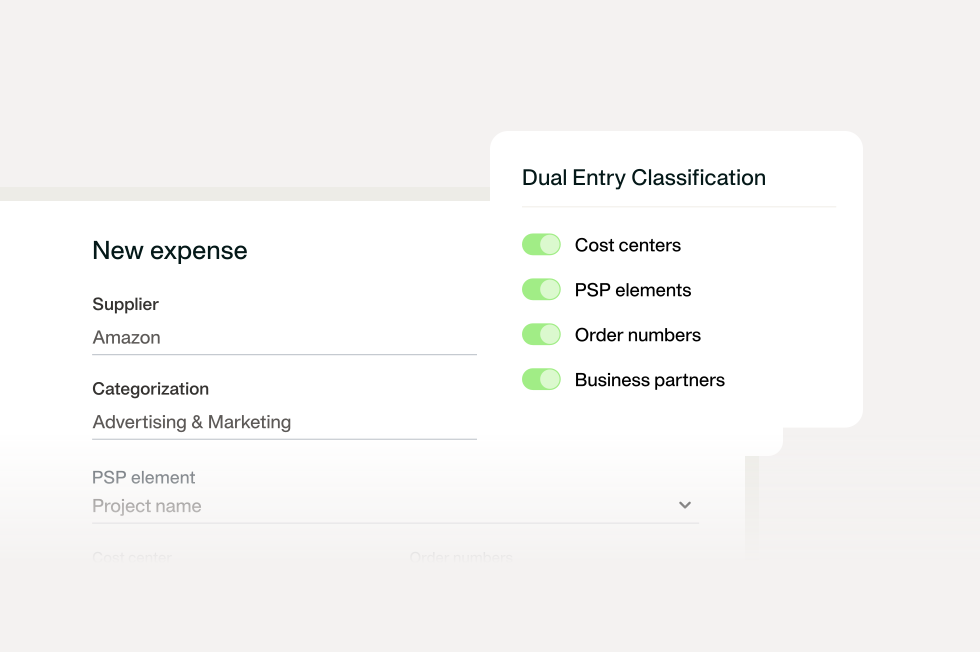
Payhawk is built entity-first, preventing intercompany accounting at source. That means cost centre, entity, and currency are already attached before anything reaches Rillet. So there’s no mapping or guesswork needed after the fact. That’s what Payhawk’s multi-entity management actually delivers: data that’s ready to consolidate the moment it’s spent.
Having all the ways money can leave the company in one place means you have a complete view of your spend: how it leaves and also offers this same simple entry point into spend for all your employees who need it. An ERP can’t do this.
Payhawk holds an EMI in the EEA and the UK, which means card spend is visible as quickly as invoice payments because the card feed is always current. The best ERP couldn’t cover it if the card feed trails.
Requests, approvals, and budget checks all happen before a transaction exists to record, so nothing needs coding retroactively.
That’s the moment where out-of-policy spend actually gets stopped, not three weeks later when someone finally reviews it. This is the Payhawk philosophy of spend: proactive control.
Suppliers and spend data sync both ways, in real time, so Payhawk and Rillet always agree. Nobody’s stuck cross-checking one against the other.
Most tools in this space work the other way: a one-way export on a schedule, a supplier list that slowly falls out of date, and a controller stuck reconciling the systems instead of the actual books.
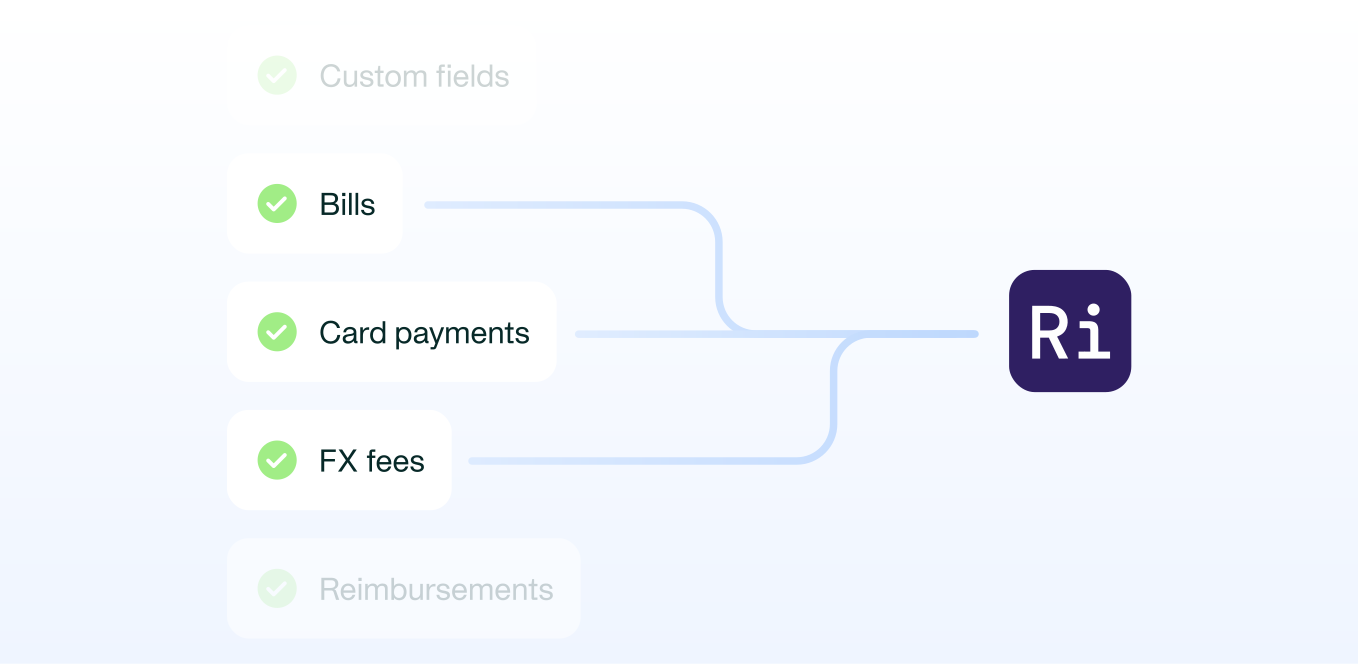
The chain runs in seven steps:
All this means the ledger entry carries its own history, rather than arriving as an anonymous line item.
The point of the whole sequence is what it removes from a controller’s week: finance reviews exceptions, not every transaction. That’s a different job to the one most teams are doing today. Where the default is checking everything and hoping the exceptions surface themselves.
If you're running Rillet and deciding where spend management sits, these are the questions that tell you what it means in each case.
If a vendor answers the first three well, the rest usually follow.
Book a demo, and we'll work through the questions above against your own entity structure and Rillet setup. You'll see how the handoff works in practice, and what happens to it when you add your next entity, currency or region.
With extensive experience in finance, marketing, and digital strategy, Raphael combines quantitative insights with compelling storytelling to drive regional marketing success and customer-focused innovation in financial SaaS solutions.